make a website

CNC Machines

Otago Polytech B.I.T


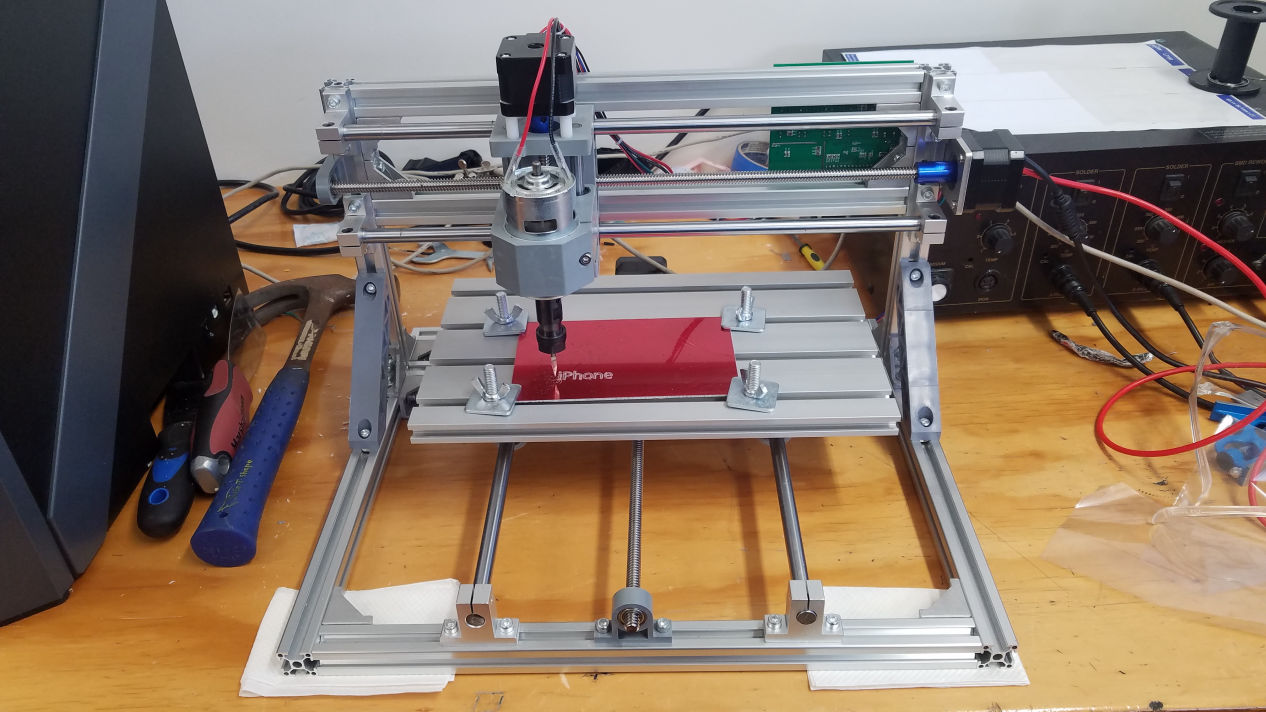
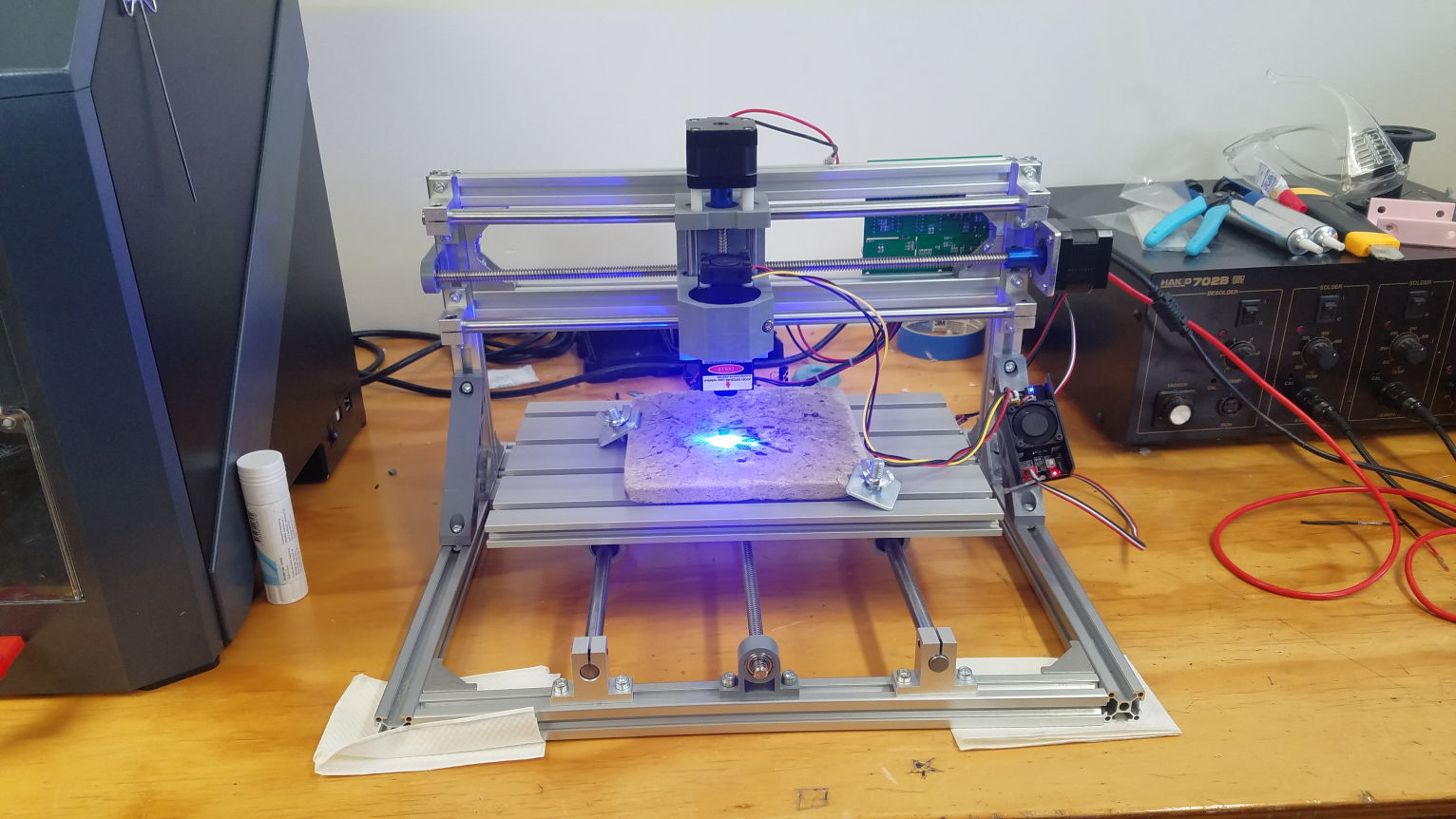
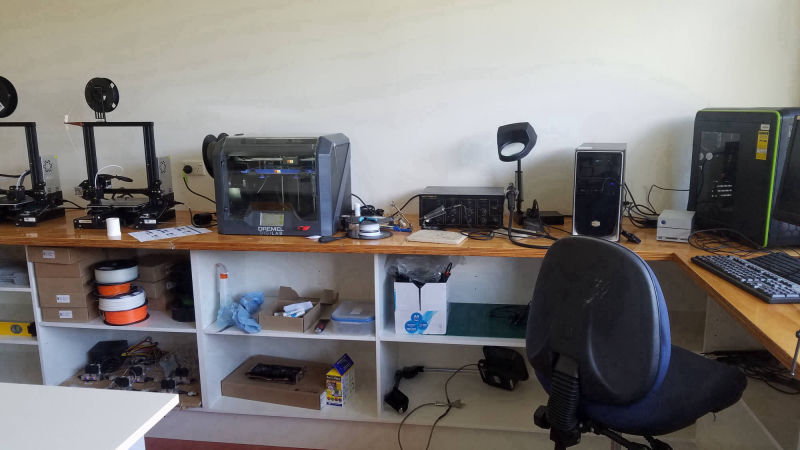
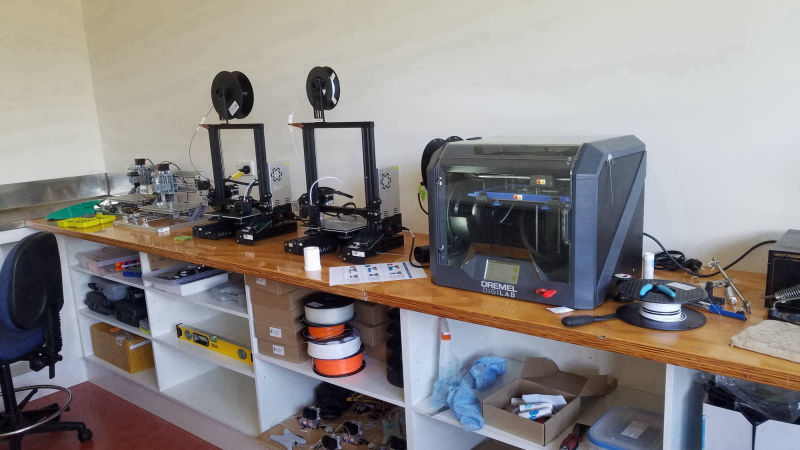
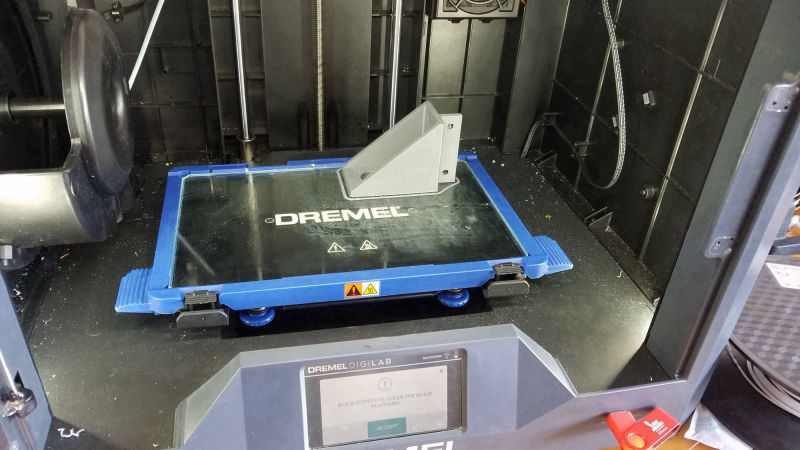
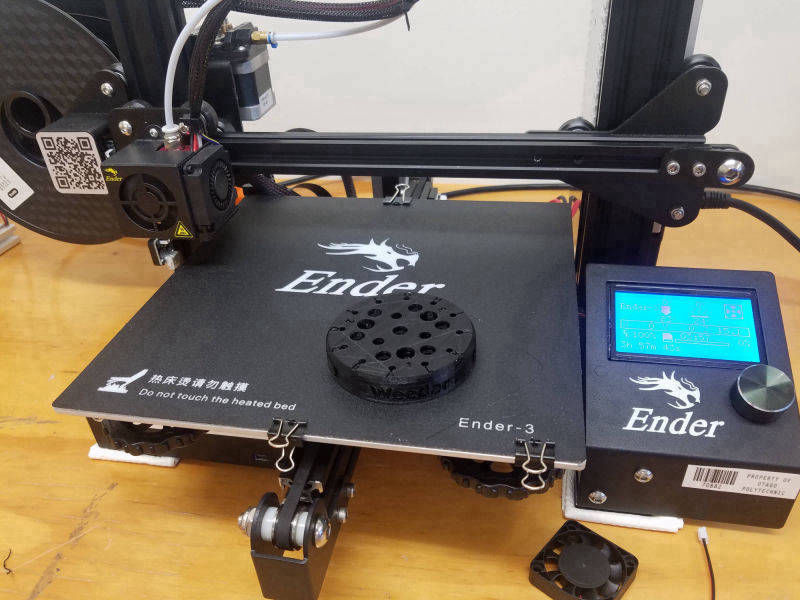
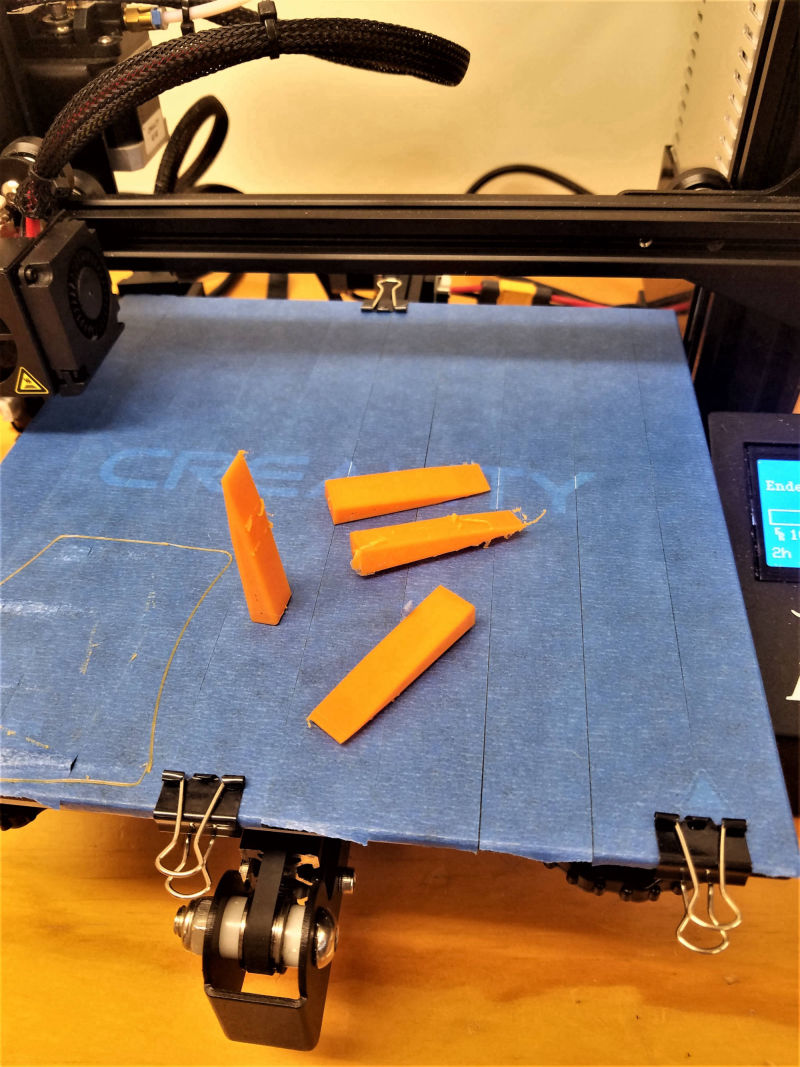
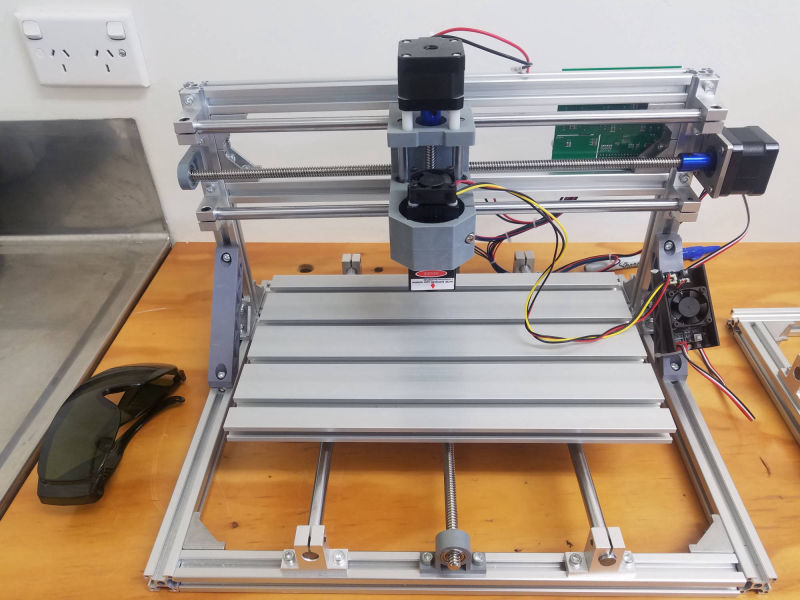
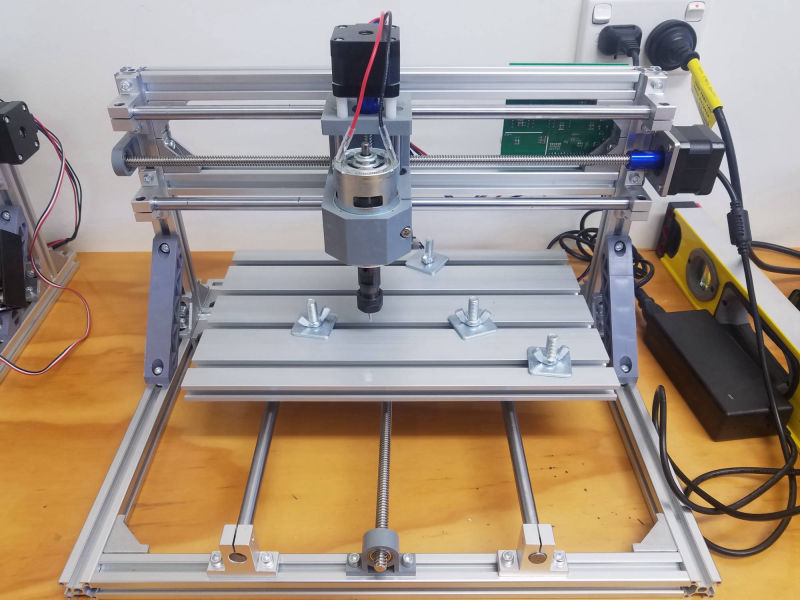
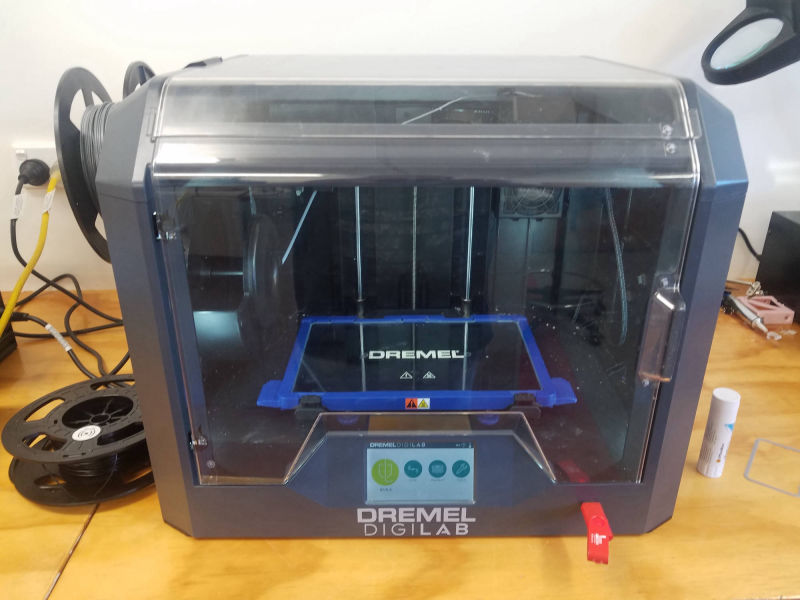
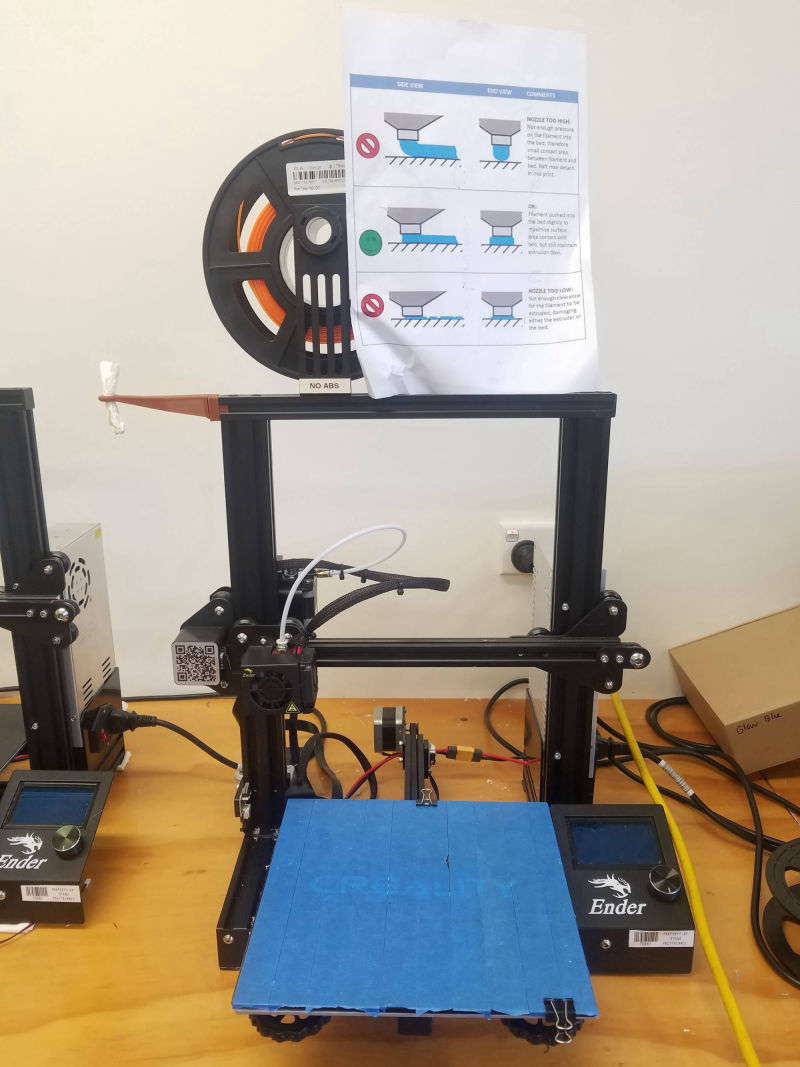
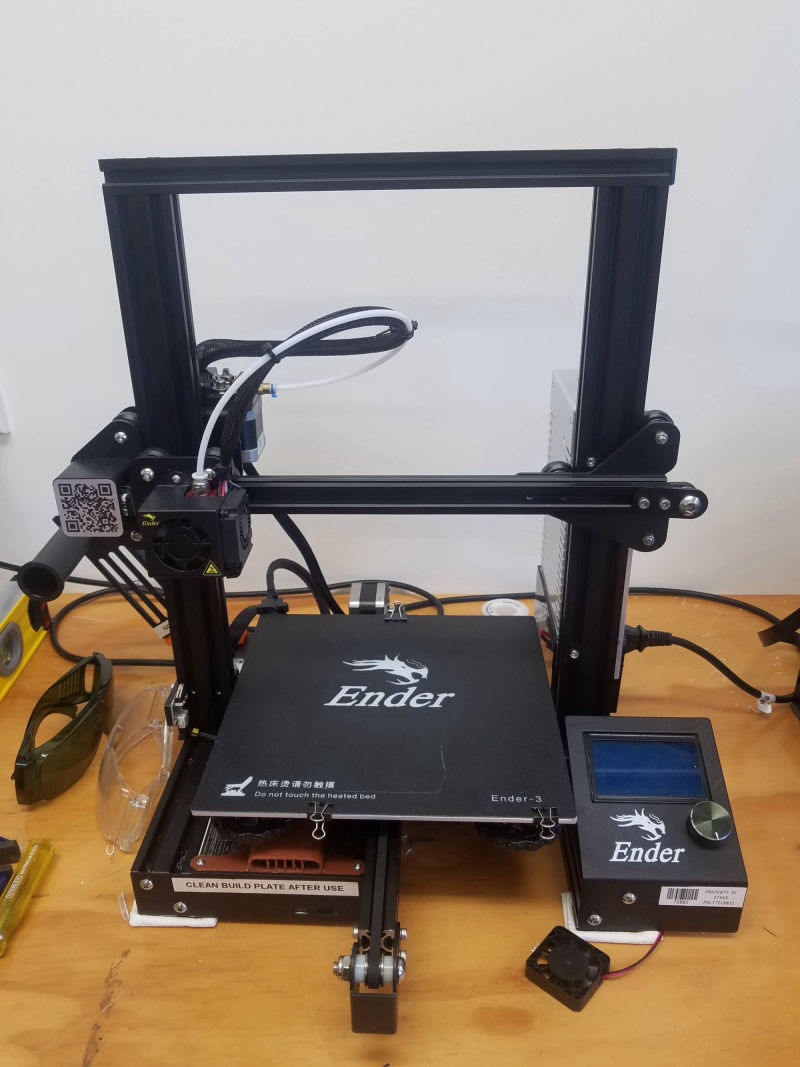
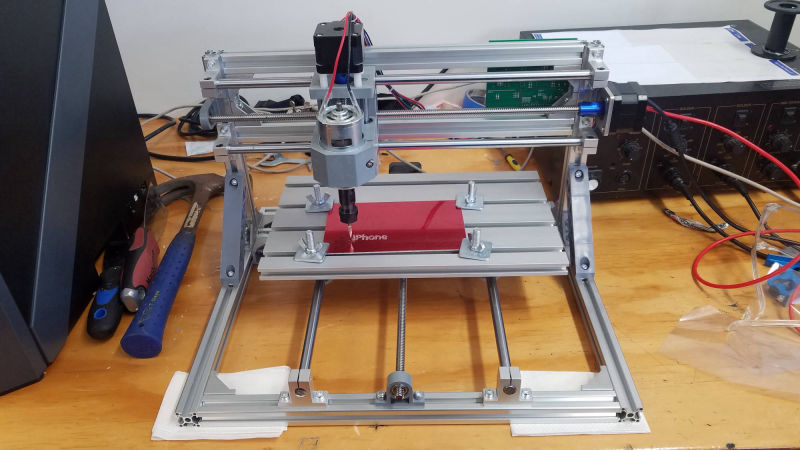
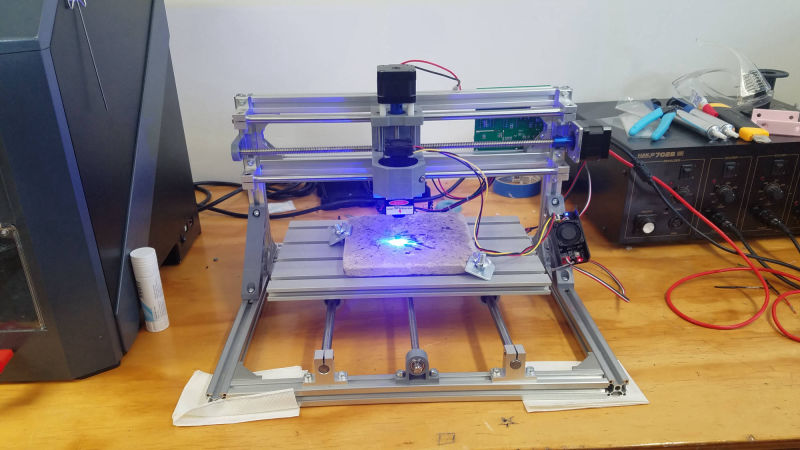
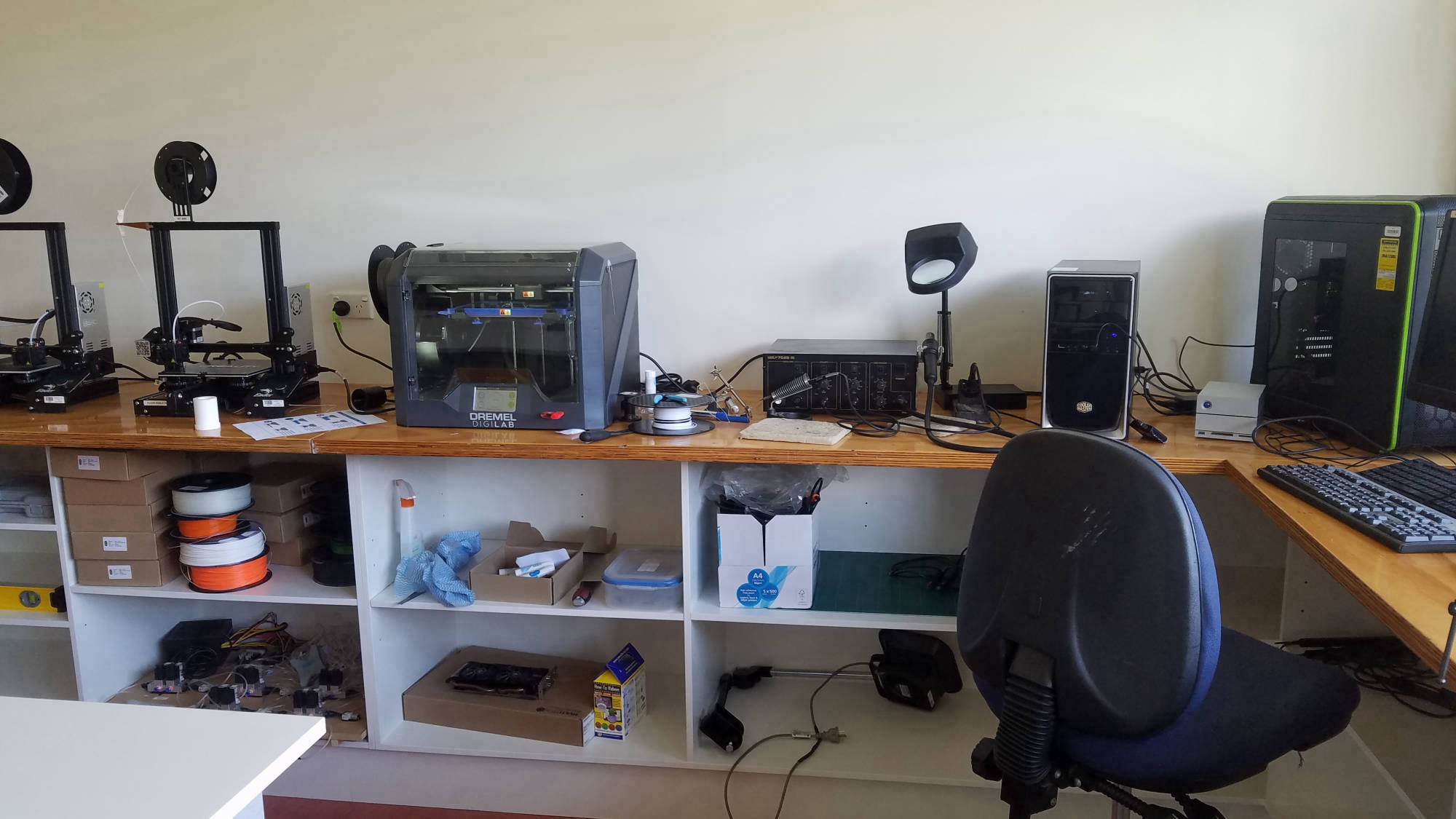
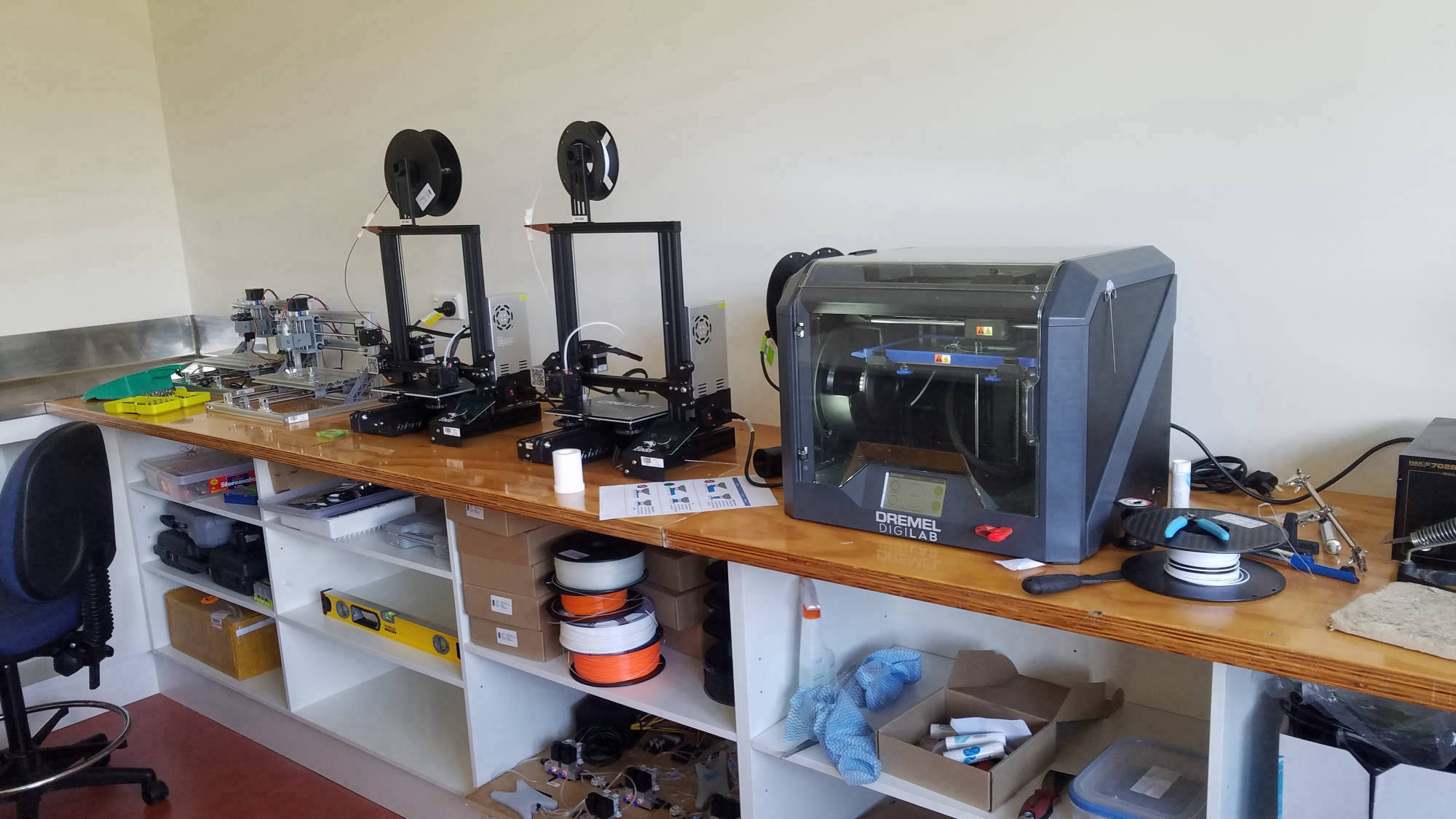
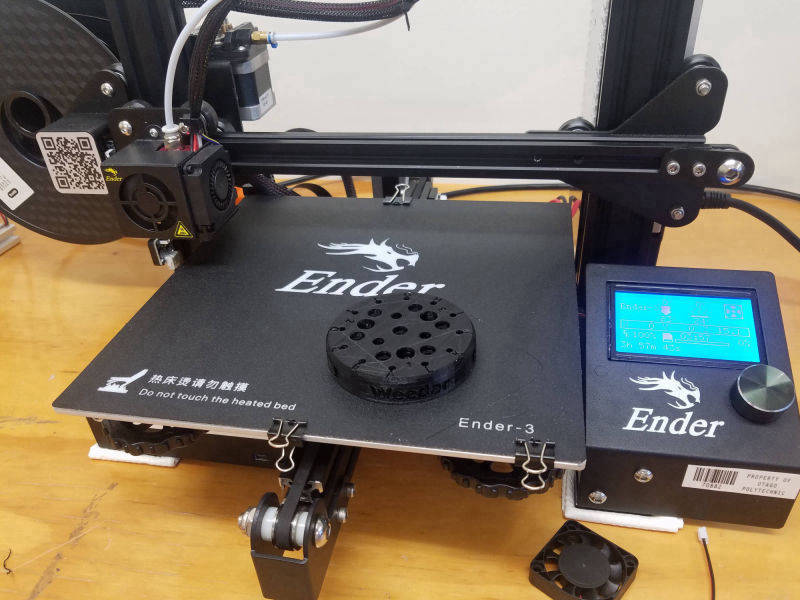
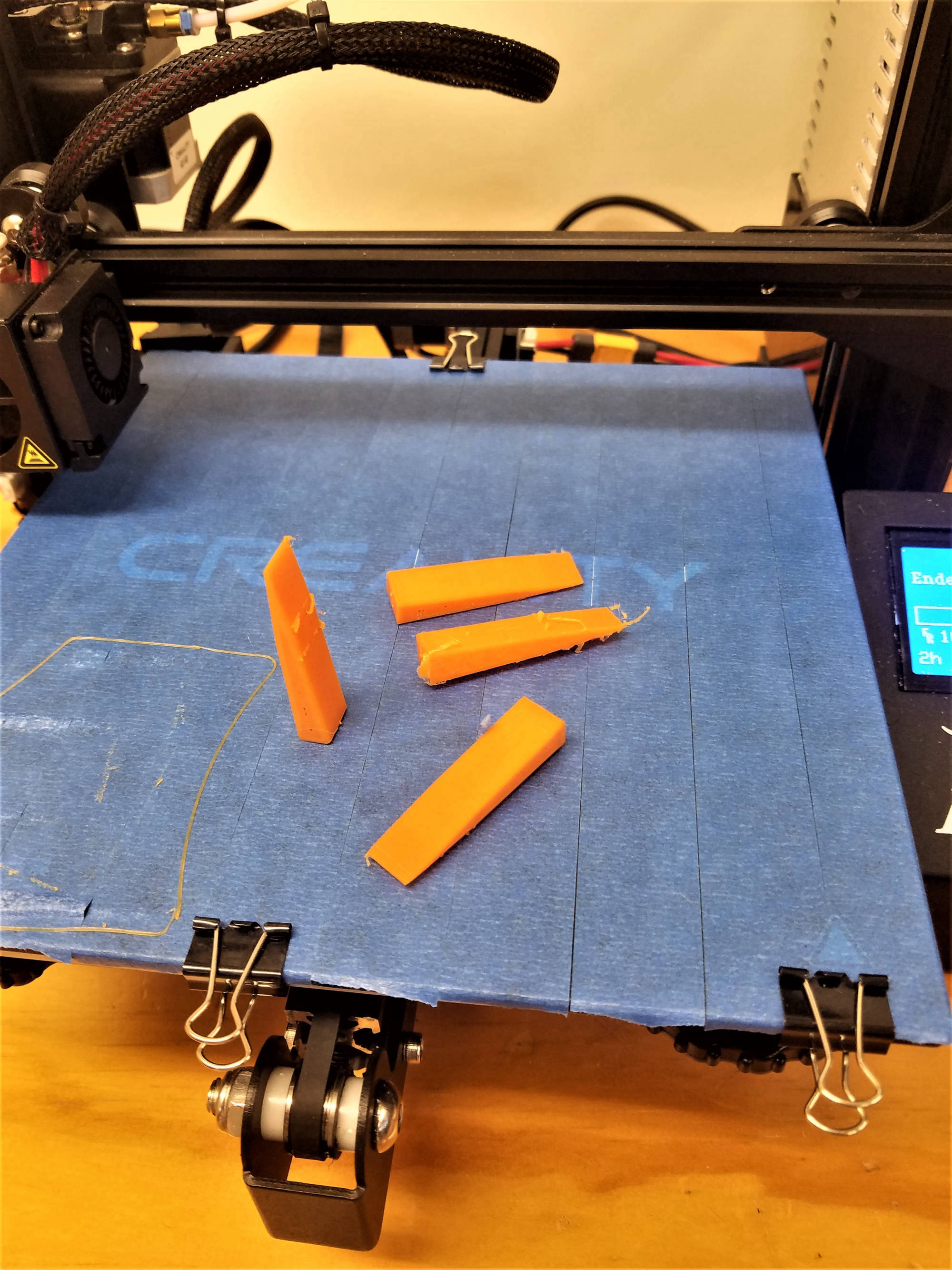
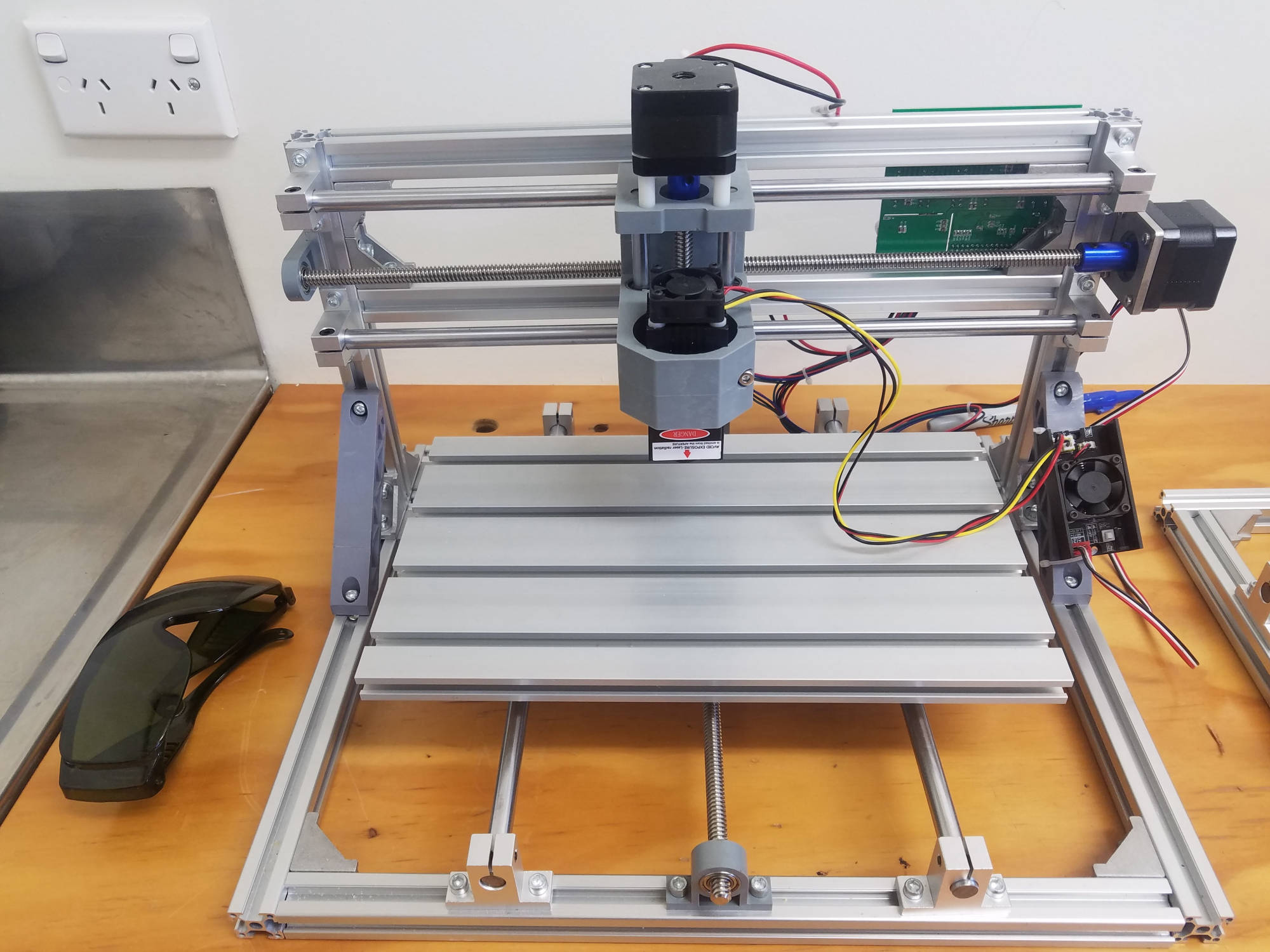
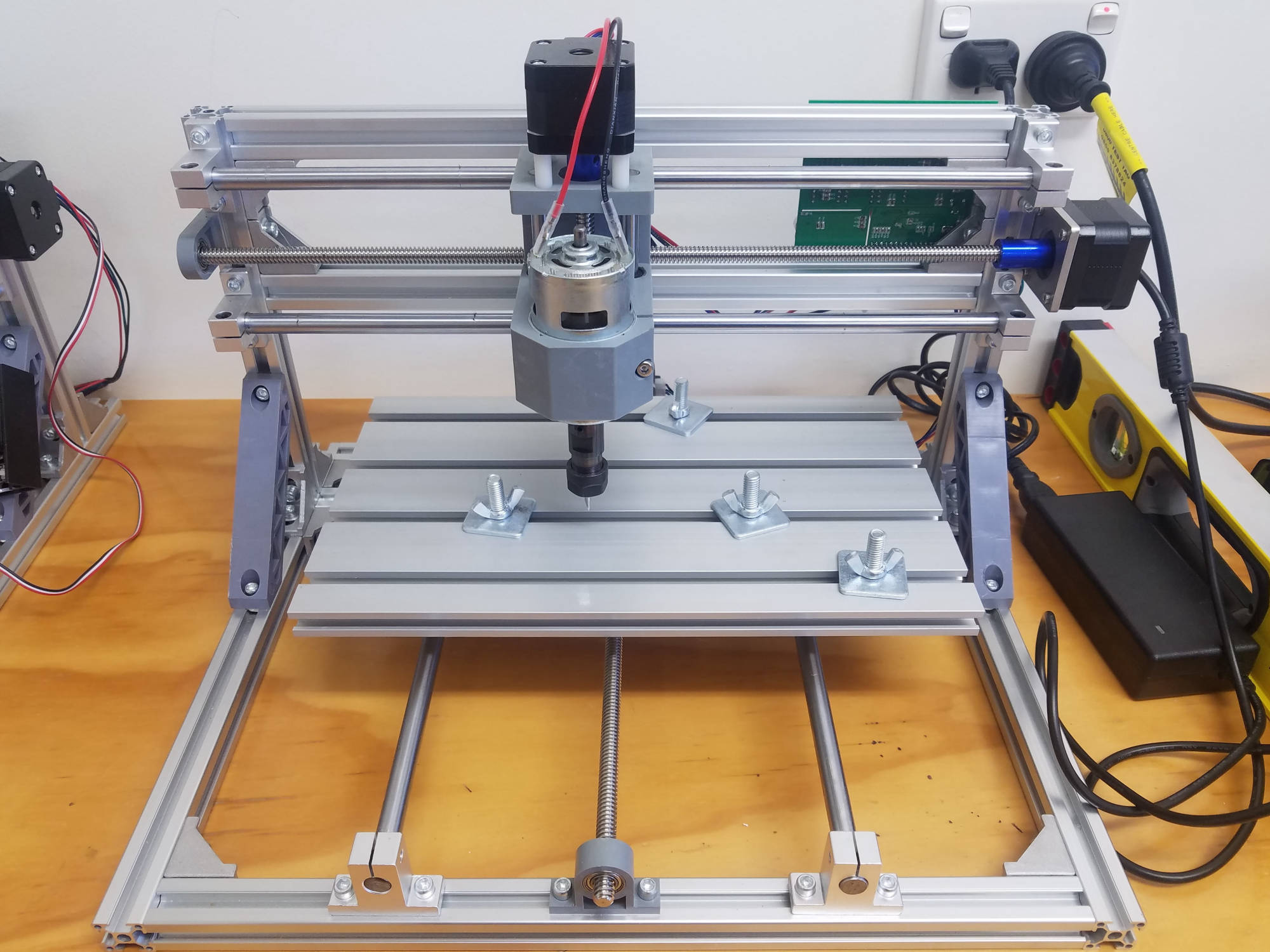
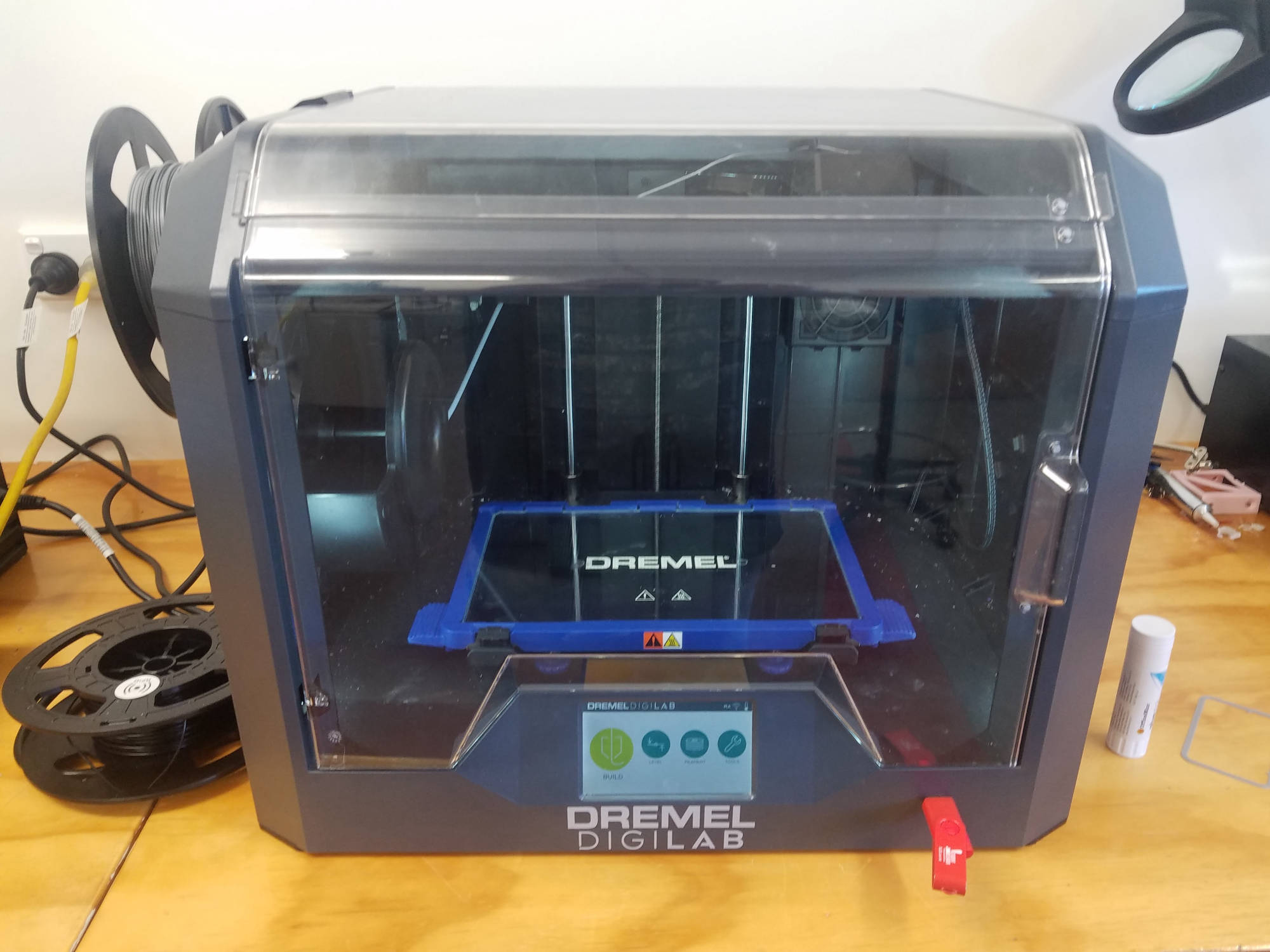
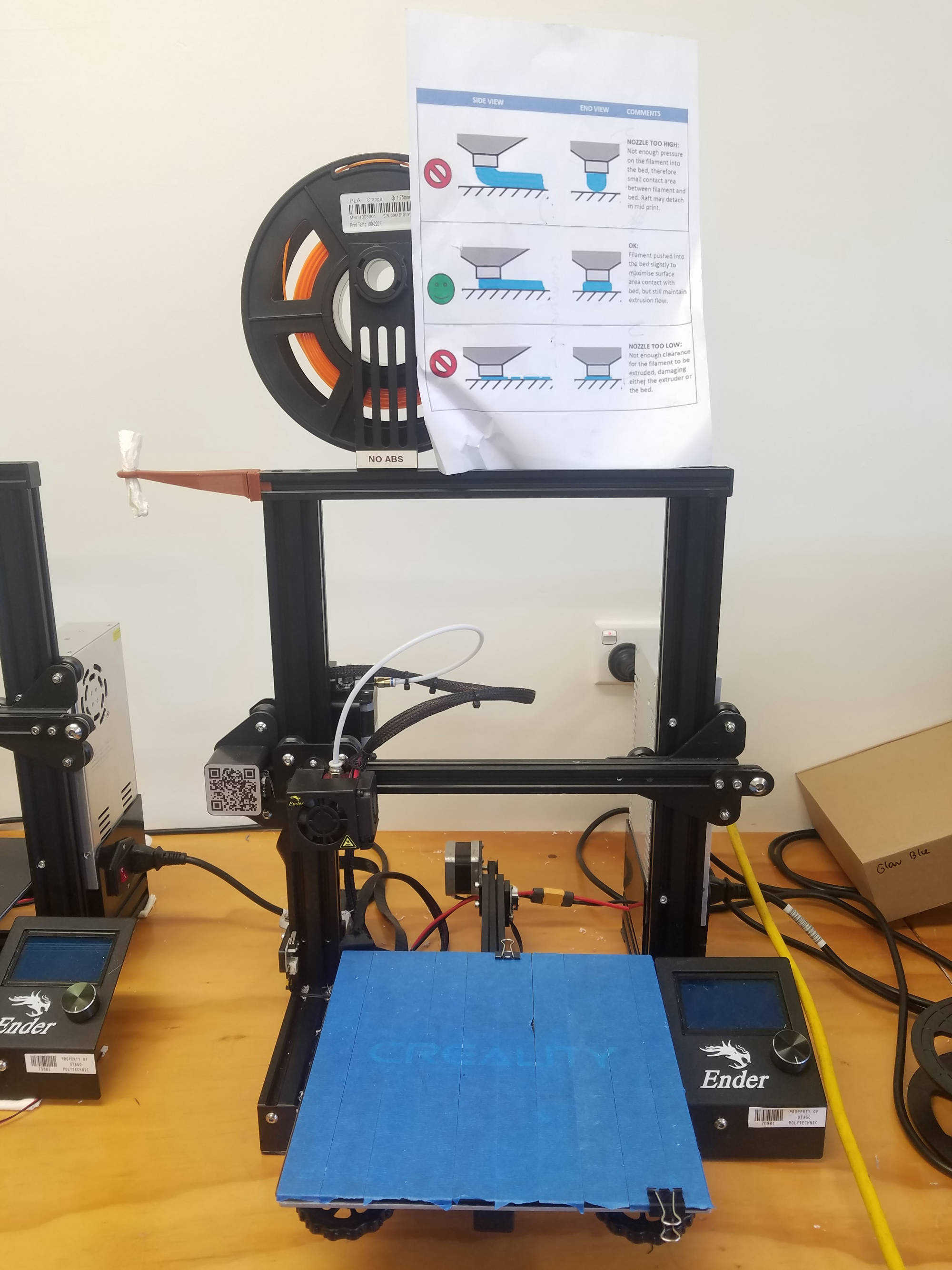
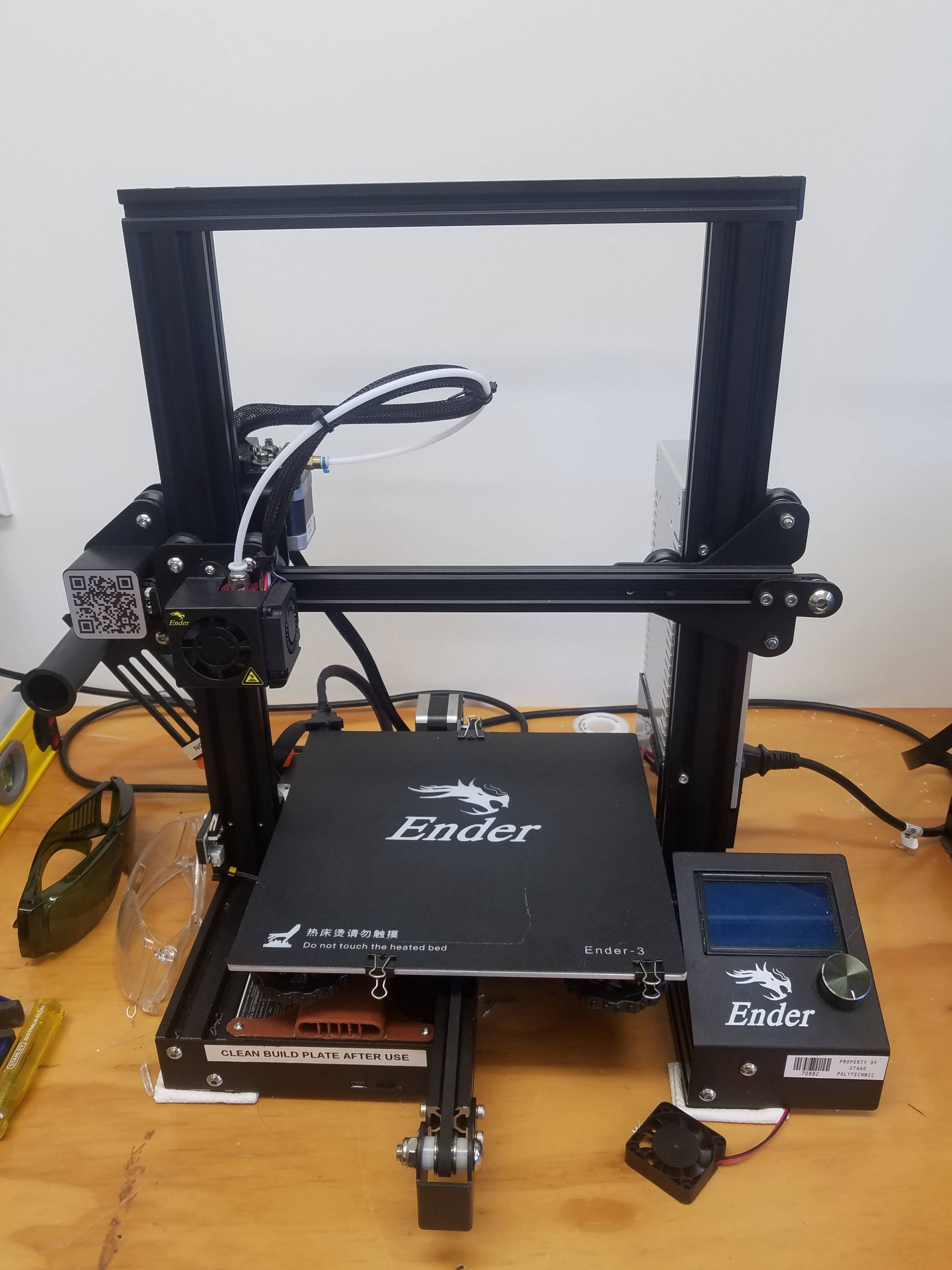
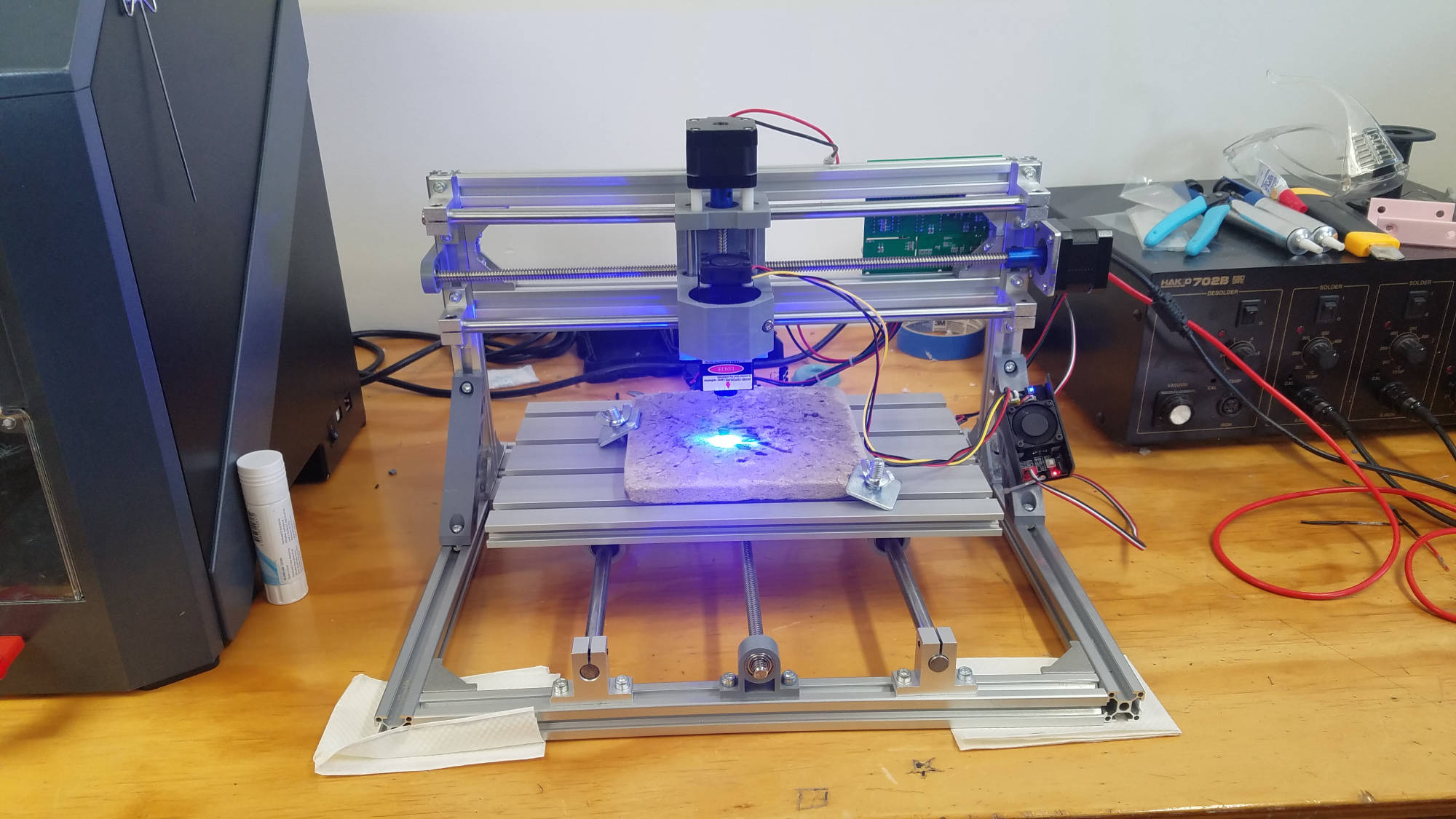
Here in the I.T. workshop we have a number of CNC Machines ranging from 3D printers, to a mini pcb cnc mill, and also a mini laser etcher cnc.  The farmbot itself is also a CNC machine.

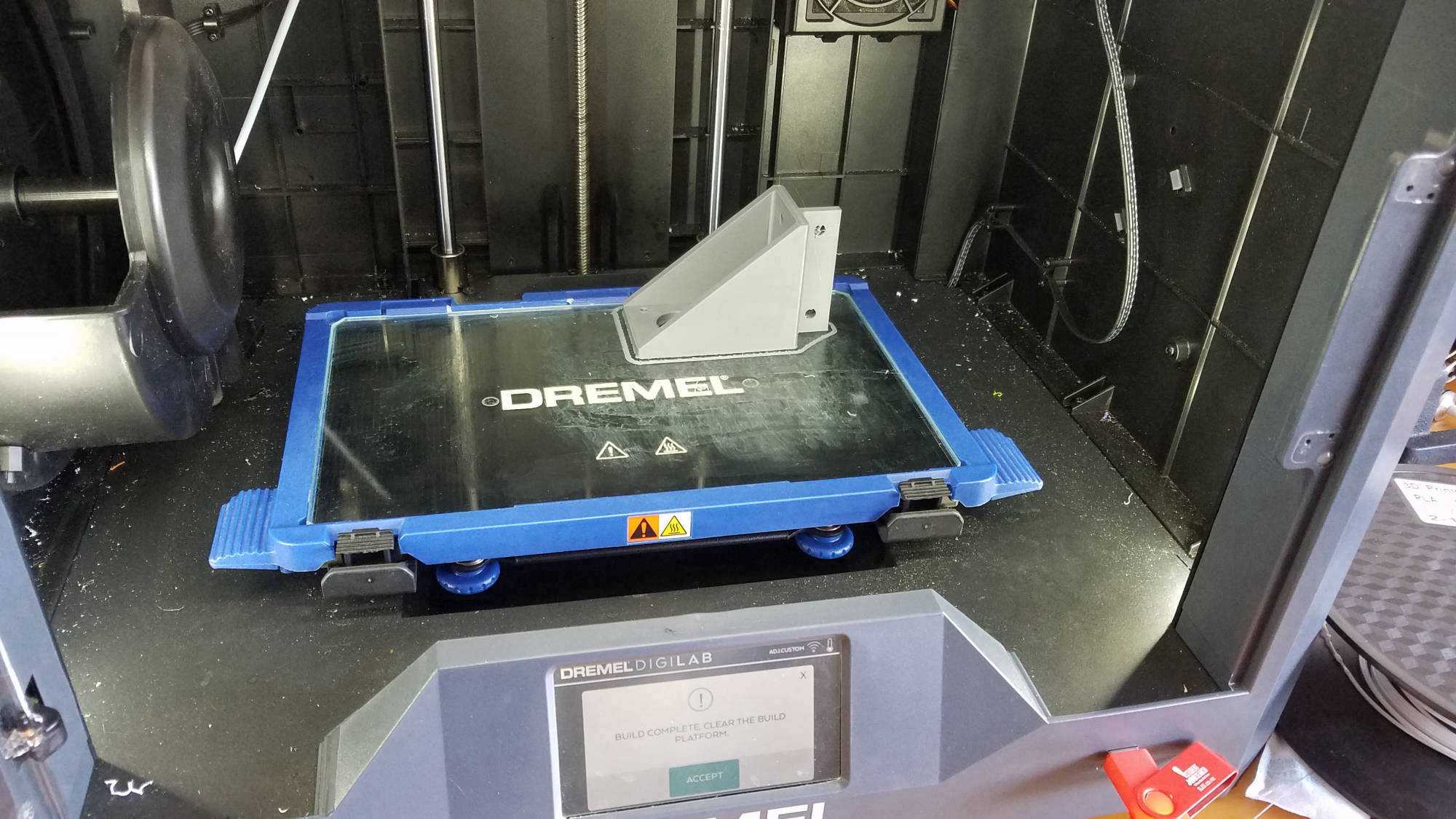
Our team utilised the inhouse 3D printers to print parts for the farmbot project.
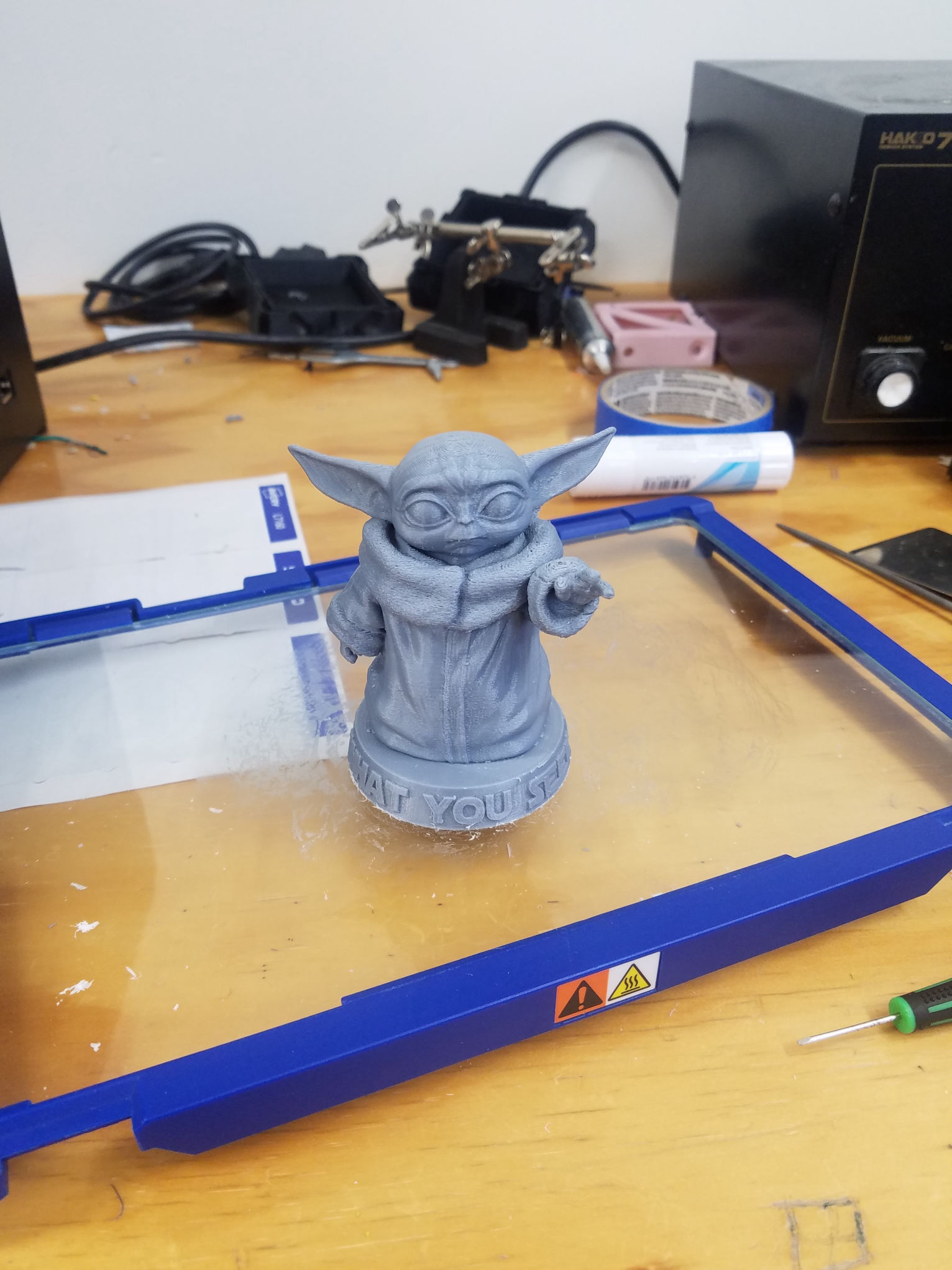


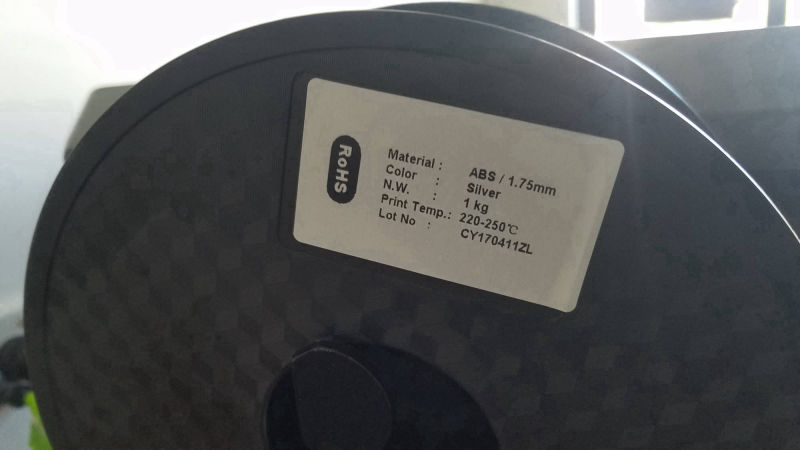
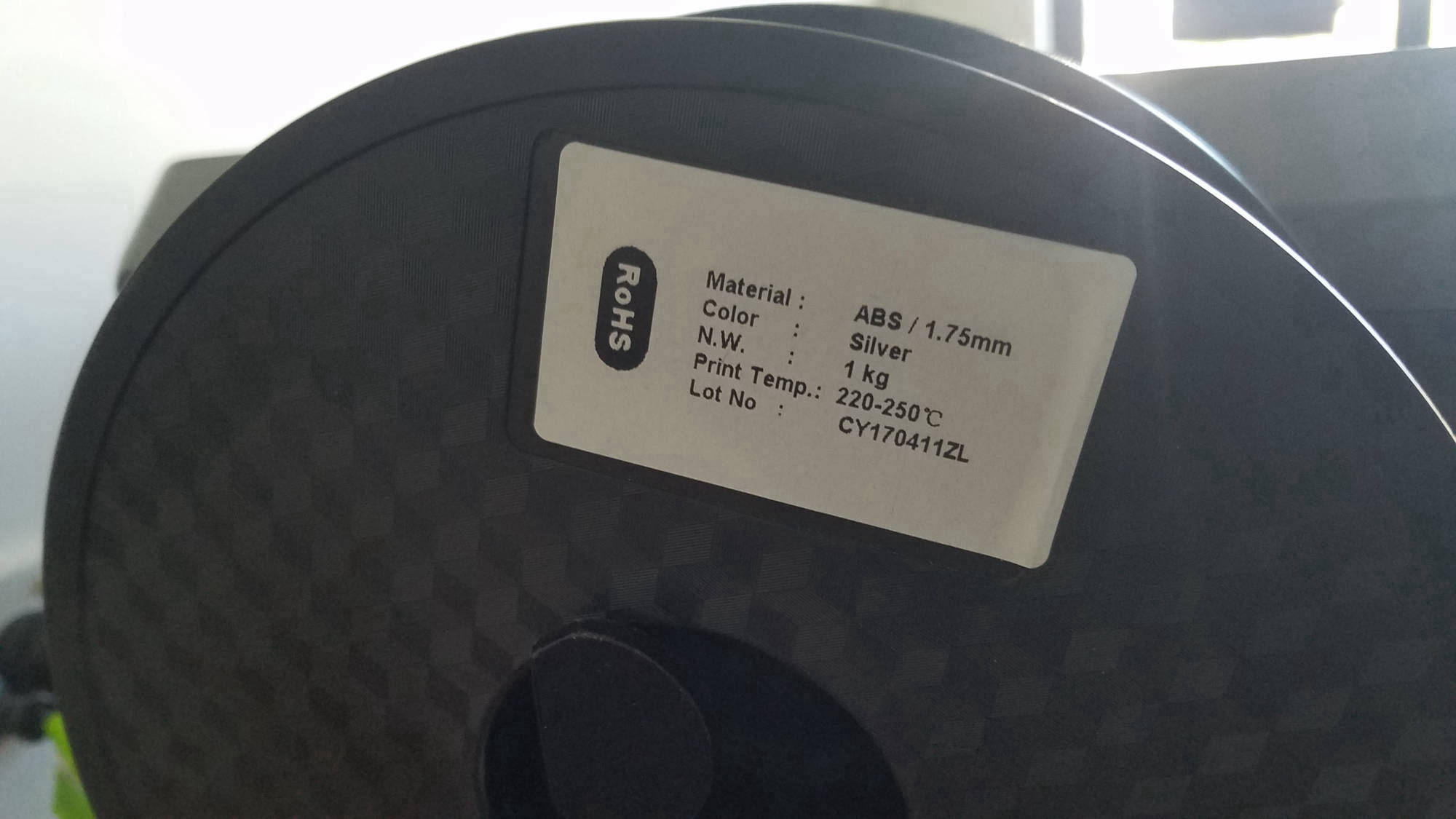
3D Printing

Mobirise

CNC Router & Setup

Mobirise

  • Open the folder containing the driver and the GRBL software.
  • Install the driver first, then the software.
  • Install a third software for choice i.e. Scan2Cad (for converting images to the .nc file type that GRBL uses)
  • Use the third party software to creat the needed .nc file type for the machines.
  • Vectorizes and save the file you have just created.
  • Open the GRBL software and then open the .nc file you have created (this should bring up the image you just saved and have a scrollable list of gcode line below which the machines will use to naviagte)
  • plug and power on machine of choice.
  • connect the machine via USB cable to the computer.
  • In the GRBL software the the machine should automatically connect and the 'send, pause and abort' buttons should be available.
  • If GRBL software dosnt connect open device manager(windows) and find the com port the usb is conneted to.
  • Then go into GRBL, click Service, then settings, the connection and type in the correct port.
  • Use the above buttons to control the machine.

CNC Laser Engraver & Setup

Mobirise

  • Create a file in InkScape, and follow this tutorial to generate the Gcode https://winder.github.io/ugs_website/
  • Follow this tutorial https://www.ctoom.com/tutorial/how-to-create-g-code-file-with-inkscape/
  • Once the gcode is generated,  move onto the hardware computer and import the gcode file into the universal Gcode Sender java app. 
  • Laser engraver should be connected, if not restart computer (this is for issues with com port)
  • Use the on screen controls to move the laser to a home point and set home.
  • click send to start gcode script.