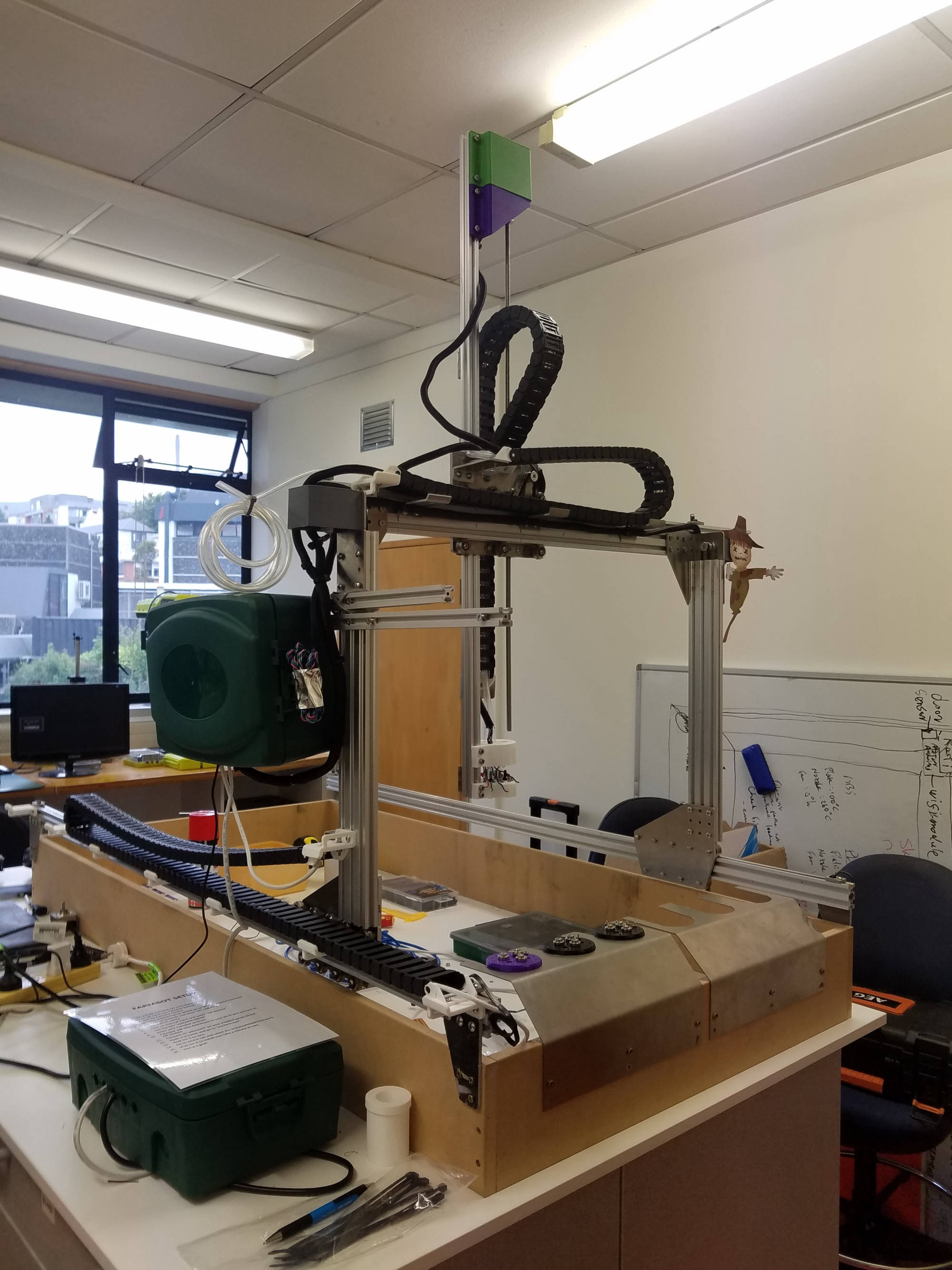
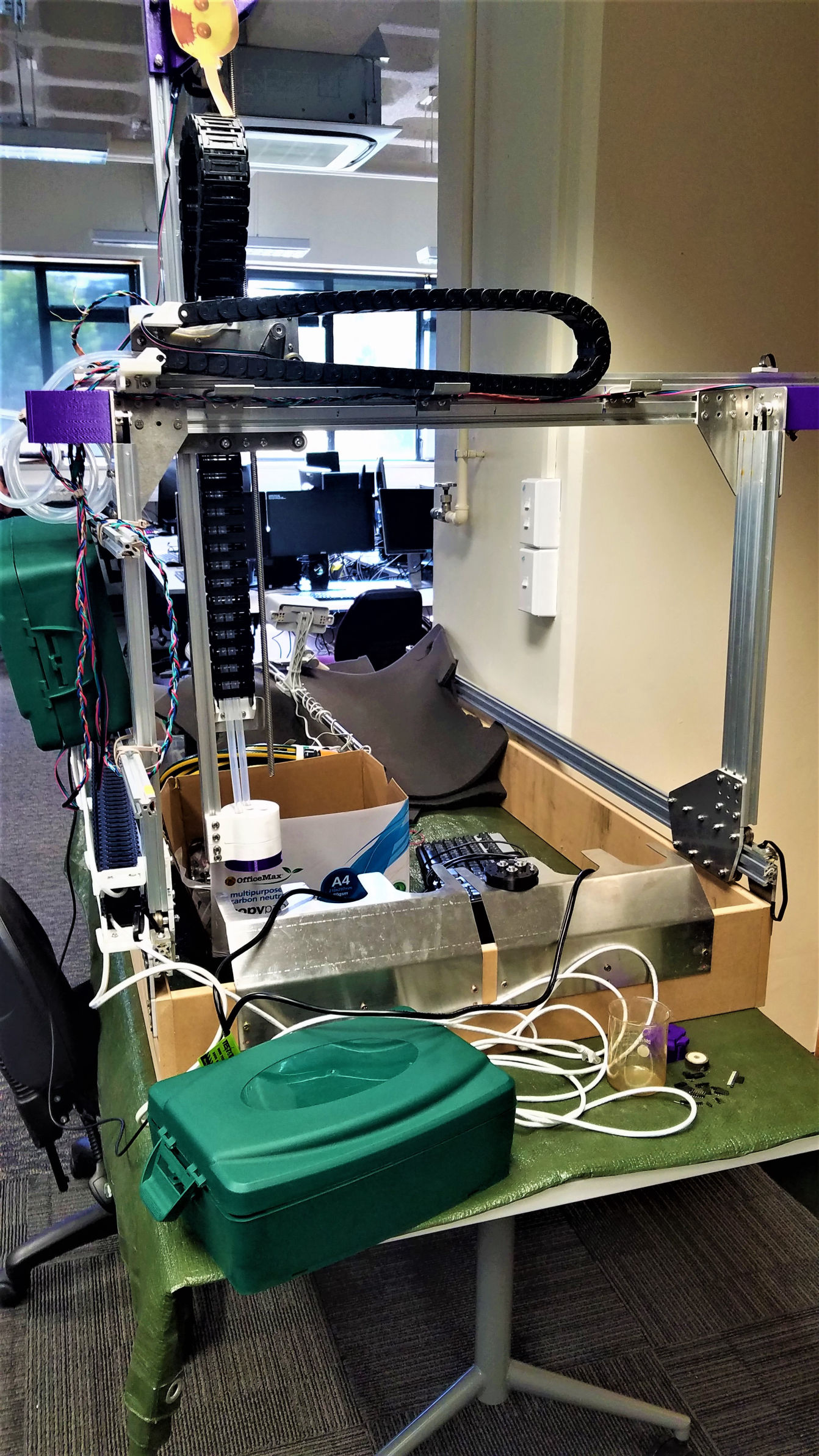
Starting off the project year, our team all agreed to continue the farmbot project from previous years.
Our first challenge was to check over the progress from past teams and continue working on the project to get it closer to an operational standard.
This meant gathering and analysing documentation which was spread out over it's gitlab.op-bit.nz repository.
Although the gitlab repo was there it took some time to gain access due to in-house servers which it is hosted on, crashing then lack of documentation on account details etc.
Collaborating with the dev op's team, gave us access to the Farmbot repo and it's account.
We decided to create a github repo for future use, access and documentation.
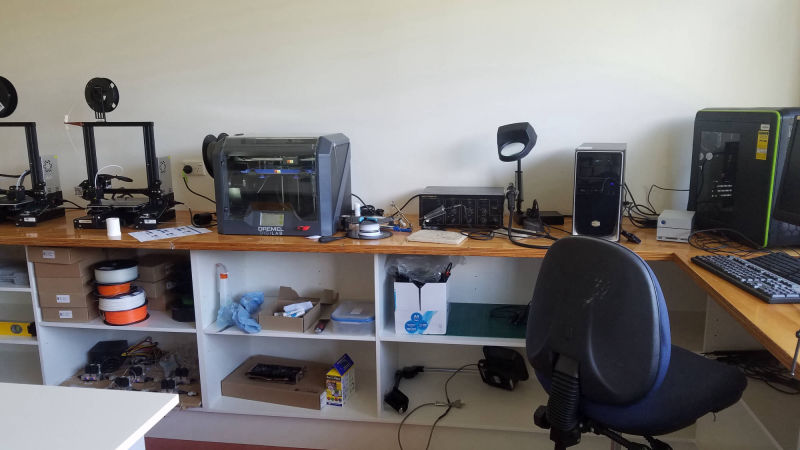
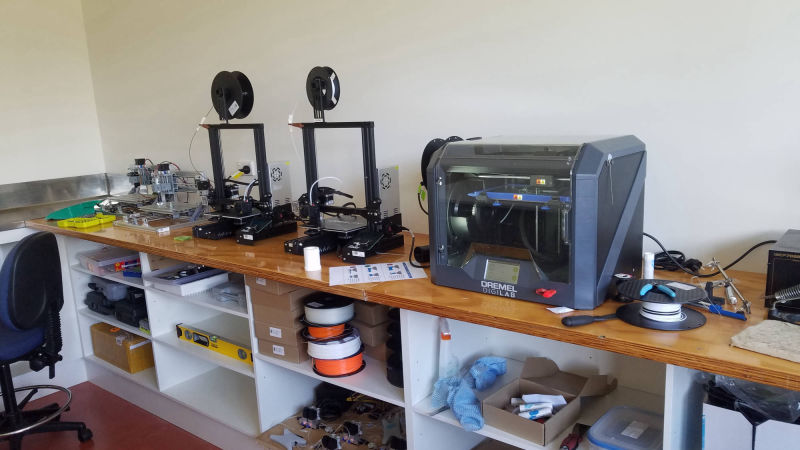
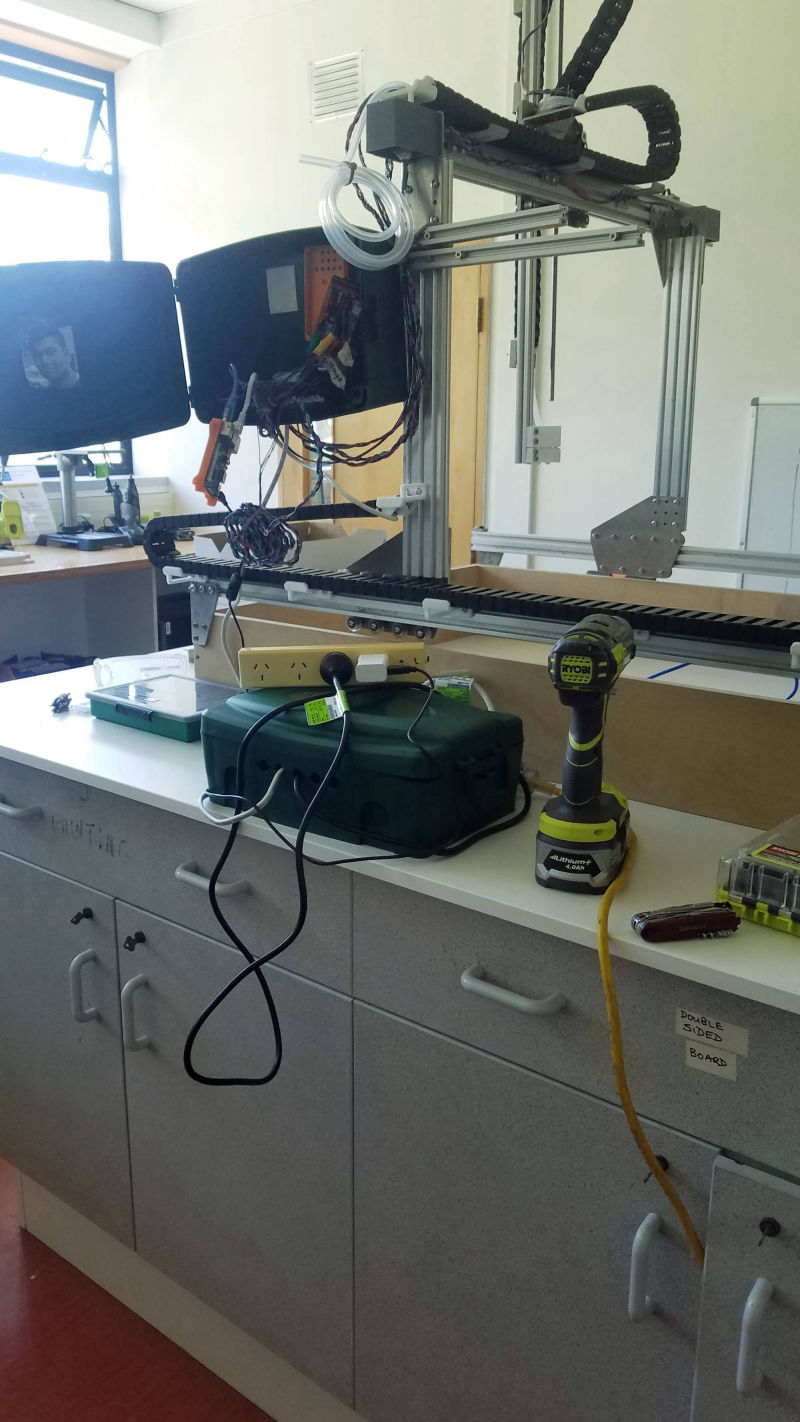
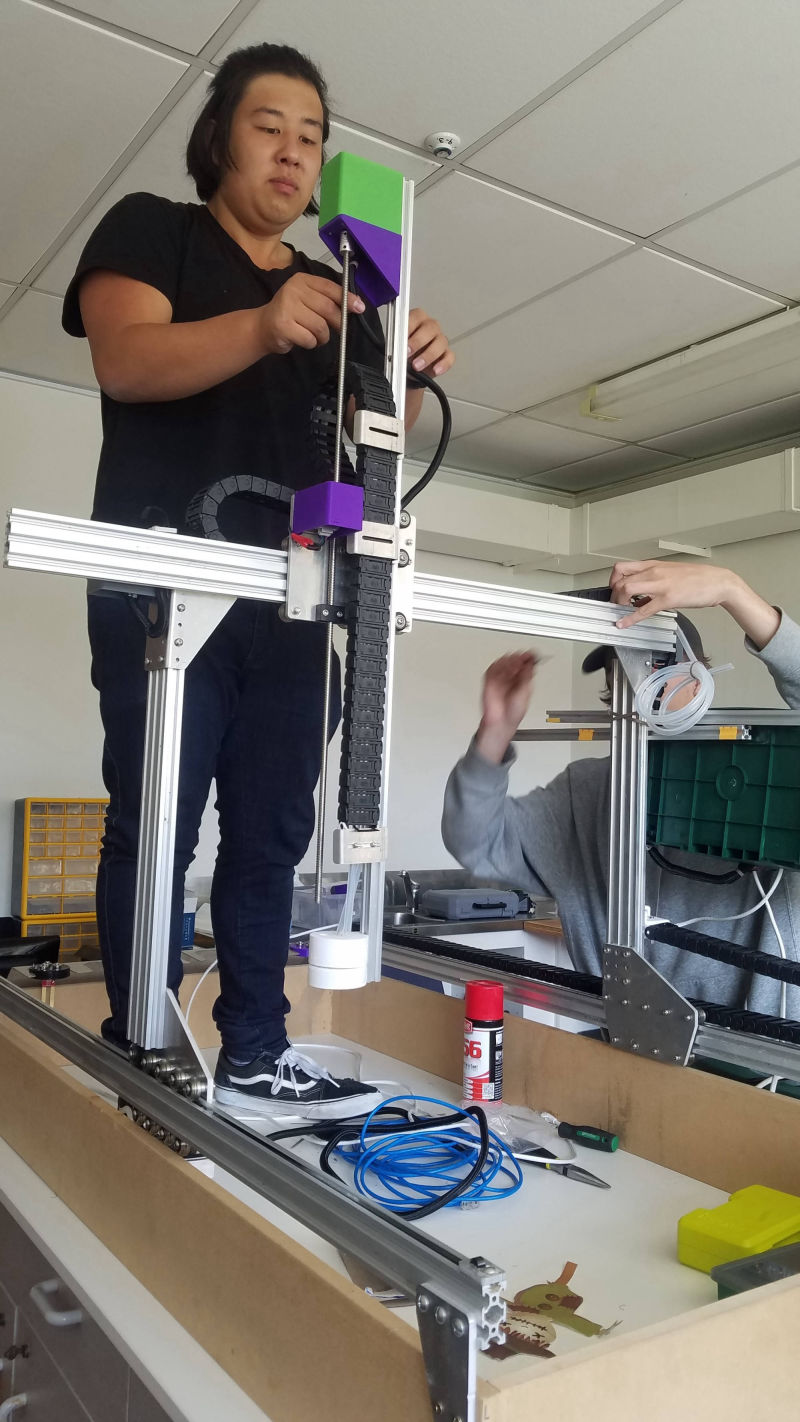
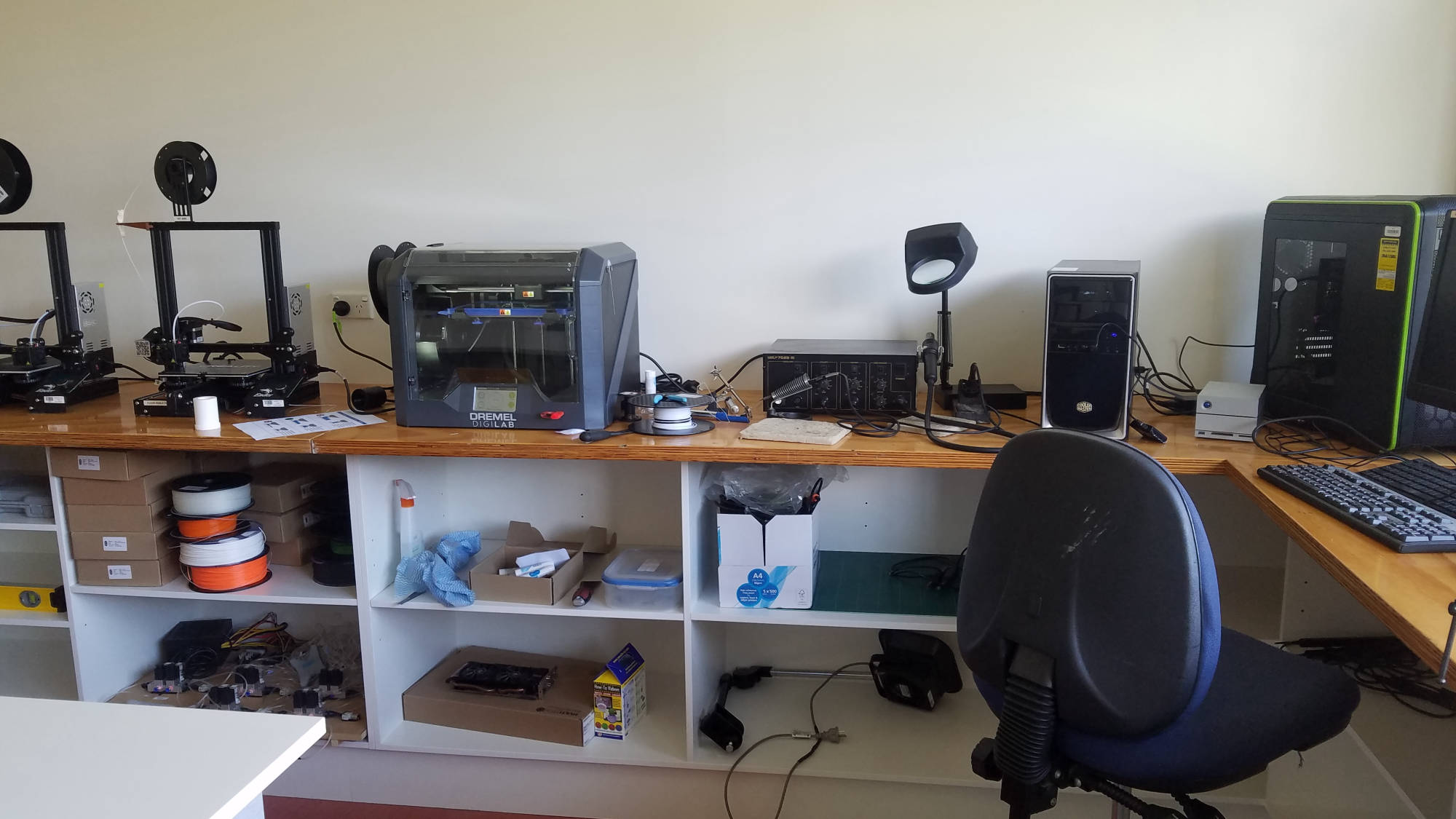
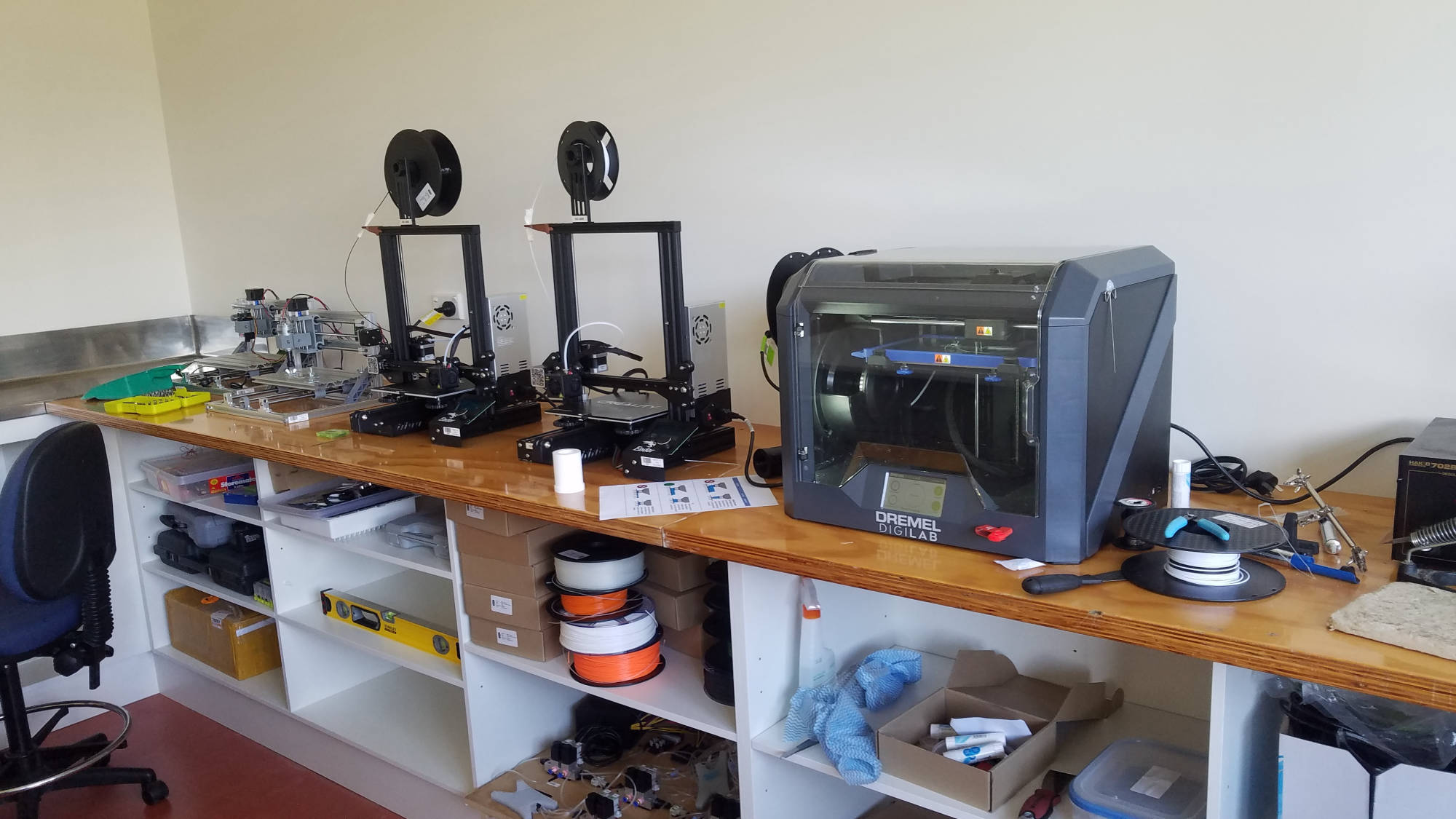
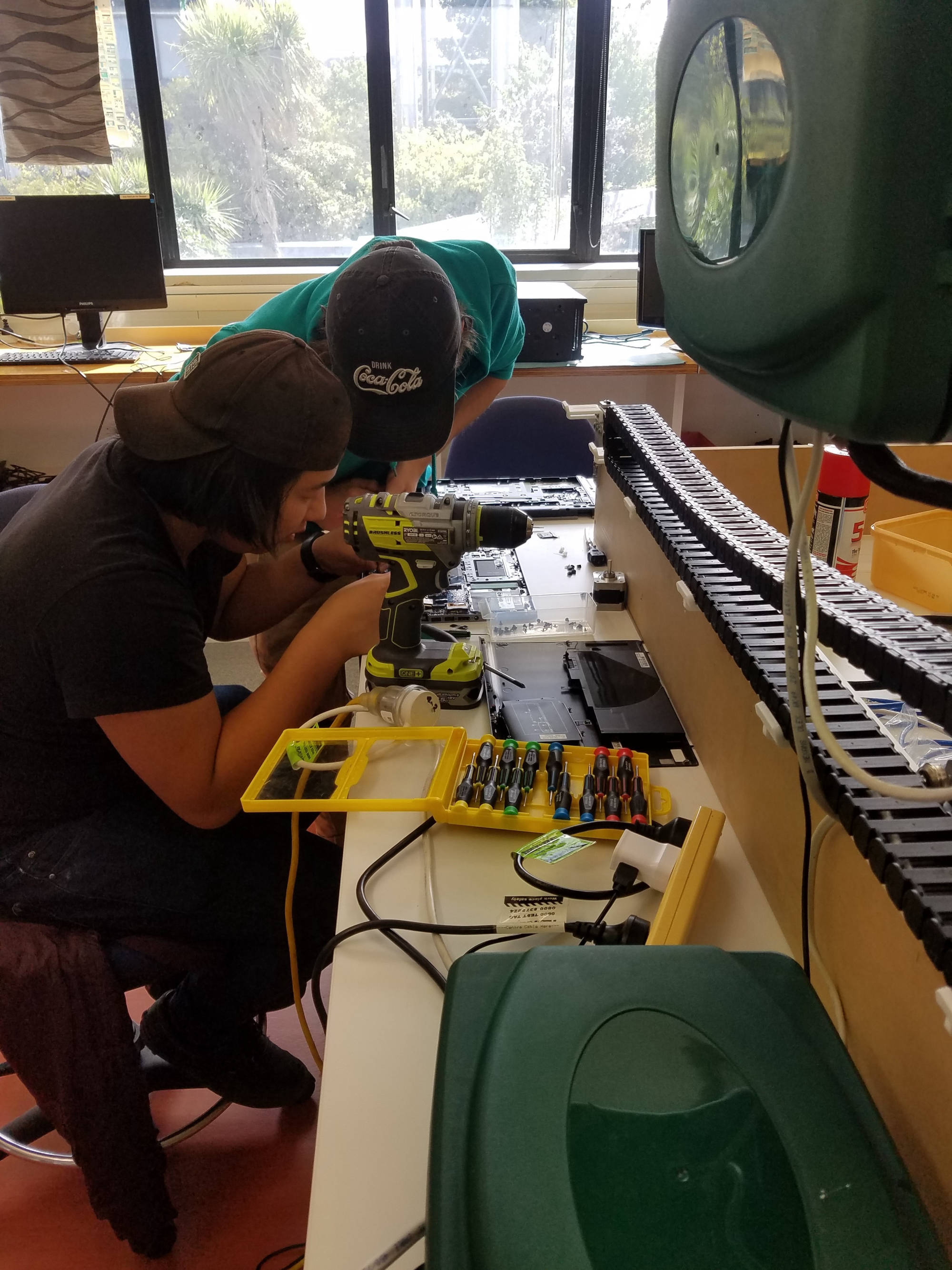
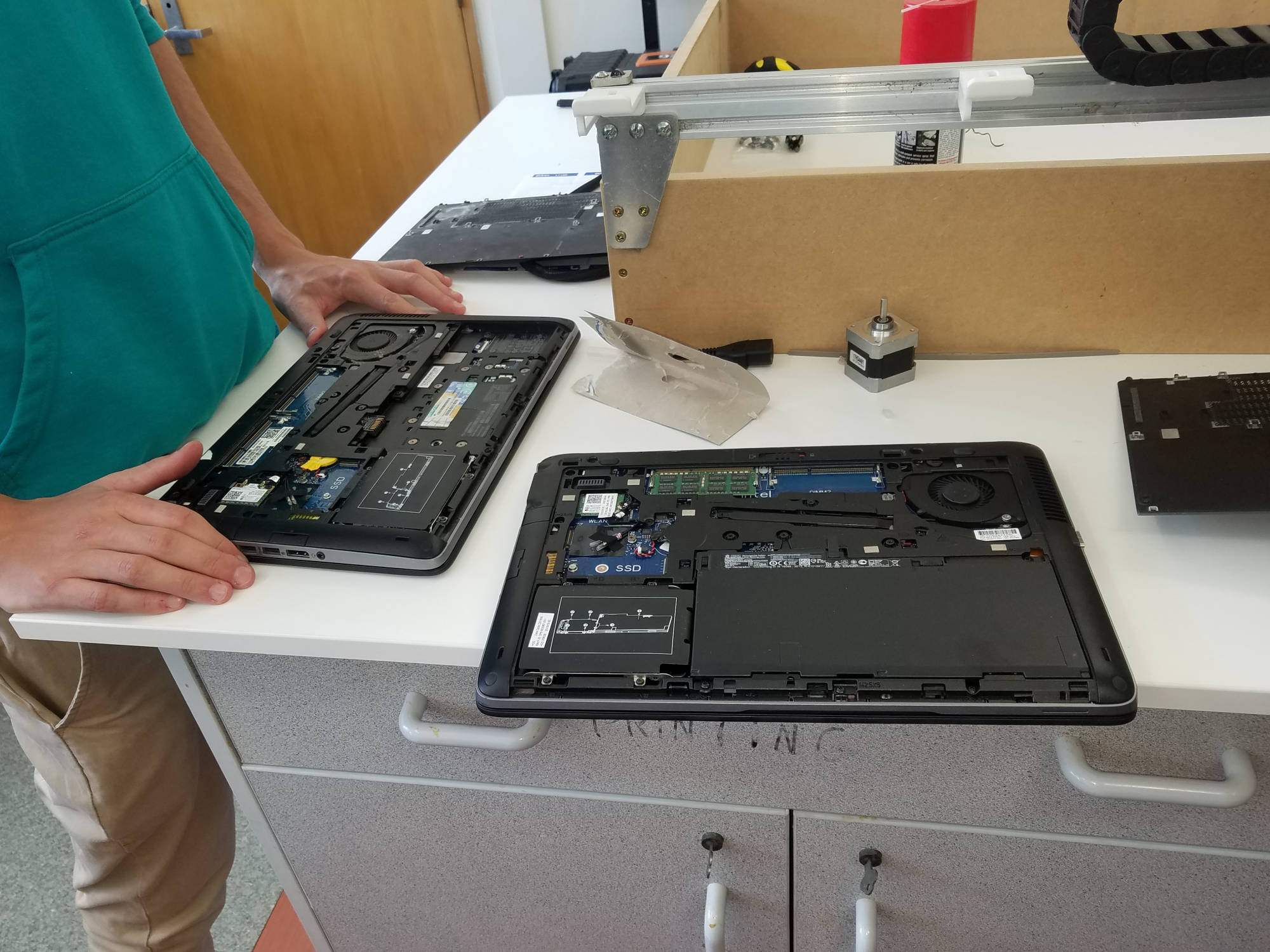
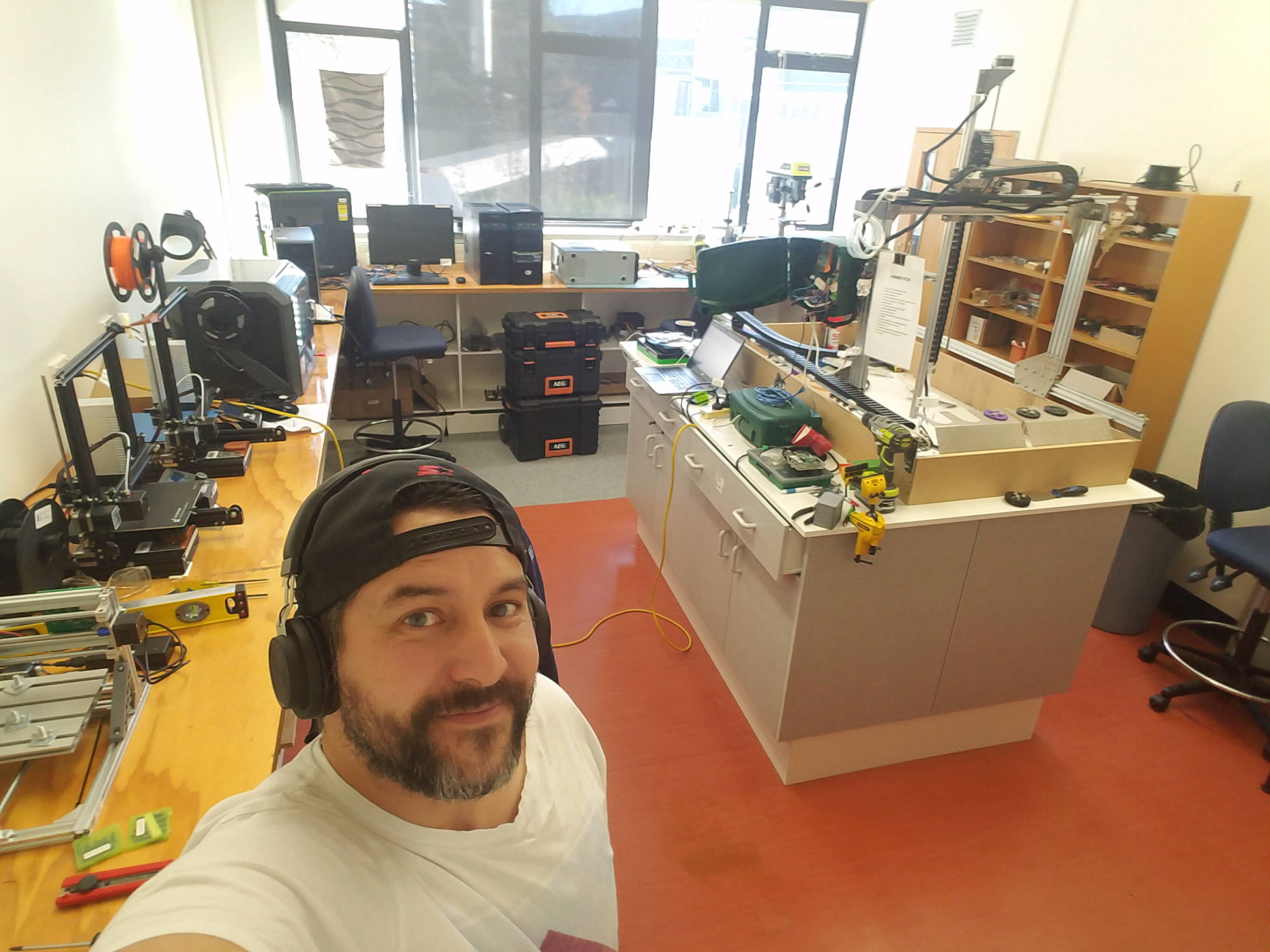
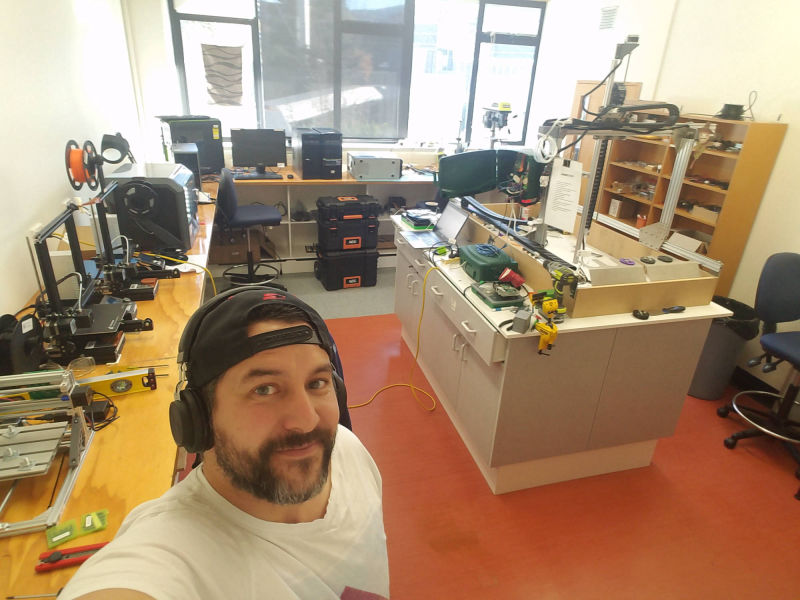
Moving the farmbot to the newly refurbished workshop gave us greater advantage in continuing it's next stage in the project.
The written specification and instructions accompanying a product, especially a computer program or hardware was very crucial in maintaining the consistenancy of the Farmbot project.
Although Farmbot has all the documentation online, we needed to know what previous team's had done in order to progress. One thing we noticed when taking on the project, was access to documentation. As previously mentioned, gaining access to the repository held us up for a time because it is hosted on the Otago Polytech gitlab server. The server in fact crashed and was down for some time. So we decided hosting future documentation on github instead.
Once our team had full access to past documentation, we were able to continue the progress of Farmbot.
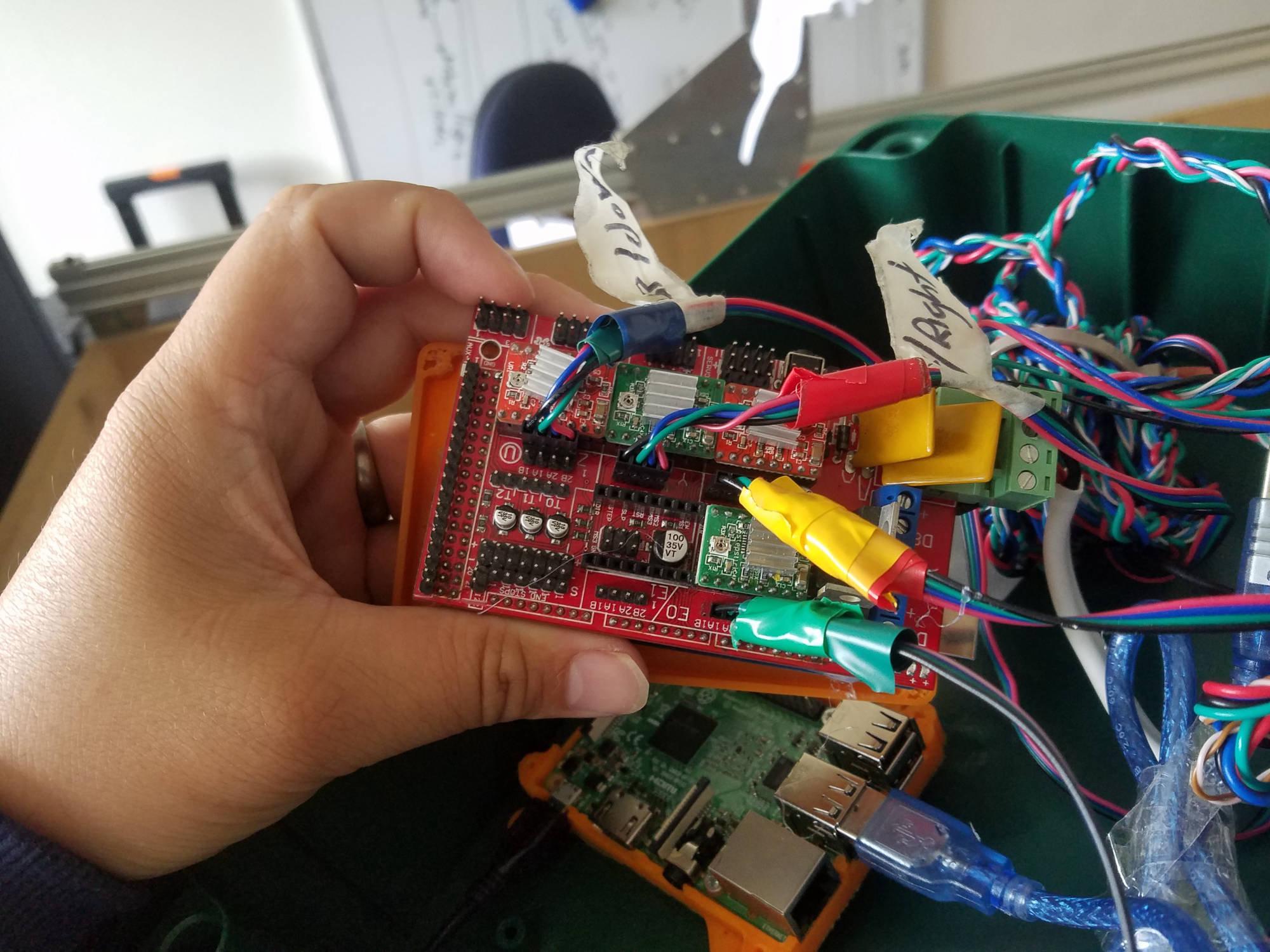
Current Documentation: https://github.com/Lockam1/FarmBot2020
Previous Documentation: https://gitlab.op-bit.nz/BIT/Project/FarmBot
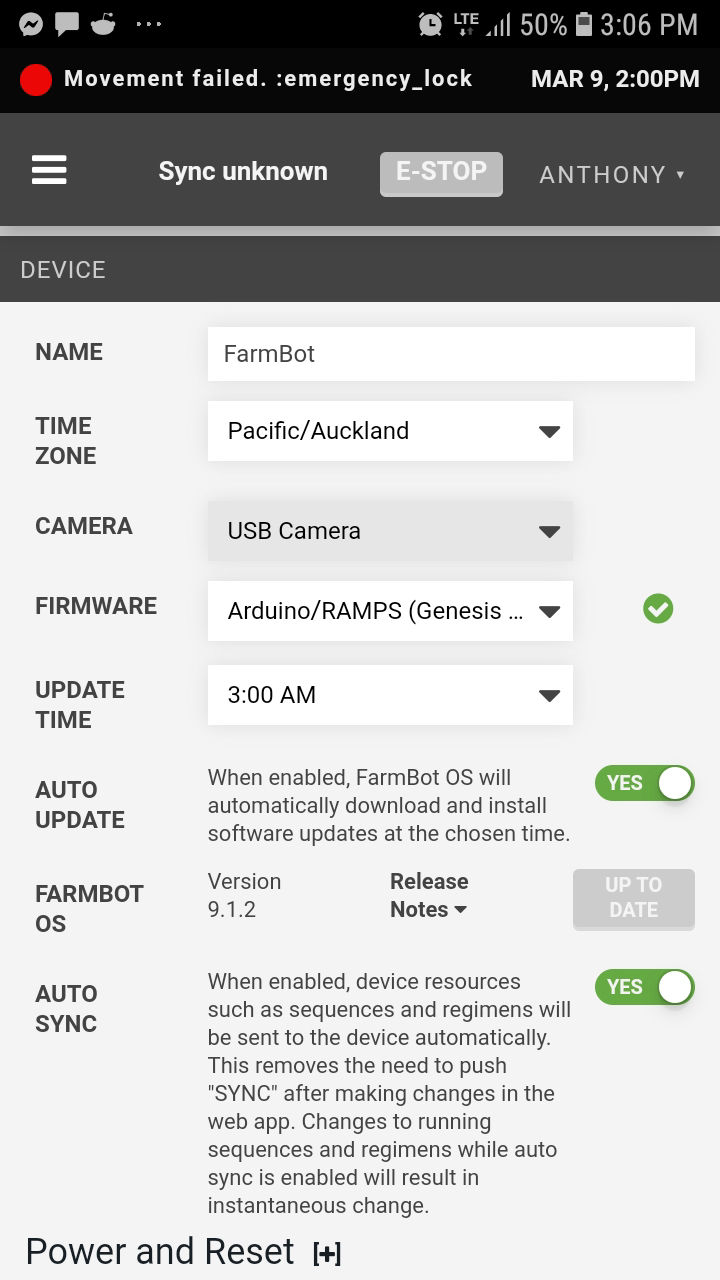
Farmbot uses it's own system of connecting and allows the user to operate it's functions over the internet.
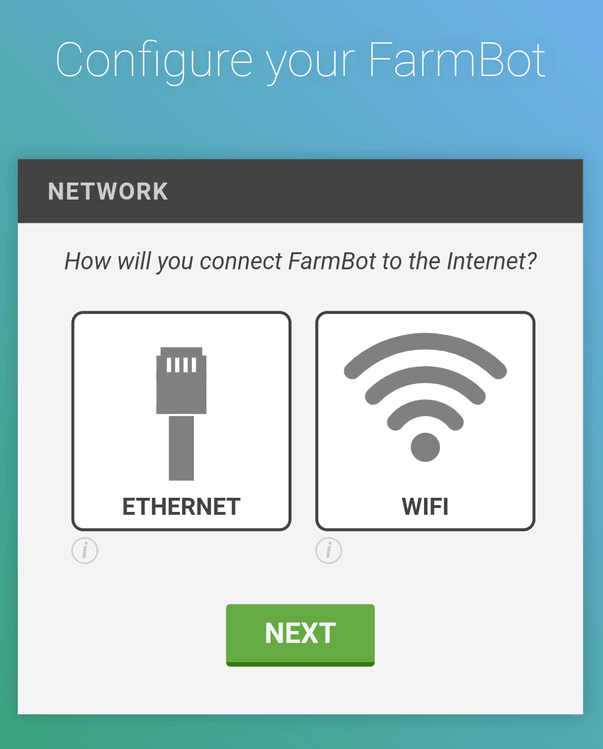
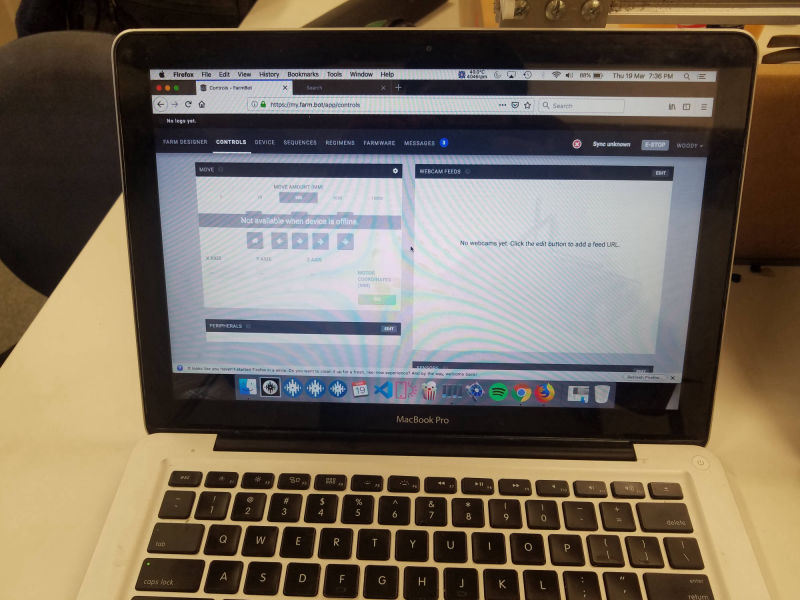
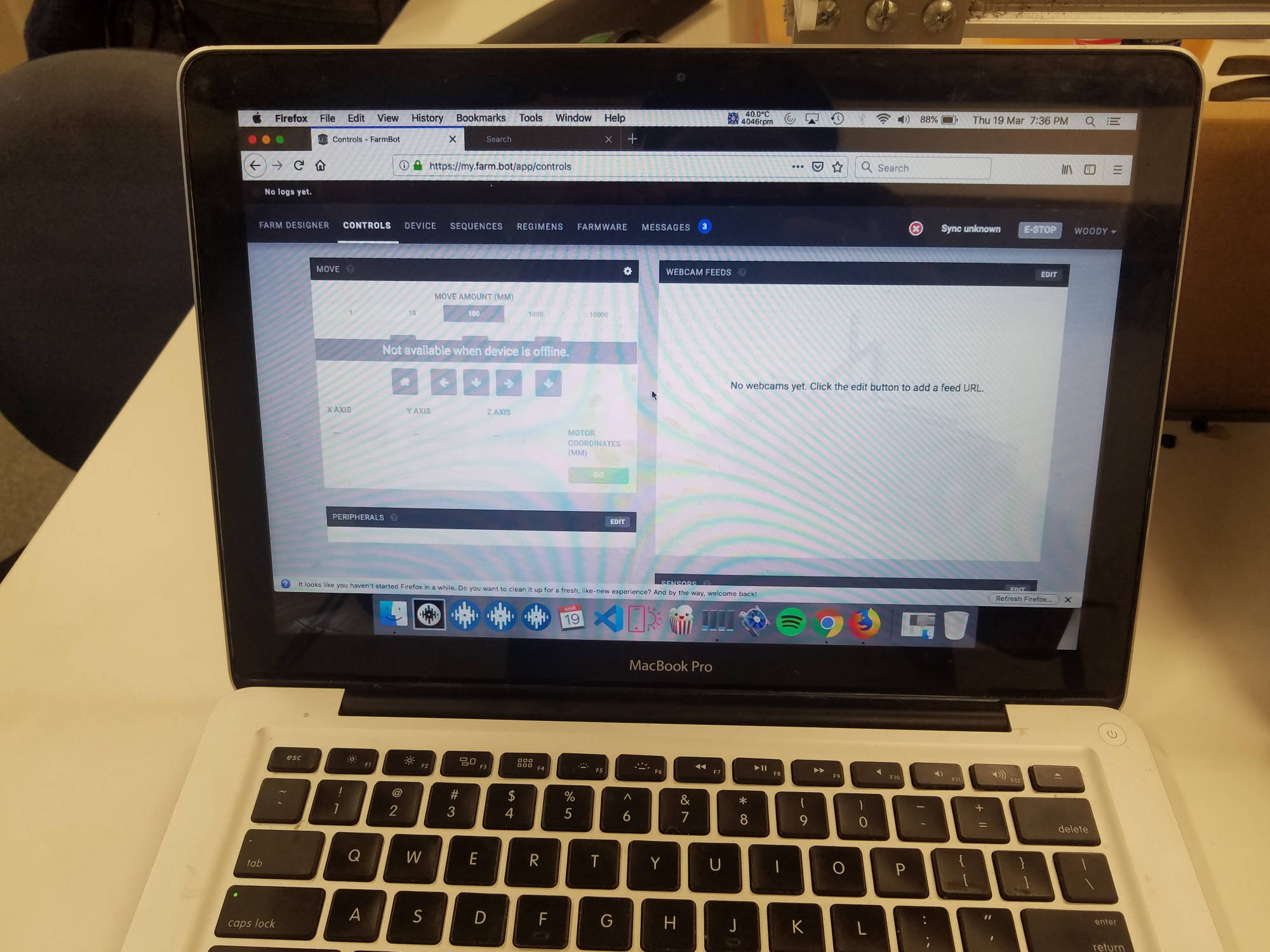
As our team went through the steps of connecting to farmbot wirelessly, we encounted many problems and connection issues. we couldn't understand why it wasn't connecting but as Vaughn mentioned the connection issues in the past with teams, there was a way around it or we could set up our own server to operate farmbot.
Ultimately our first wireless connection with farmbot was with using our own mobile device (not connected to the OP network) and bypass the protocols the polytech has in place. This was all in good practice but not practical.
We reached out to Jonothan (Sys admin team) who spent many hours troubleshooting our networking problem. He tried many ways and finally came up with a solution which was in plain sight and 'documented' among a few 'emails' that past teams and admin had worked out. This was a good lesson for all involved to take documentation seriously for the benefit of future projects.
Jonothan's findings can be found here
The farmbot connection instructions can be found here
Connection To Farmbot
Connectivity Options
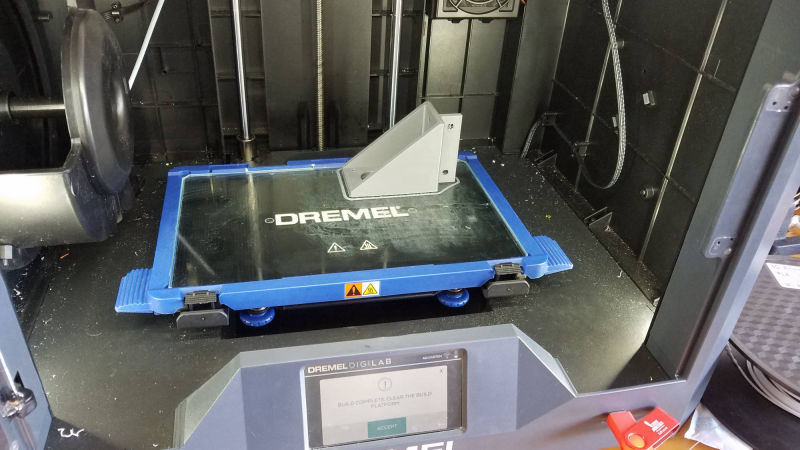
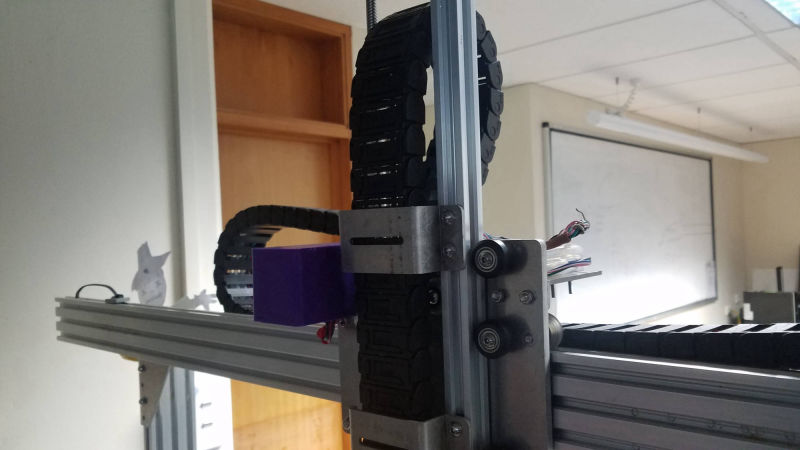
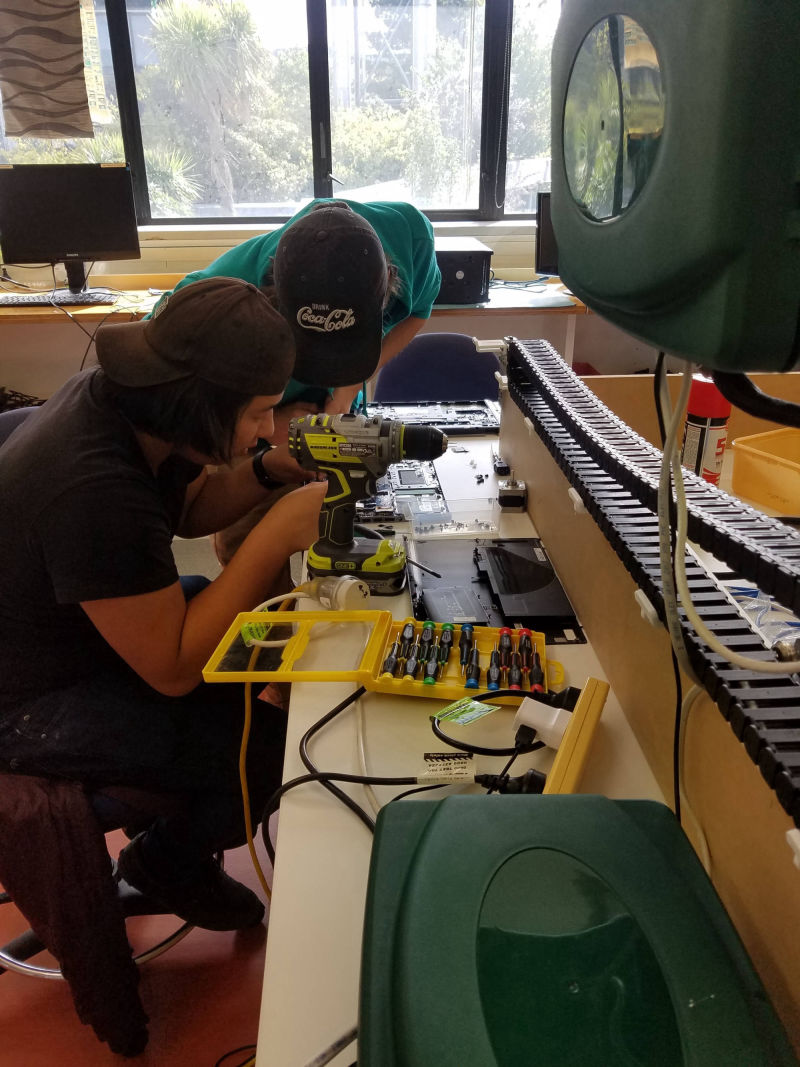
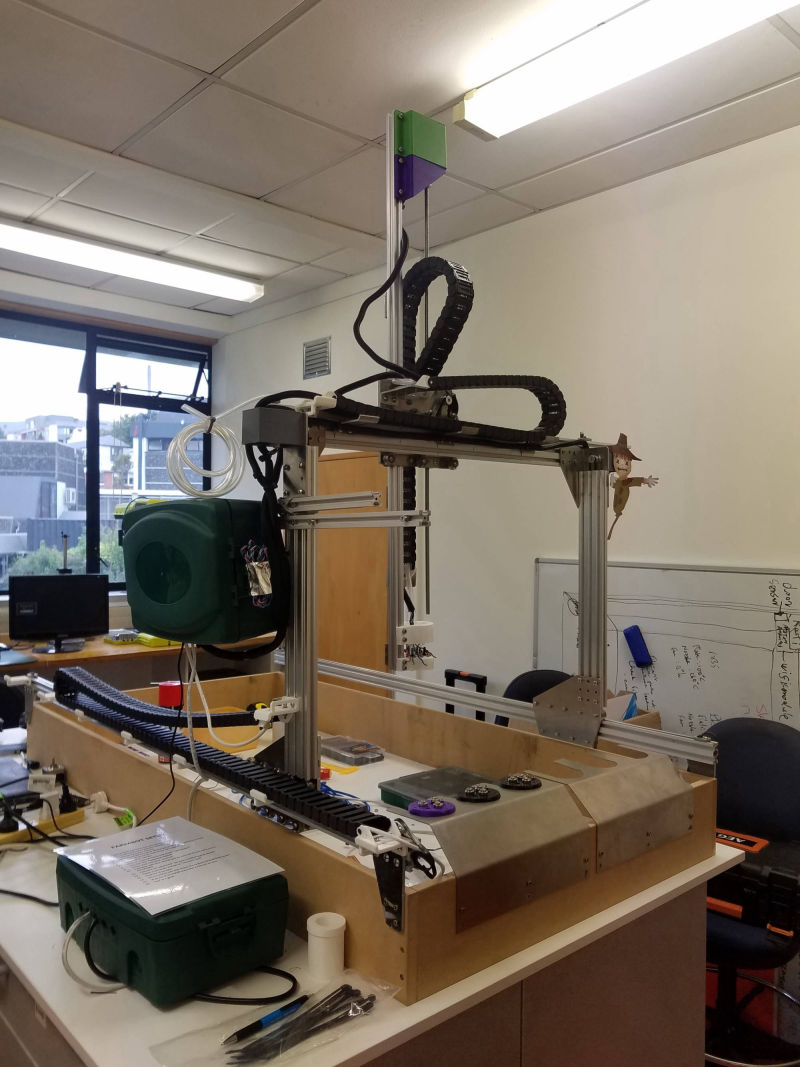
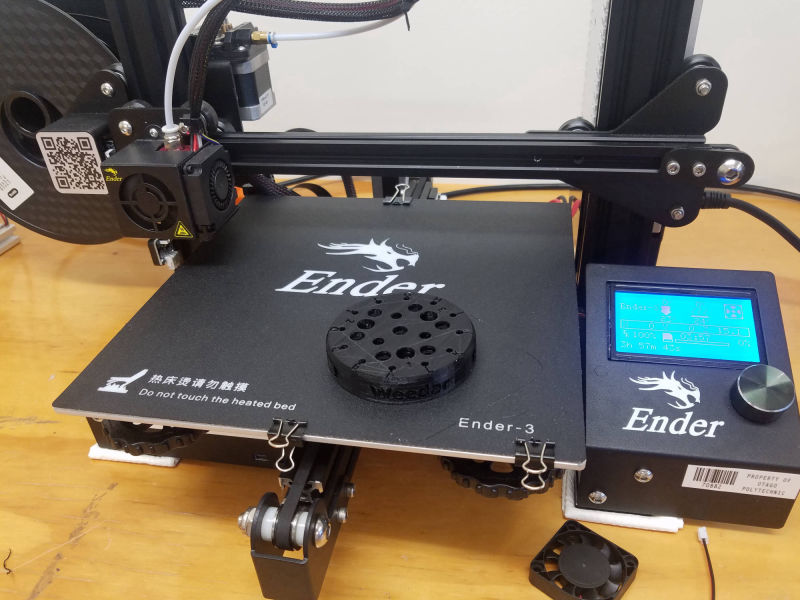
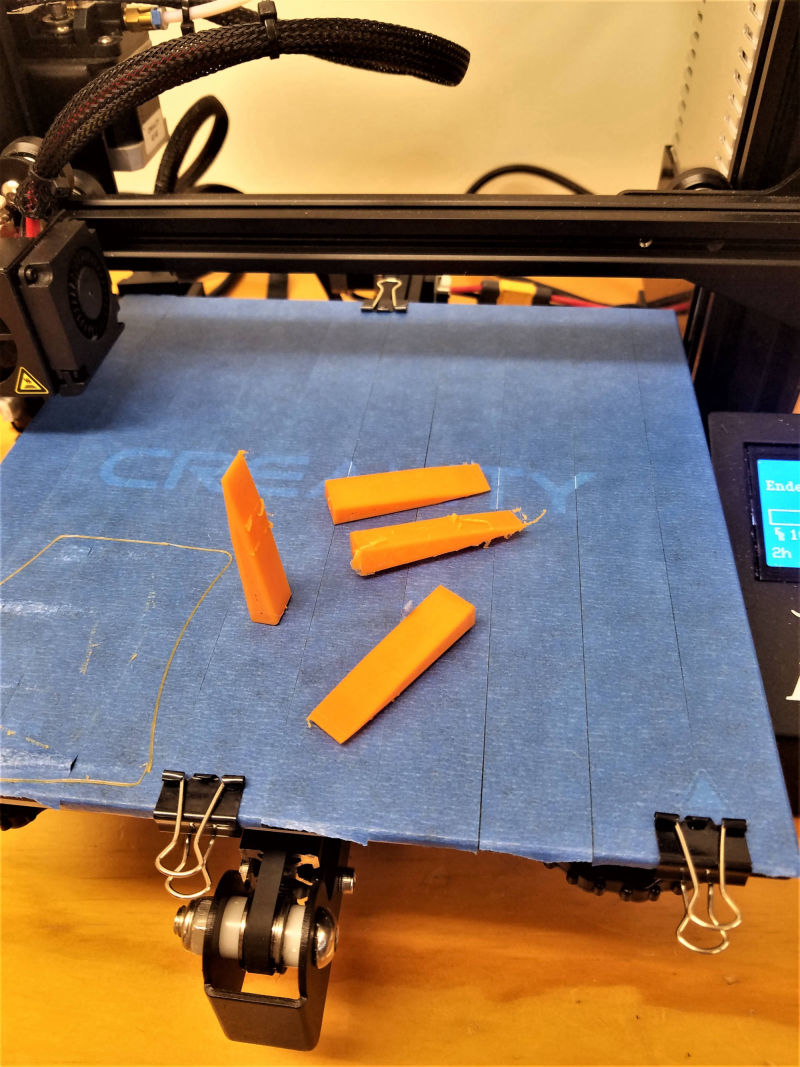
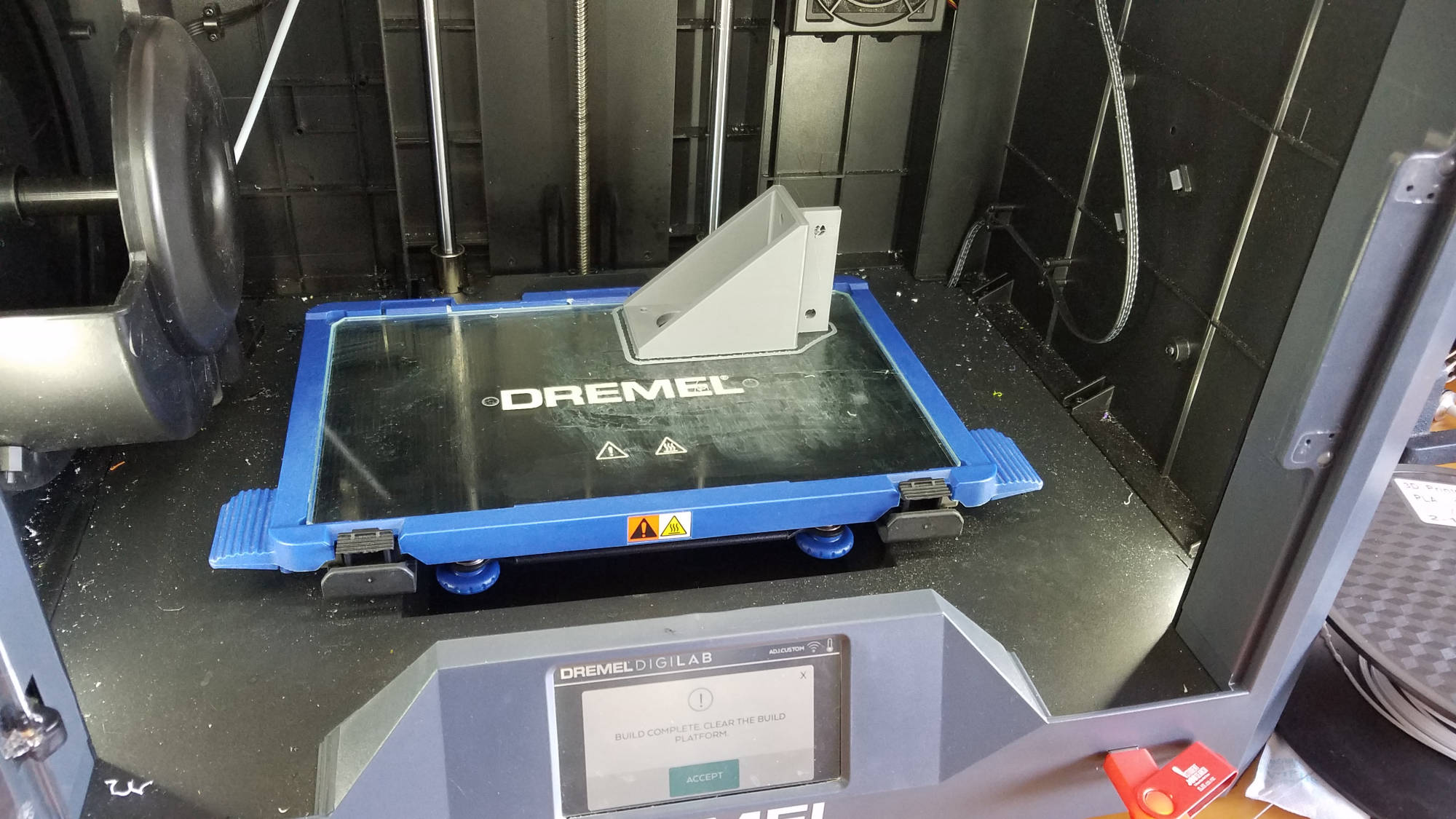
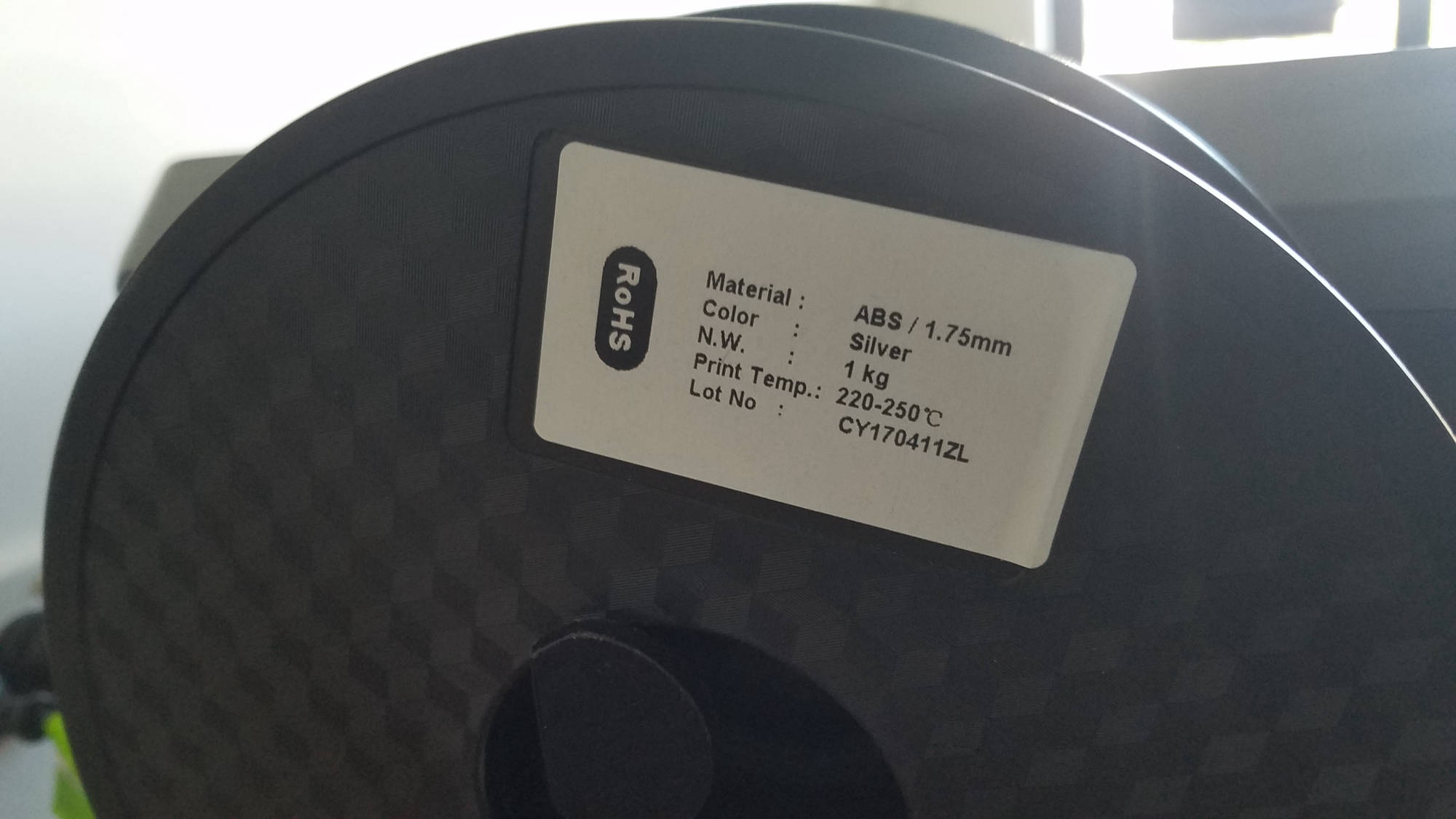
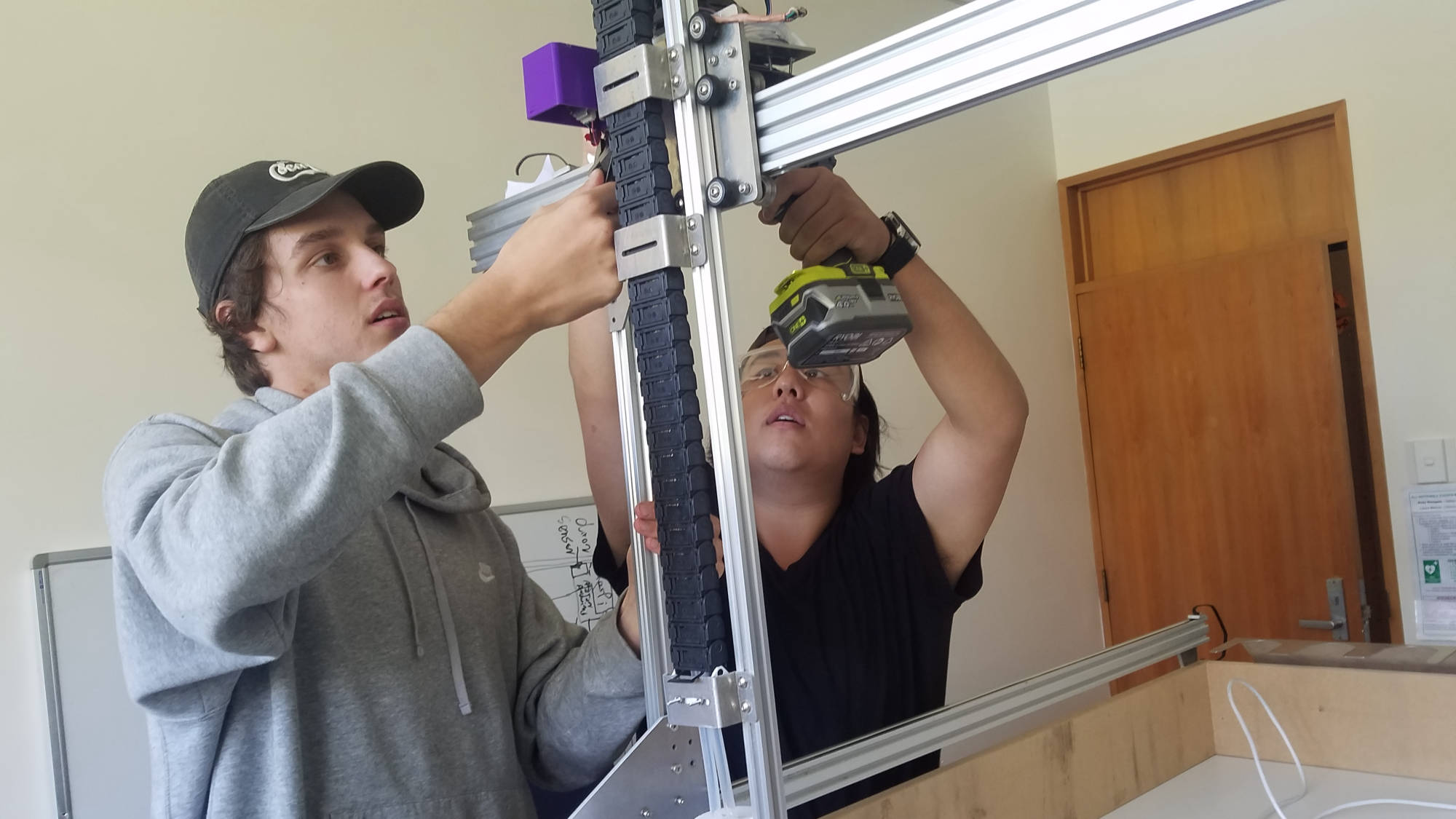
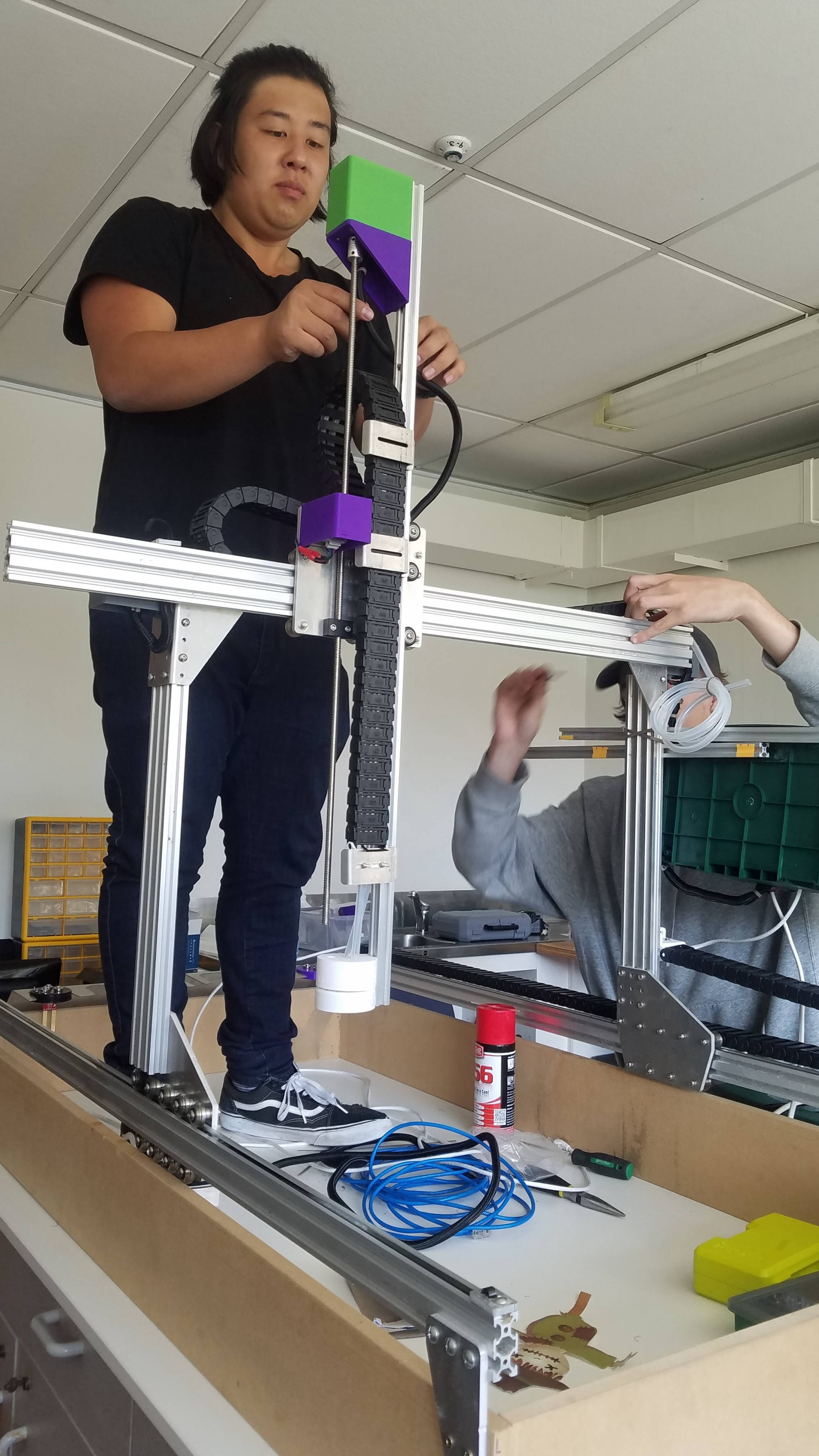
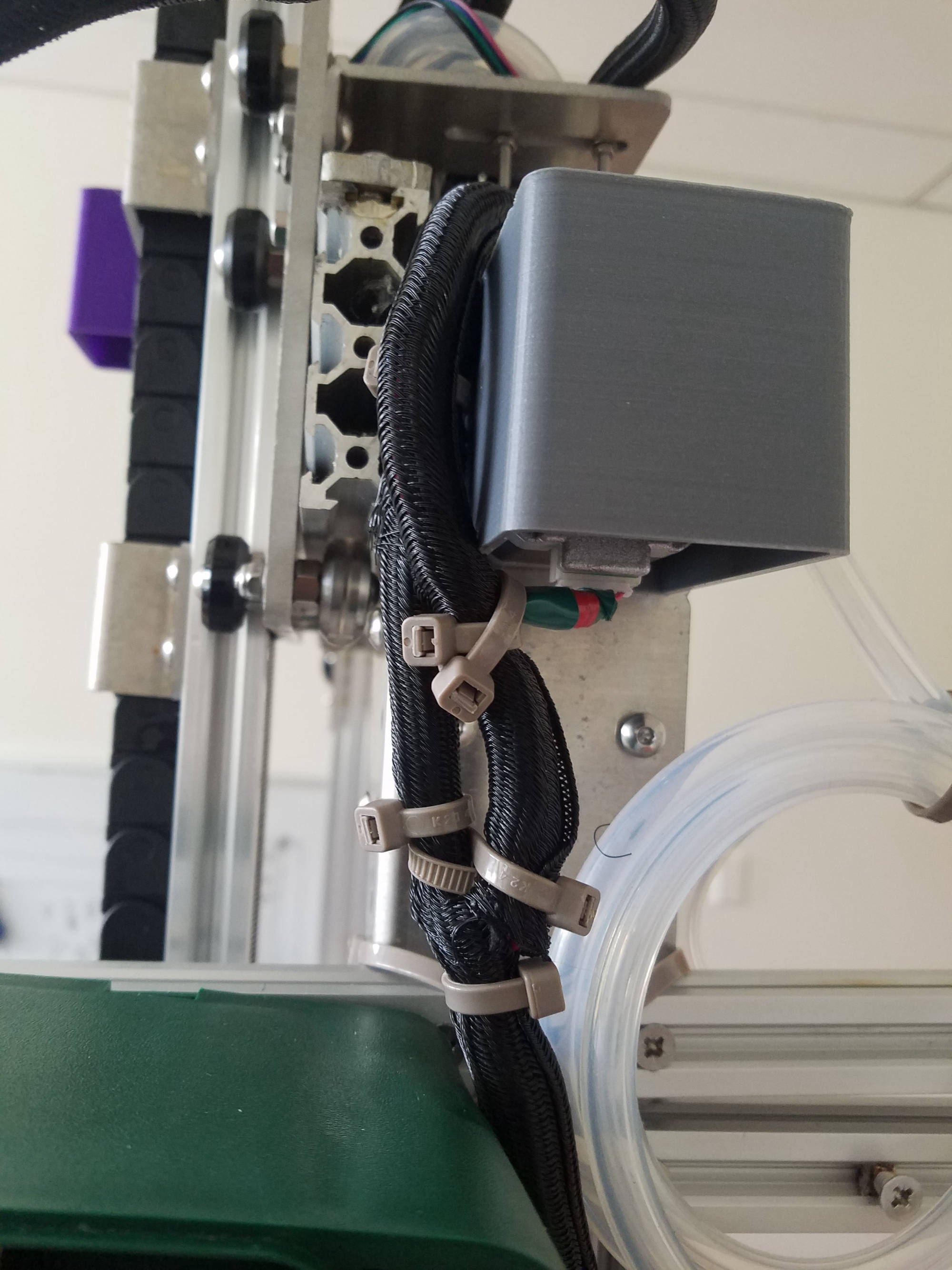
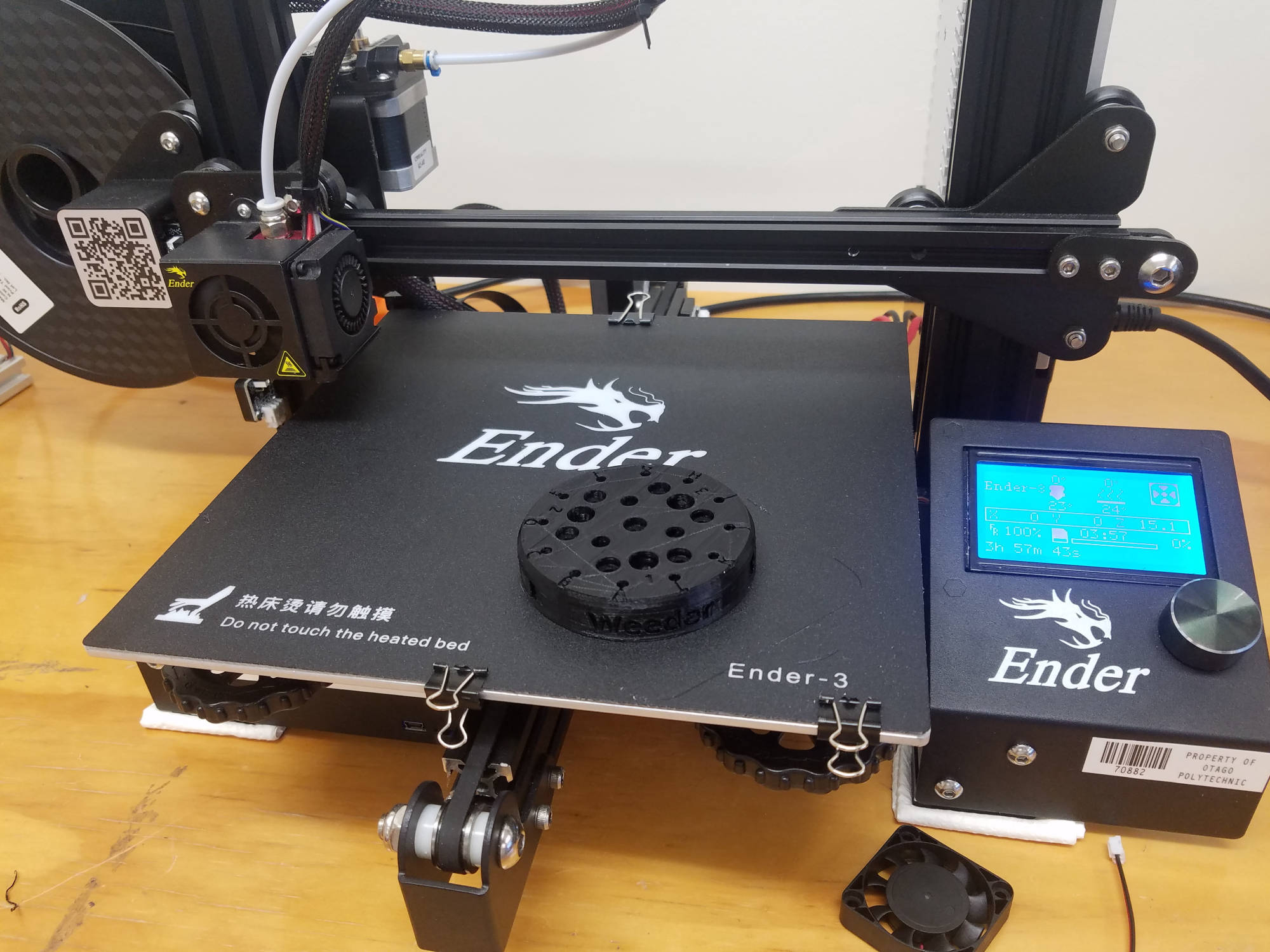
Taking over the project meant making decisions on how to add and improve hardware for farmbot. We noticed the stepper motor covers were not weather proof so that was something we wanted to change. As the newly arranged workshop is now fully operational this semester, we took advantage of 3D printing our own housings, covers, and tool head accessories for farmbot.
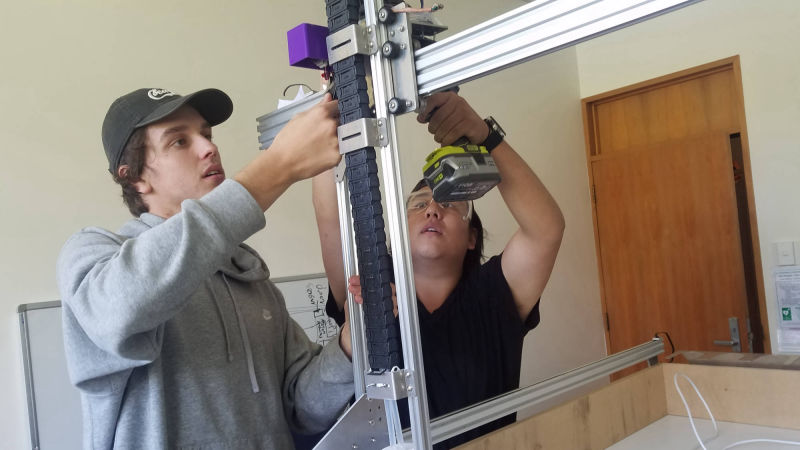
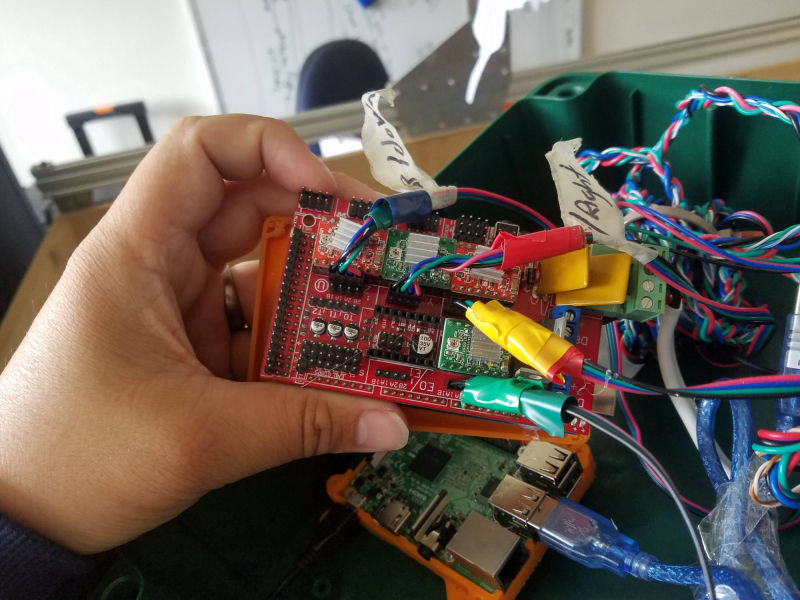
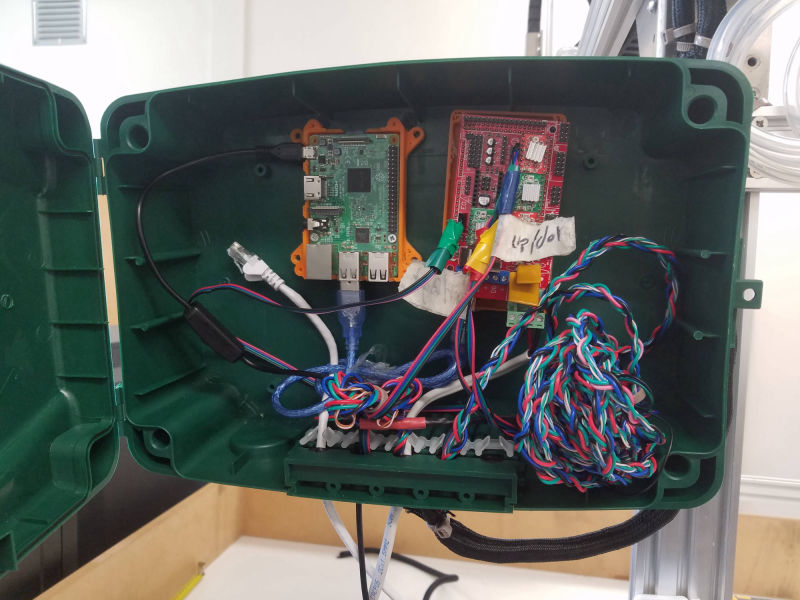
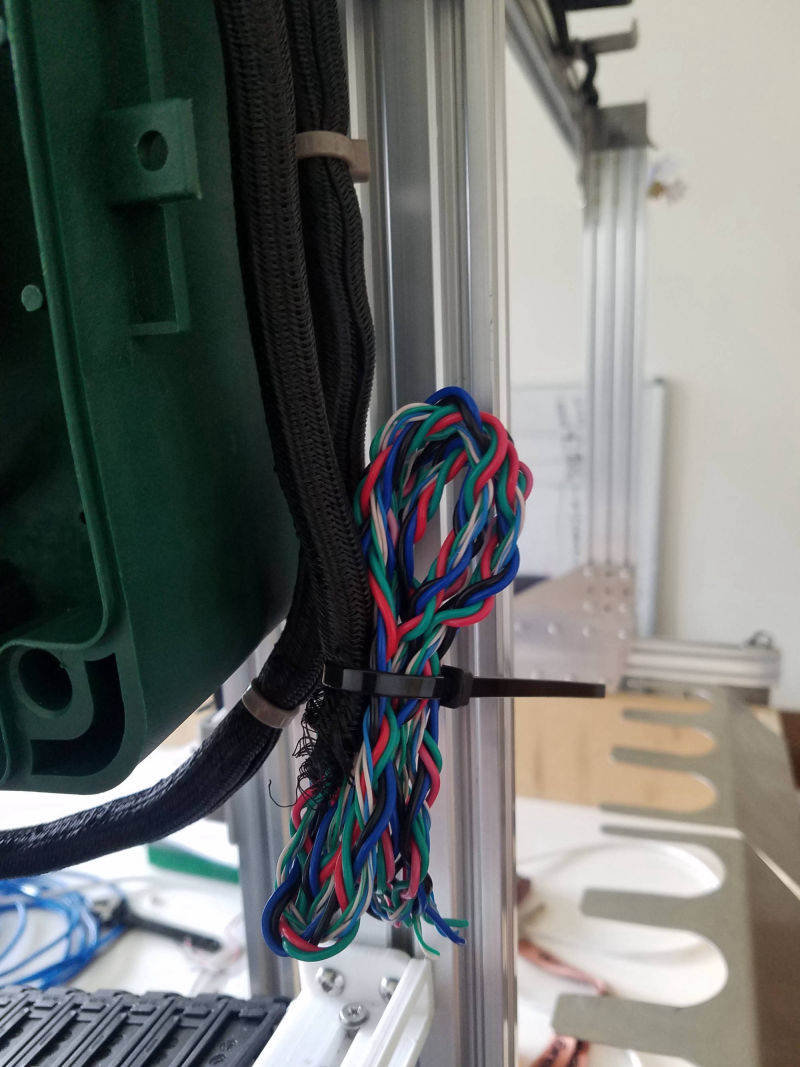
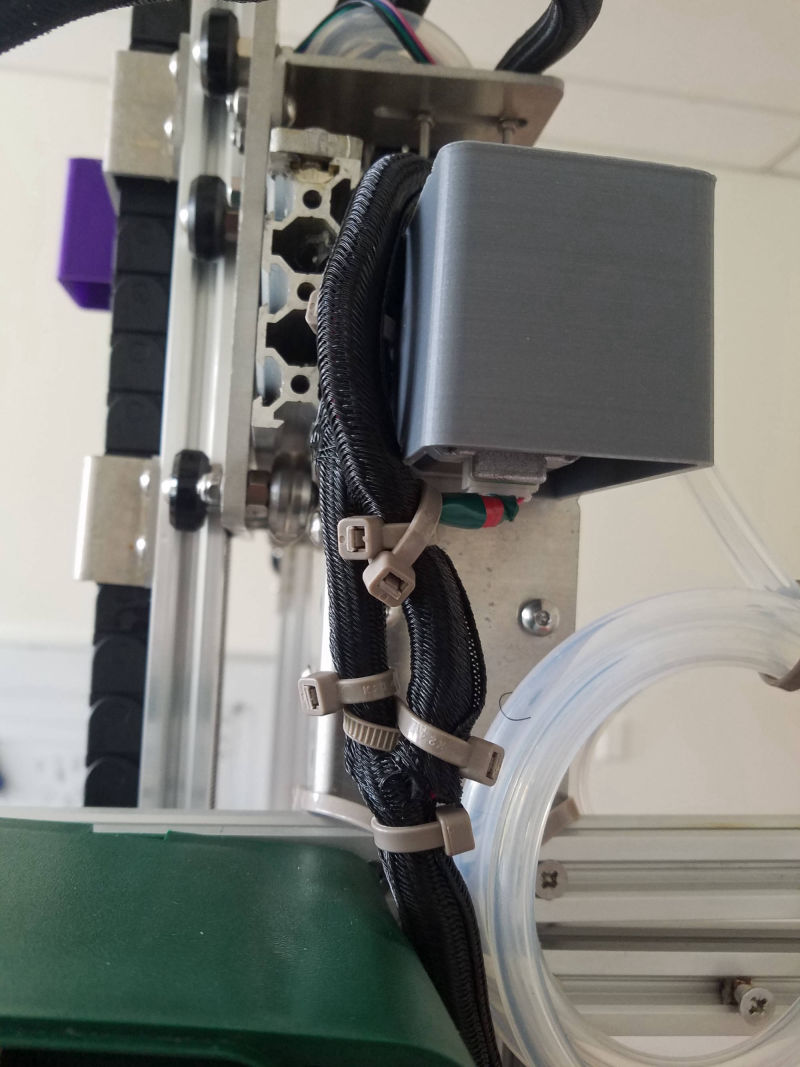
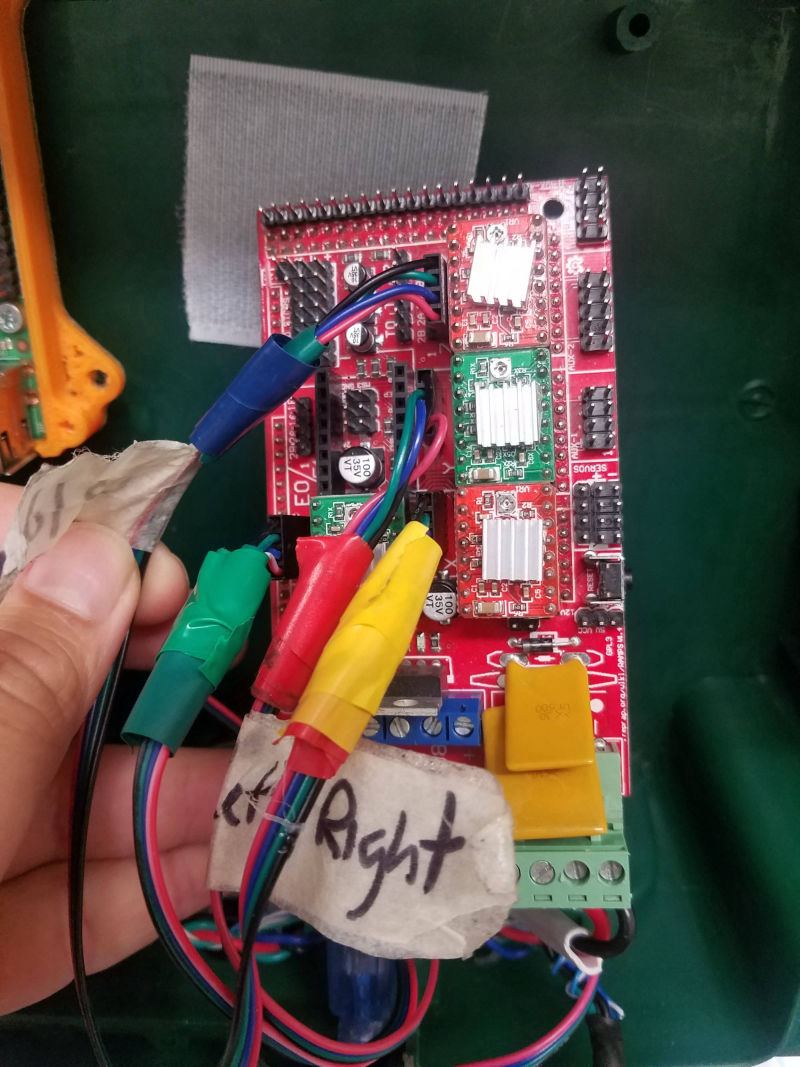
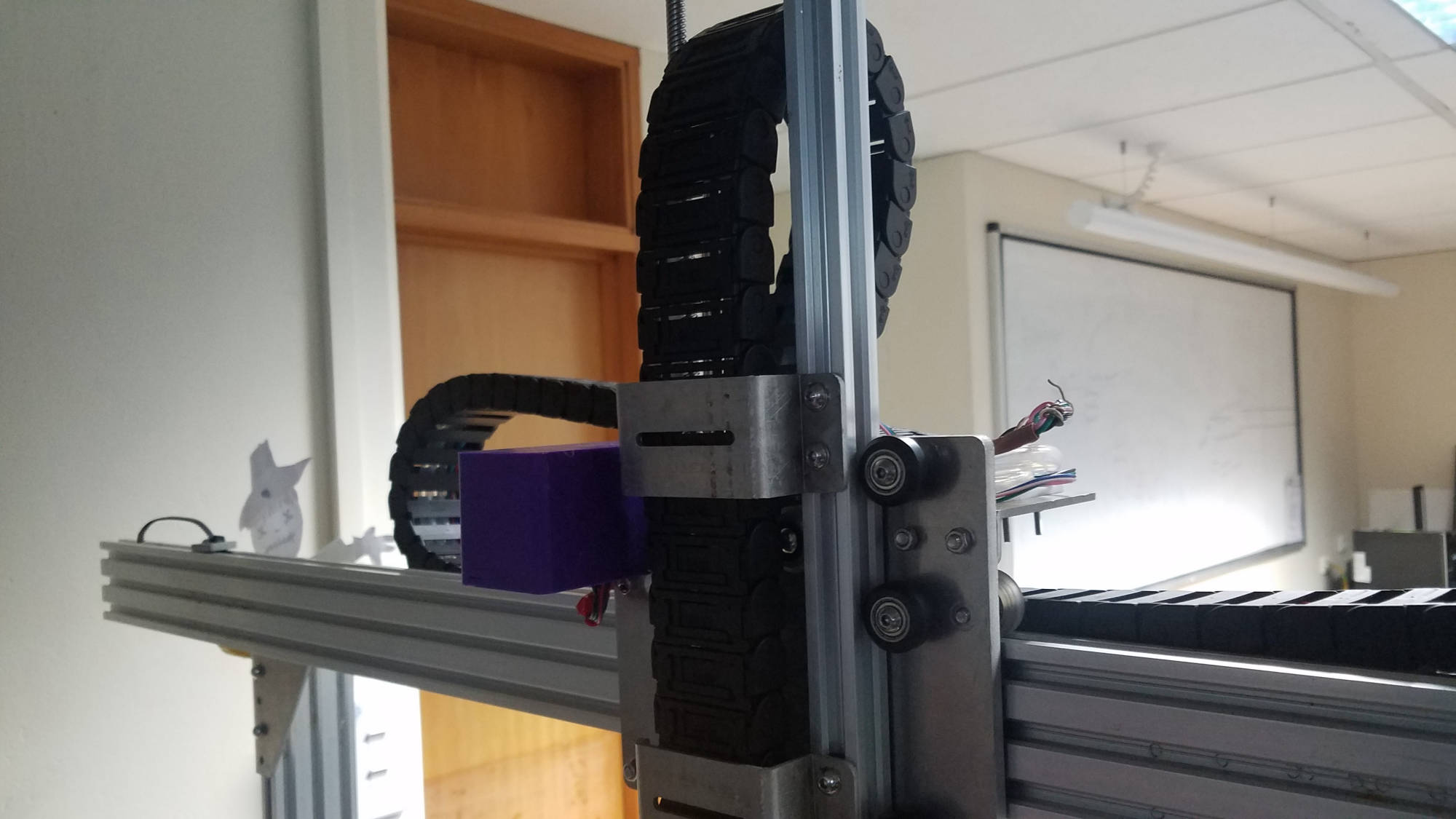
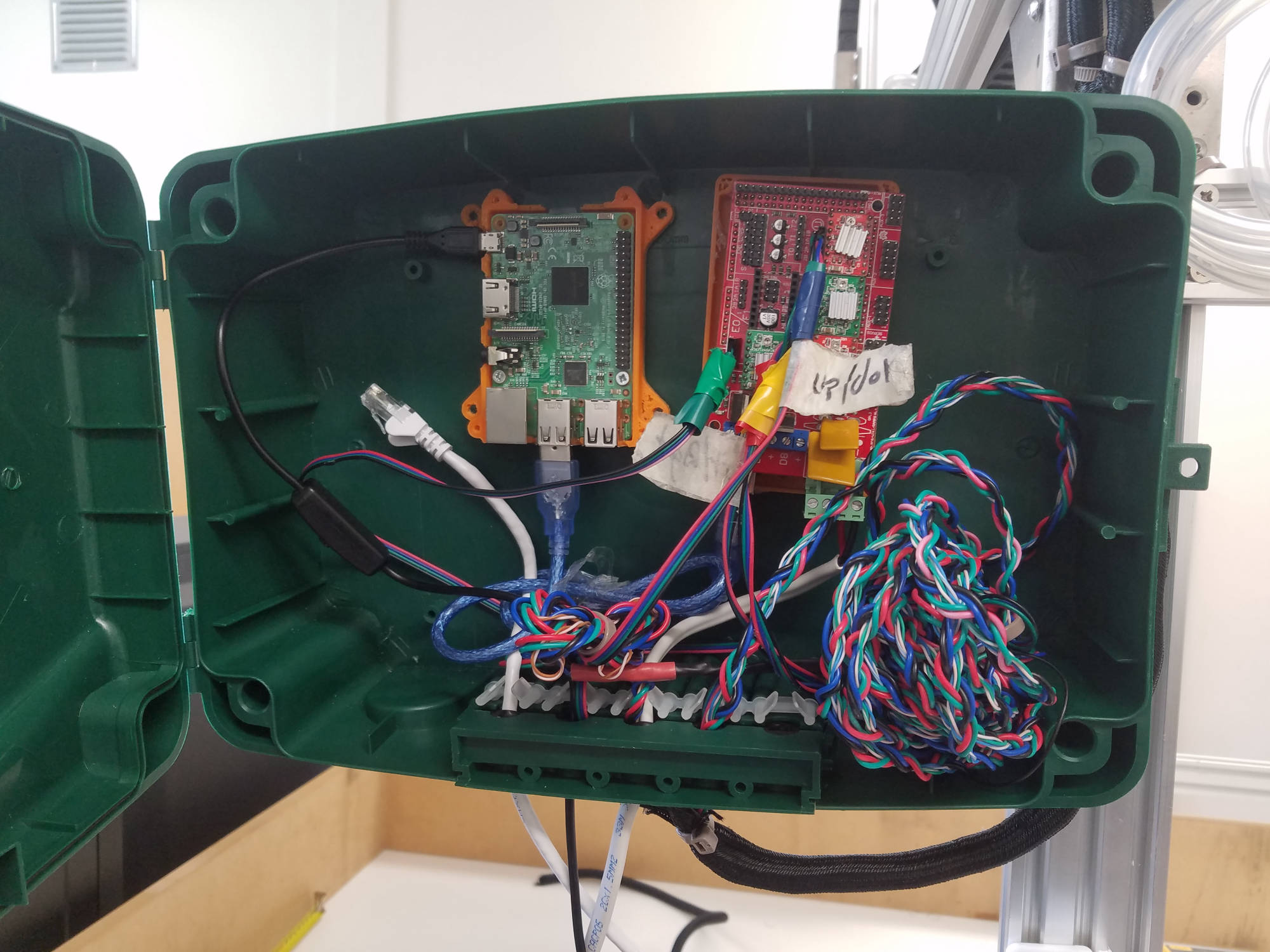
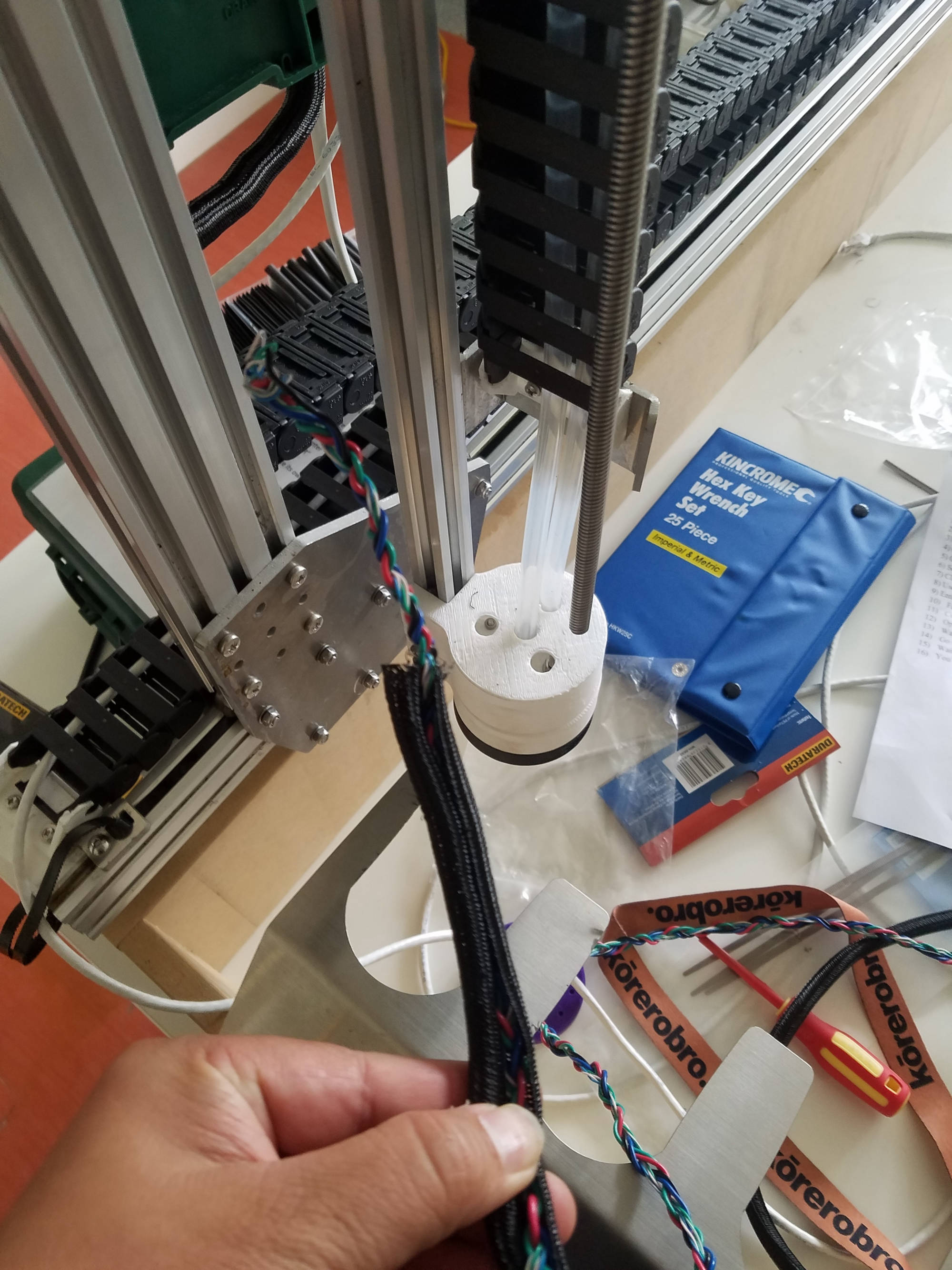
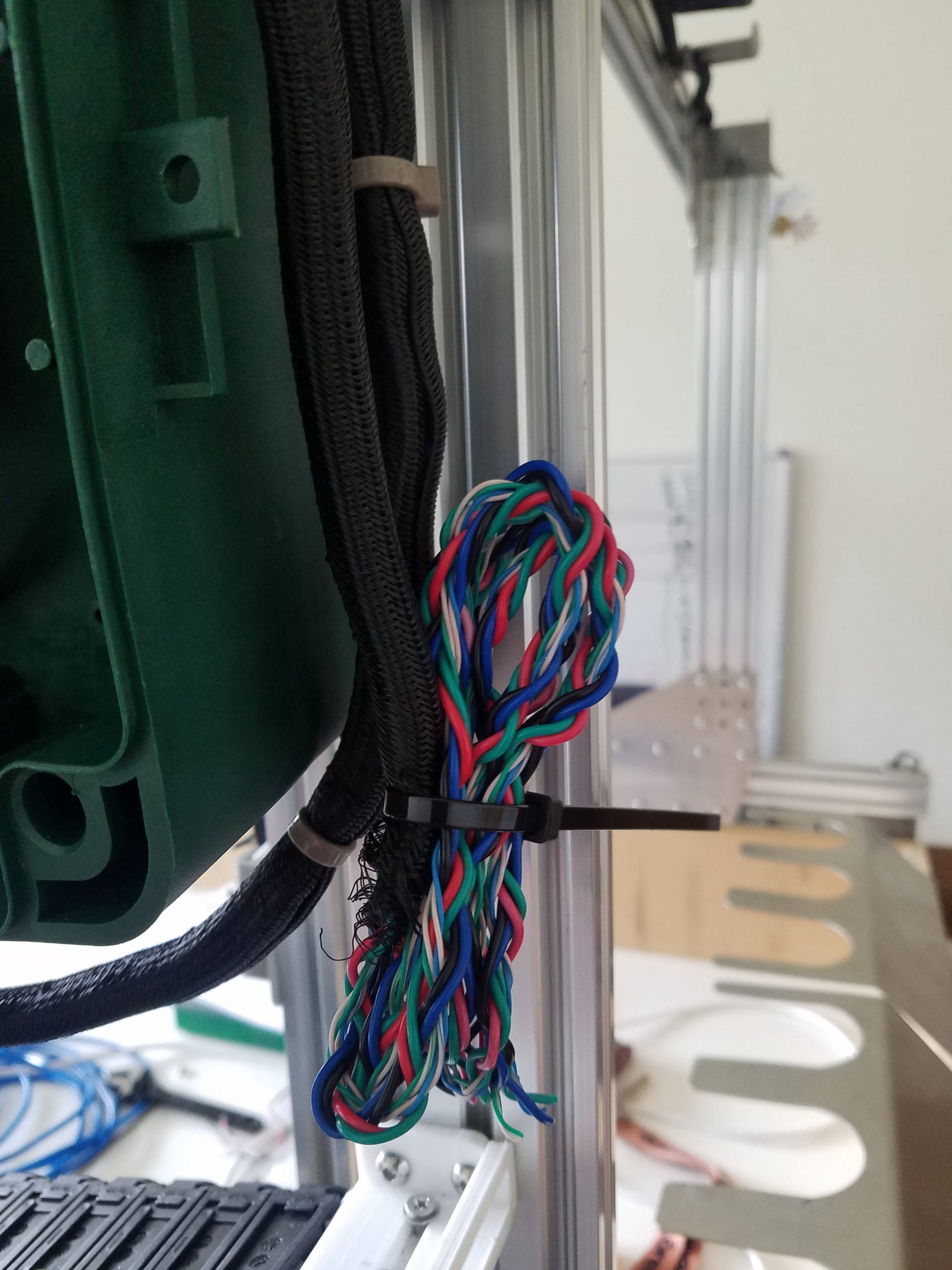
Our team decided to clean up all the wiring which included cutting down wires (too long), resoldering and adding heat shrink. We finshed off by covering the wires with sleeving.
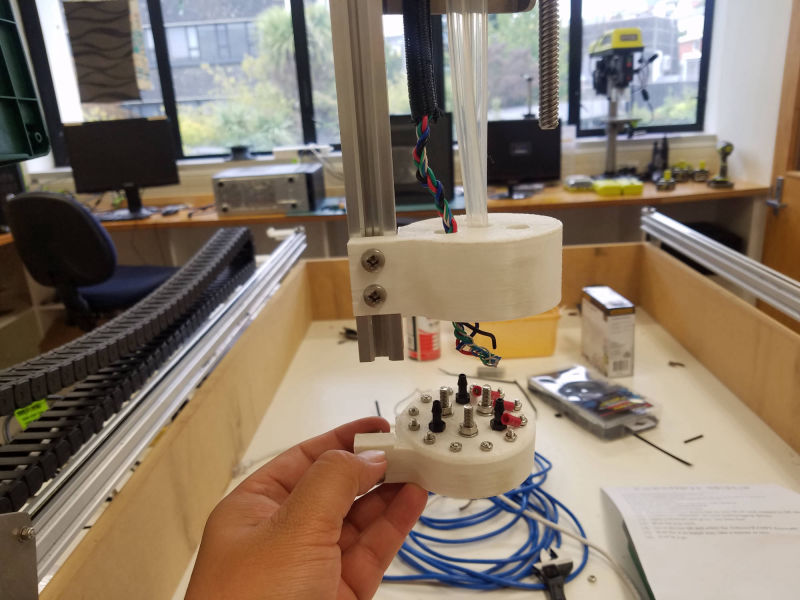
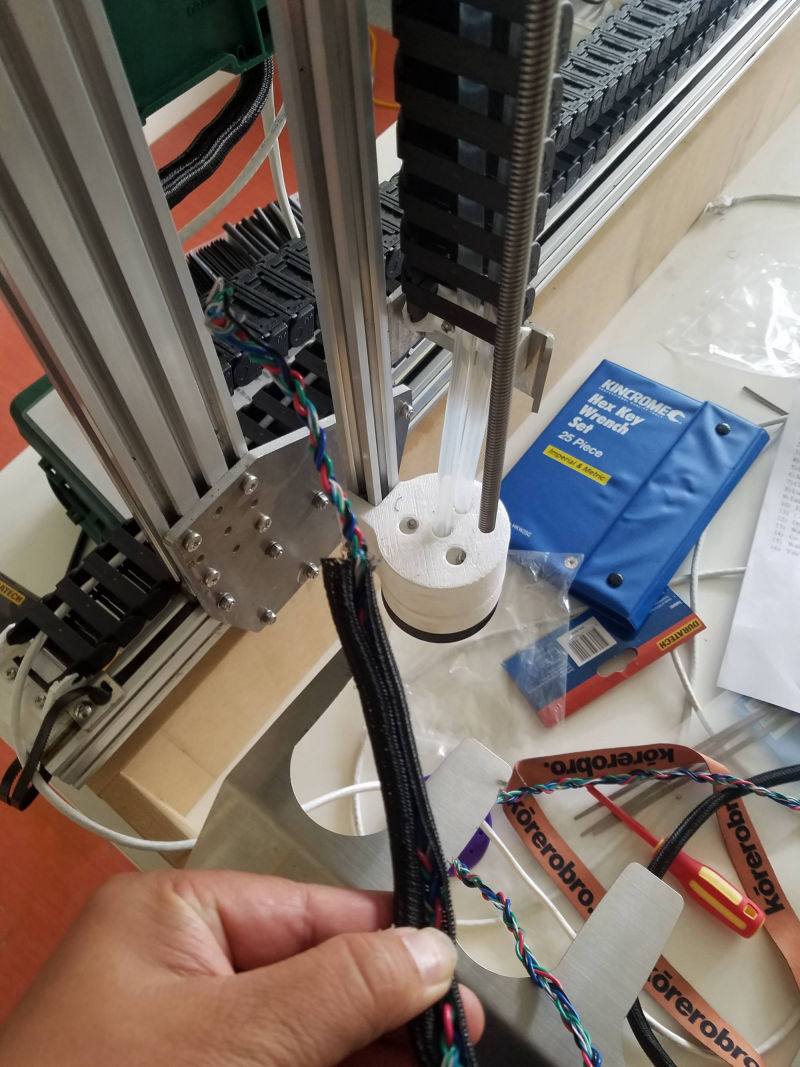
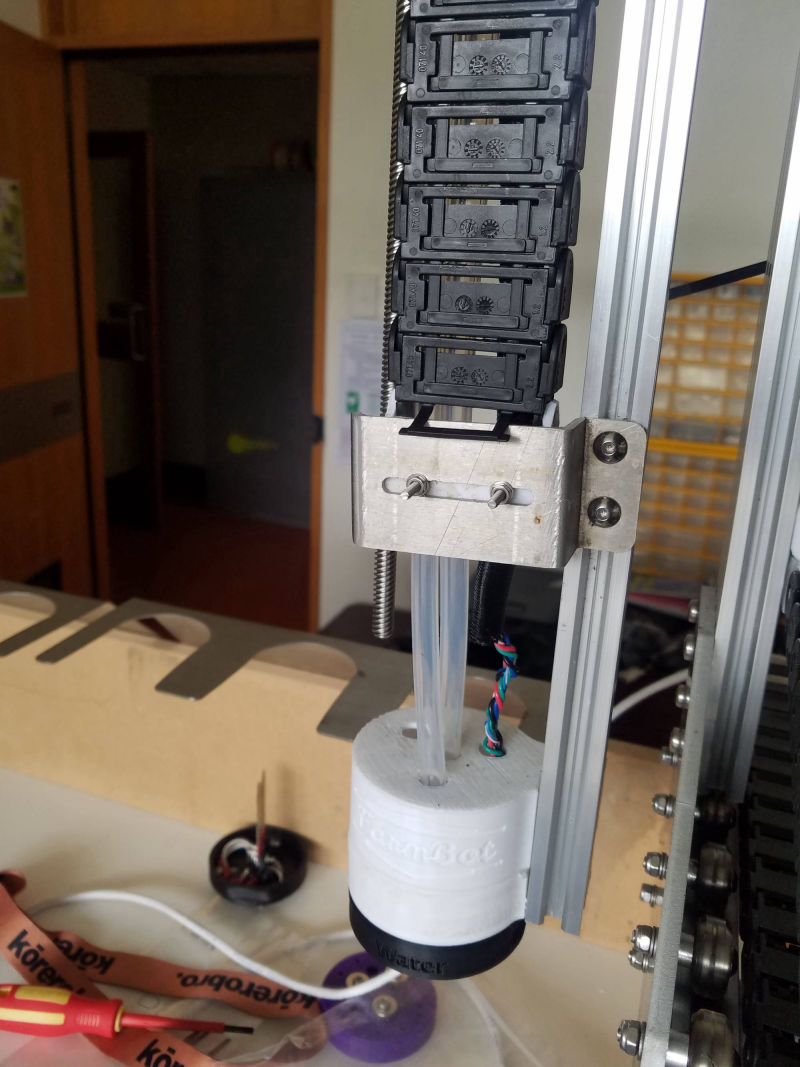
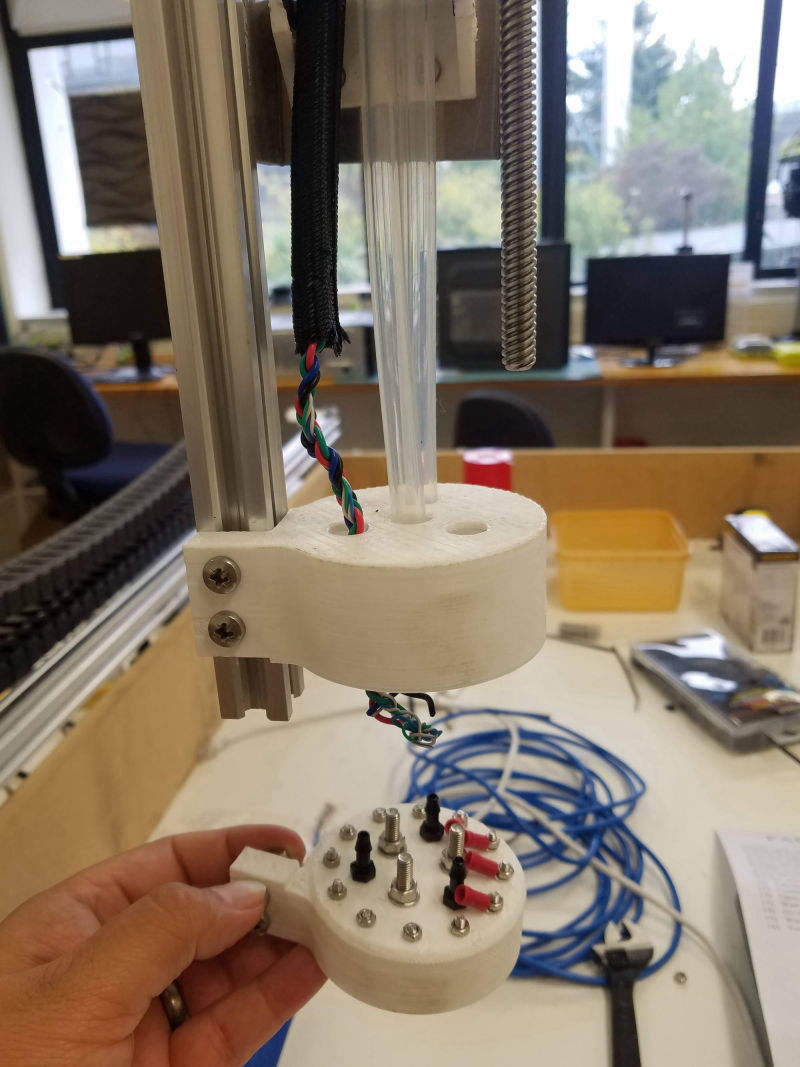
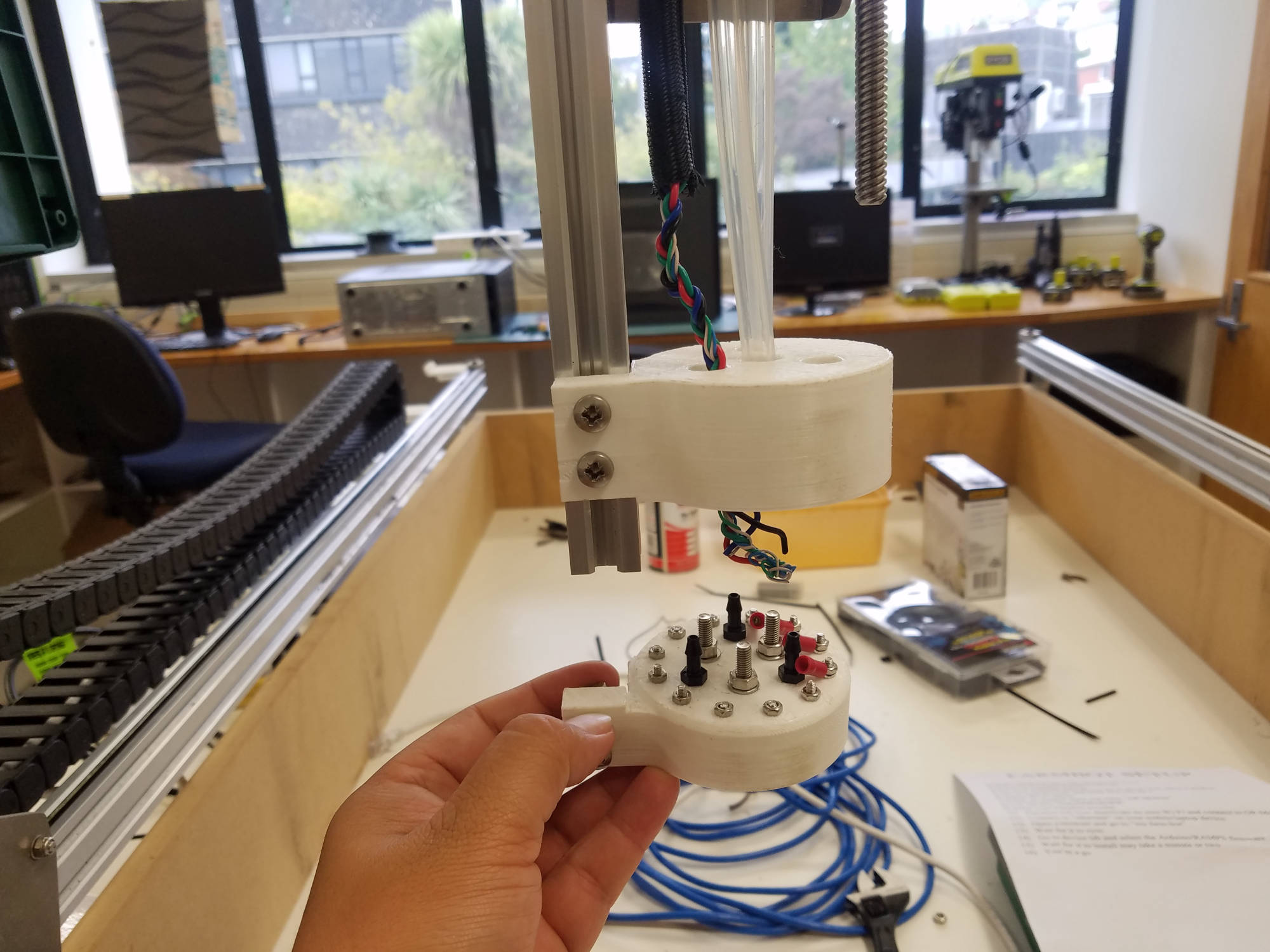
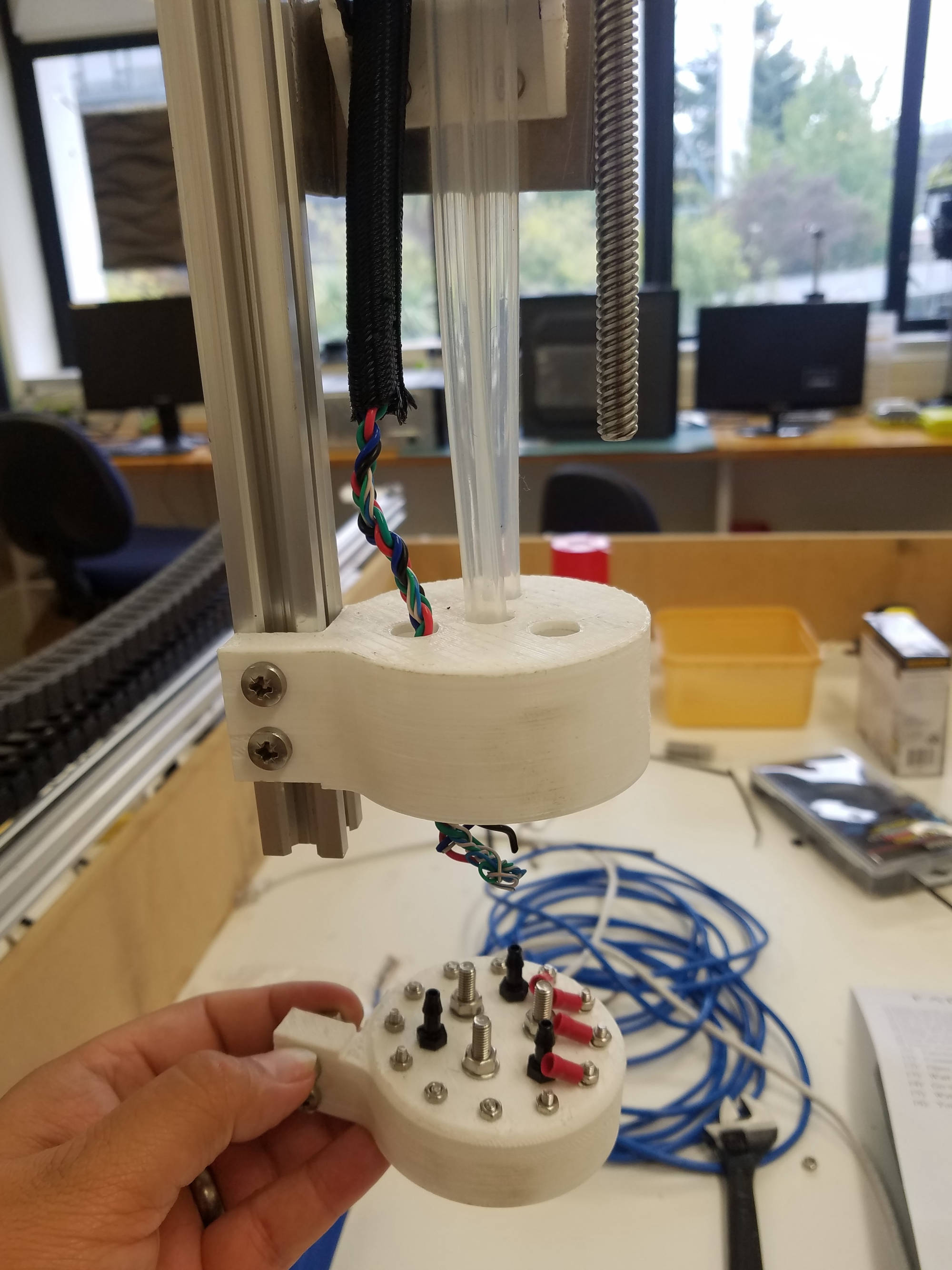
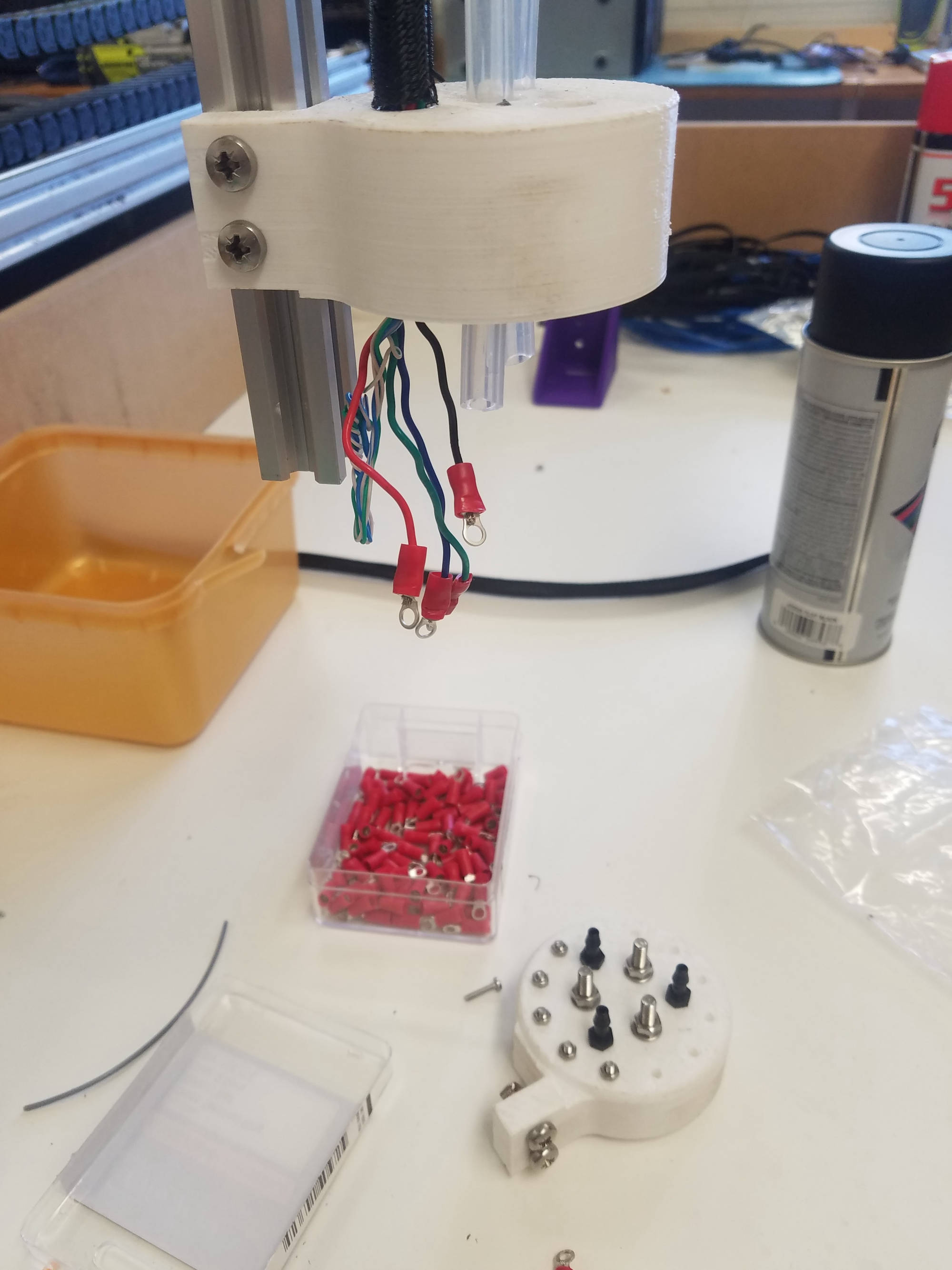
Farmbot didn't have any wiring for the 'tool head' so that was added. By adding this means farmbot can interact with special tool heads like a seed injector, a watering nozzle, a soil sensor and any other sensor you want by assigning through the tool head wiring.
The world came to a halt as Covid-19 swept the world. Everything was forced to close (level 4) including Otago Polytech from 25 March 2020 until further notice. Unfortunately our project was put on hold until we were allowed to resume work again which was 25 May 2020 (level 2).
As this was the 'norm' for 8+ weeks, our team were tasked to install and test a robotics program called Webots.
Due to Covid-19 and lockdown rules. Team Farmbot had the task of testing Webots on home machines.
Webots is an open source and multi-platform desktop application used to simulate robots. It provides a complete development environment to model, program and simulate robots.
It has been designed for a professional use, and it is widely used in industry, education and research. Cyberbotics Ltd. maintains Webots as its main product continuously since 1998.
As a team we were tasked to download webots with our home machines and document our findings.
* Click on a name below to see personal assessments for Webots *
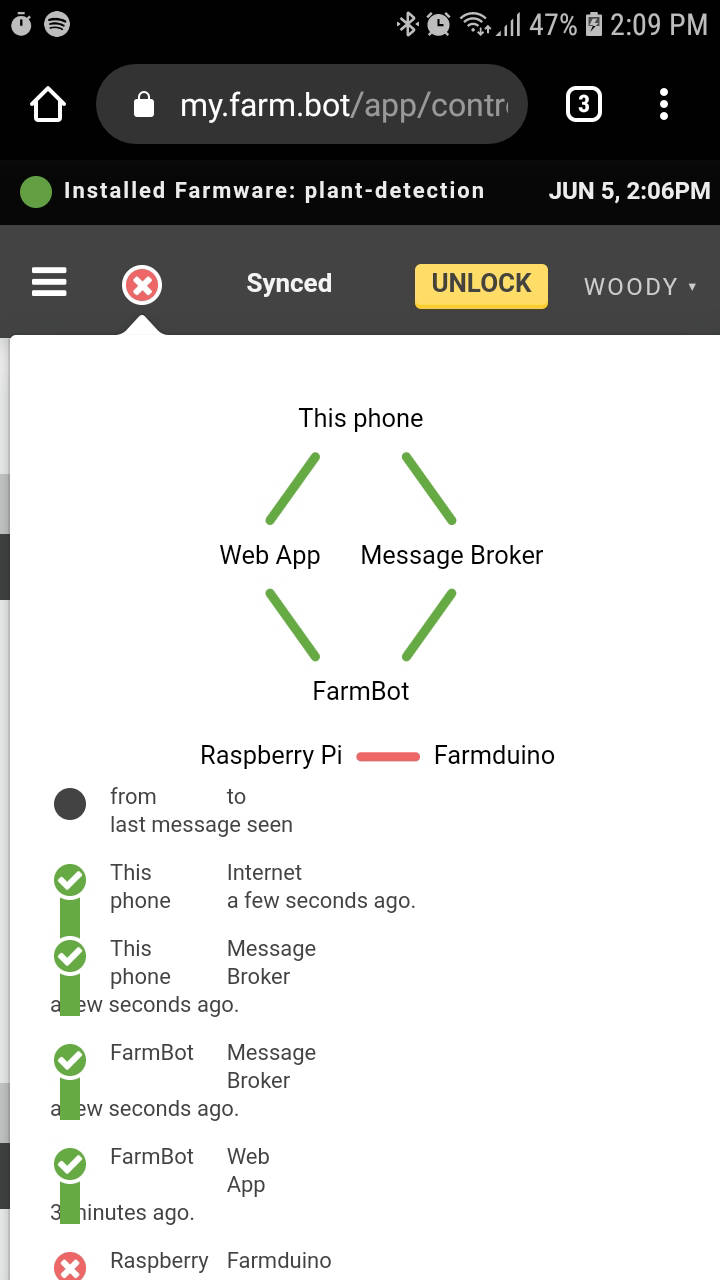
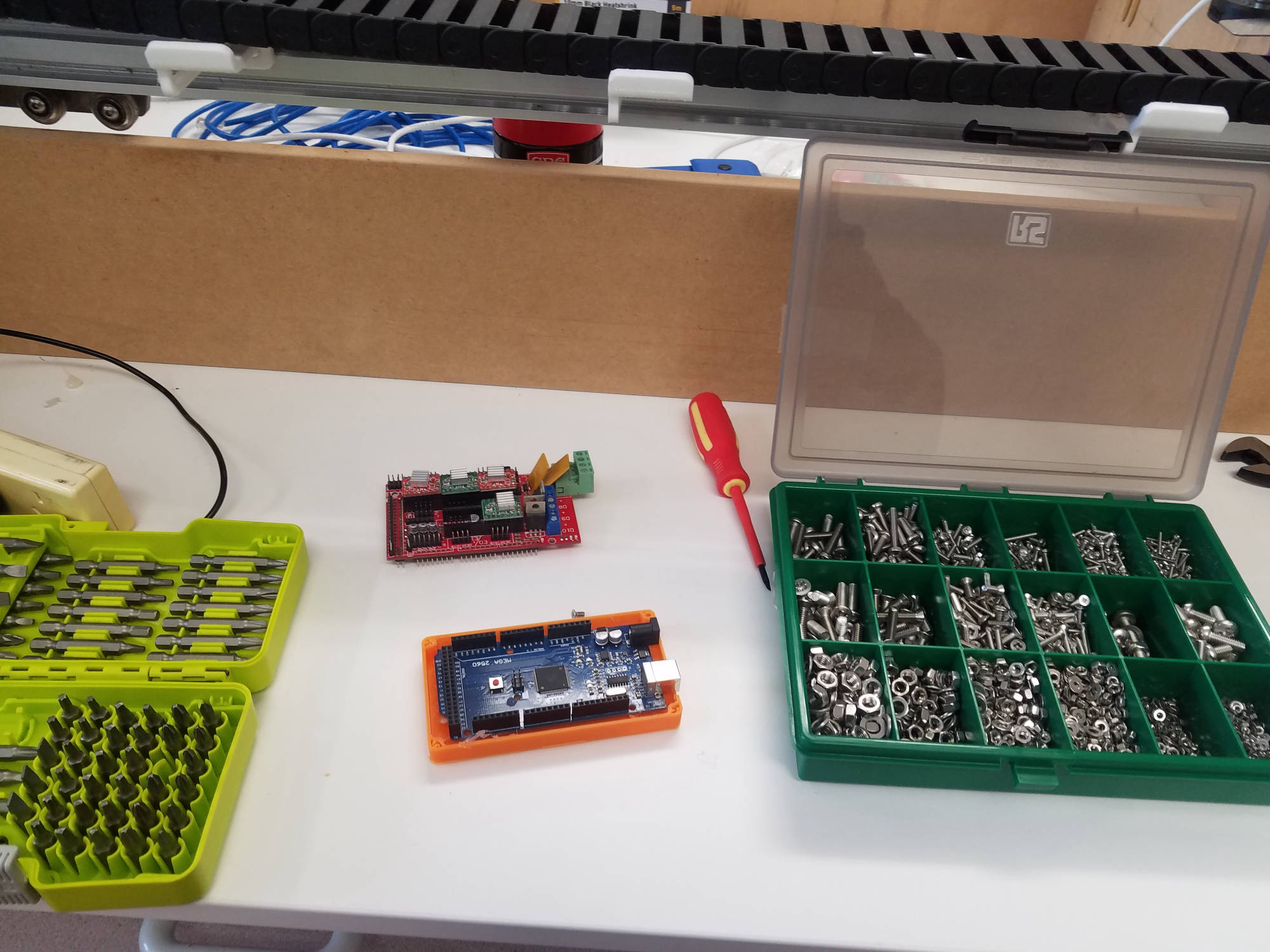
As we returned from being on lockdown. We booted up farmbot to find that communication is failing. There is no connection with raspberry pi and farmduino.
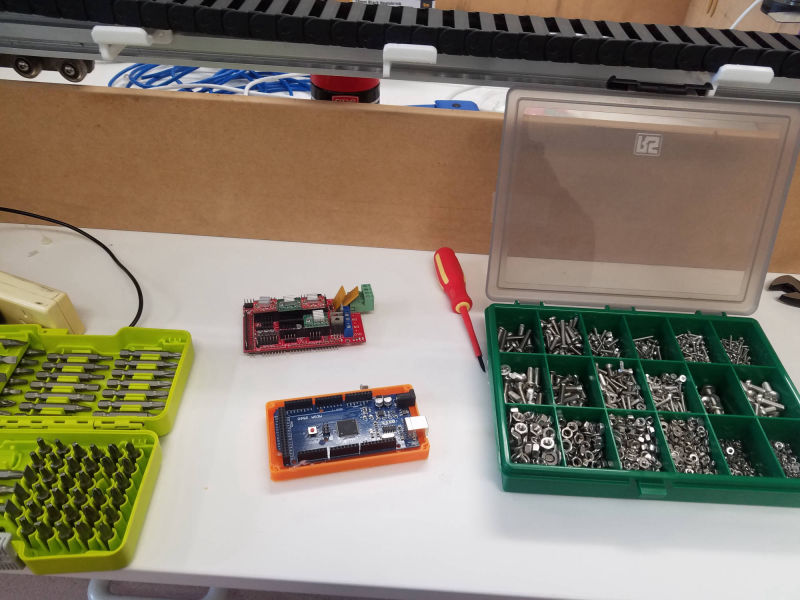
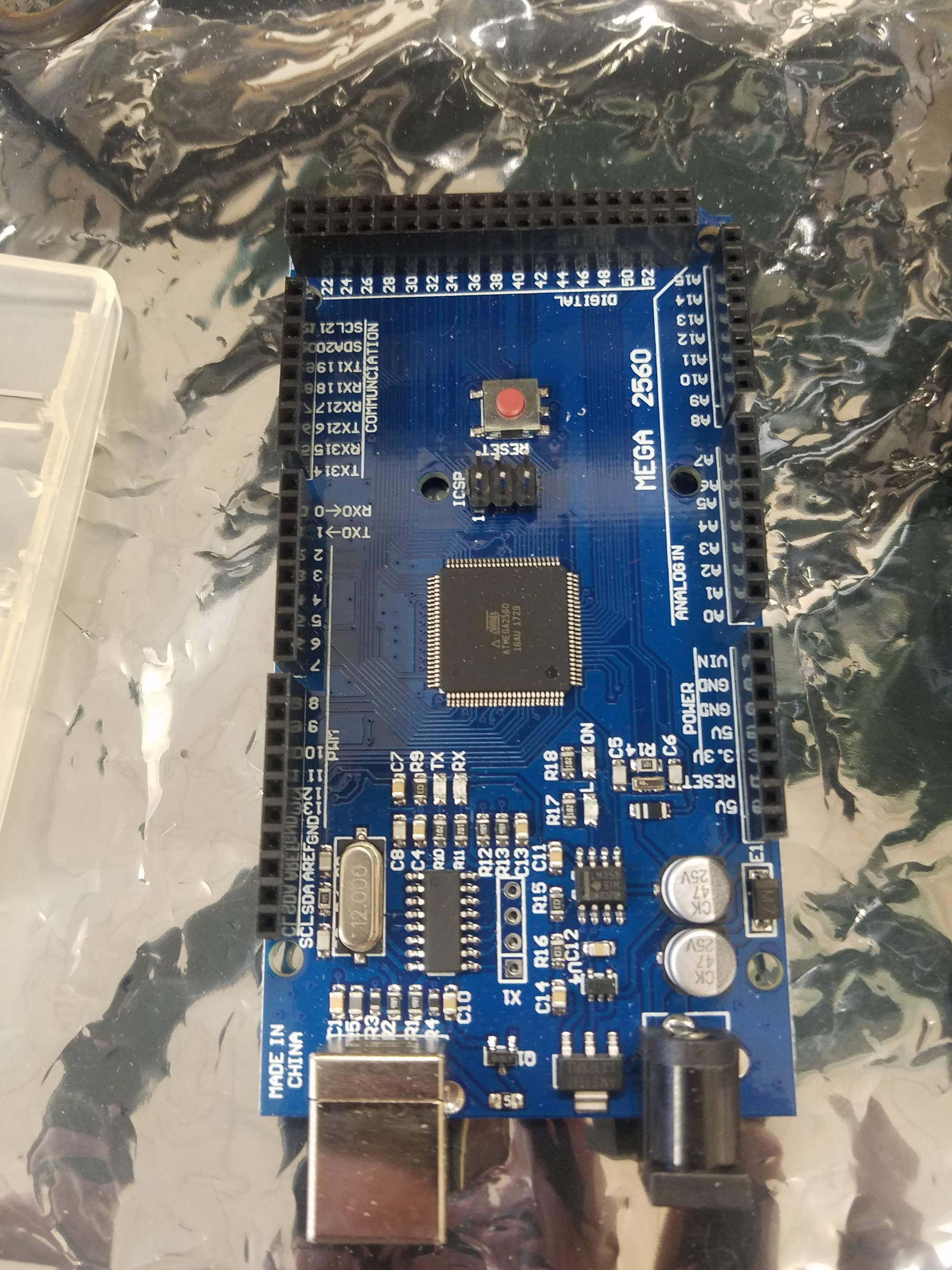
We aquired another mega and assembled everything back and connected to farmbot only to get no connection.
We changed usb cable and the mega 2650 board.
Next step is to flash the farmduino to allow connection to the Raspberry Pi.
NOTE: As the team went over the configuration steps to connect, we found the wifi settings 'security type' is WPA not WPA2-PSK which meant no connection. The team reset the security type to WPA and it was good to go.
farmbot tool head wiring was also completed.